SolidWorks PRO Accelerator
Become a top-tier SolidWorks designer in 8–12 weeks. Build a real portfolio. Earn certifications. Develop job-ready skills.
A step-by-step training designed to take you from uncertain beginner to confident, certified, hire-ready SolidWorks designer — even if you don’t know where to start, or you’ve failed to learn from YouTube or courses before.

9
Courses
30+
Hours Video Material
50+ Examples
60+ Exercises
If you are on this site, there’s a pretty good chance you’re still trying to figure this out SolidWorks.
Maybe you’ve tried YouTube tutorials.
Maybe you took a course or two.
Maybe you understand some tools…
But when you sit down to model a real part —
You freeze.
You delete.
You start over.
You second-guess everything.
And eventually that thought creeps in:
“Maybe I’m just not good enough at SolidWorks.”
But listen carefully:
The problem is NOT you.
The problem is the way you’ve been trying to learn.
Most beginners learn SolidWorks in random pieces:
One tutorial here…
Another trick there…
A cool feature over here…
So sure, you learn tools.
But you never learn workflow.
And so when you're faced with a real model, something that doesn’t come with perfect dimensions, or a step-by-step explanation, you don’t know where to start.
Not because you lack skill.
But because you lack structure.
And here’s the truth no one tells beginners:
If you’re not in the top 15% of SolidWorks users…
You are invisible in the job market.
There are thousands of people “who kind of know SolidWorks.”
They never get hired.
They never get promoted.
They never get trusted.
Because employers don’t want “kinda.”
They want...
Confidence
Skill
Proof
They want someone who can model real parts cleanly.
Who can assemble real mechanisms.
Who can create real drawings that manufacturers understand.
And most importantly...
Someone who can do it without being hold by the hand.
This is WHAT SolidWorks PRO Accelerator is made for.
Let's get clear who this program is for
This program is NOT for:
SolidWorks advanced users looking for advanced tips and tricks
People who expect results without following a structured learning path
Who This Is For
Students & graduates who want a clear skill advantage for job applications
Technicians, engineers, and designers who want to level up and earn more
Freelancers who want to offer professional CAD services and build client trust
Anyone who wants to finally feel confident modeling real-world parts, assemblies, and drawings
What You'll be Able To Do After Finishing The Course?
Now imagine yourself 8–12 weeks from now.
You open SolidWorks…
And instead of guessing…
You know exactly what to do.
Imagine...
Be able to model real, manufacturable parts from scratch
Build complex assemblies using professional workflows
Produce accurate technical drawings used in manufacturing
Pass the CSWA & CSWP certification exams with confidence
Build a portfolio of real projects you can show employers
Think like a designer, not just a software user
Know how to work independently on real engineering tasks
Why We Are Different?
We’ve made it simple to succeed:
You don’t need to struggle through random tutorials or guess what to learn next. You get:
Clear, linear video lessons (no fluff)
Downloadable practice files
Ready-to-use project templates
All content in one place, accessible anytime
No deadlines. No confusion. No wasted time.
You just open the lesson, follow the steps, and build real-world projects on your own time.
What’s Inside (Full Breakdown)
1. SolidWorks Essentials (Beginner → Intermediate): Foundation of professional modeling.
Sketching fundamentals
Constraints & design intent
Solid modeling workflows
Modifying and improving existing designs
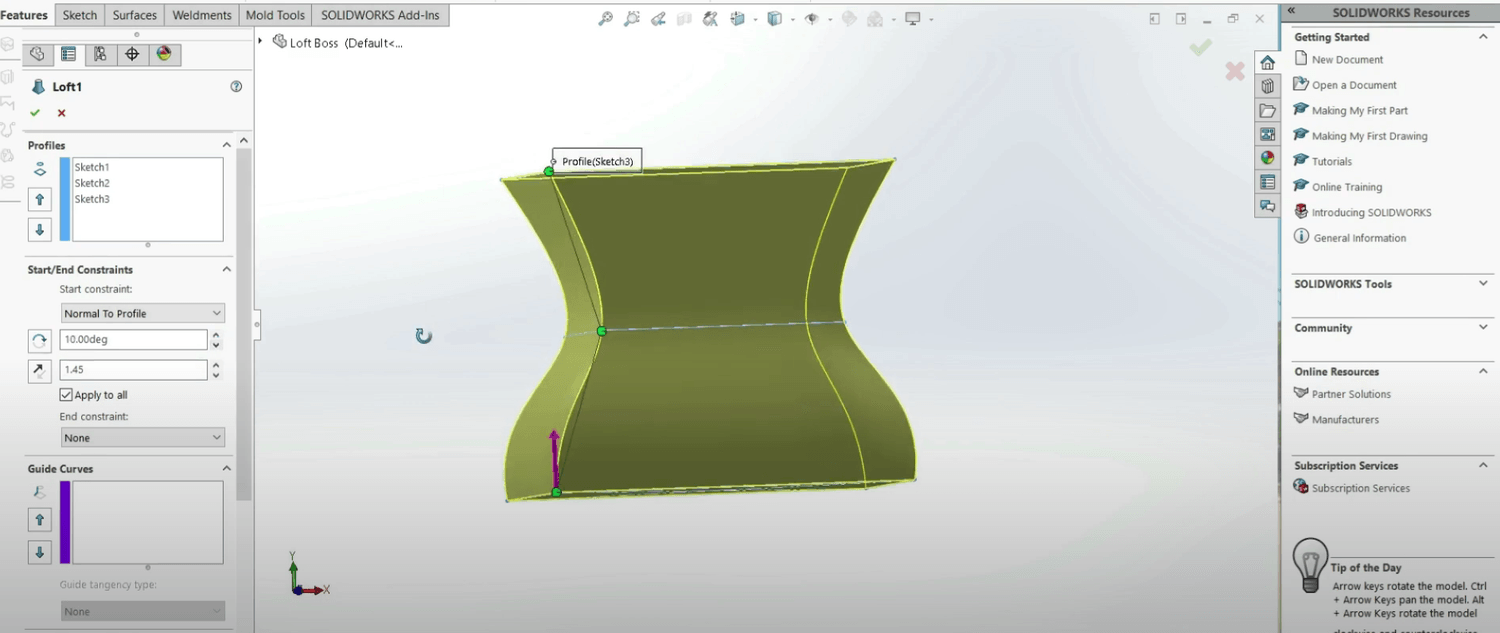
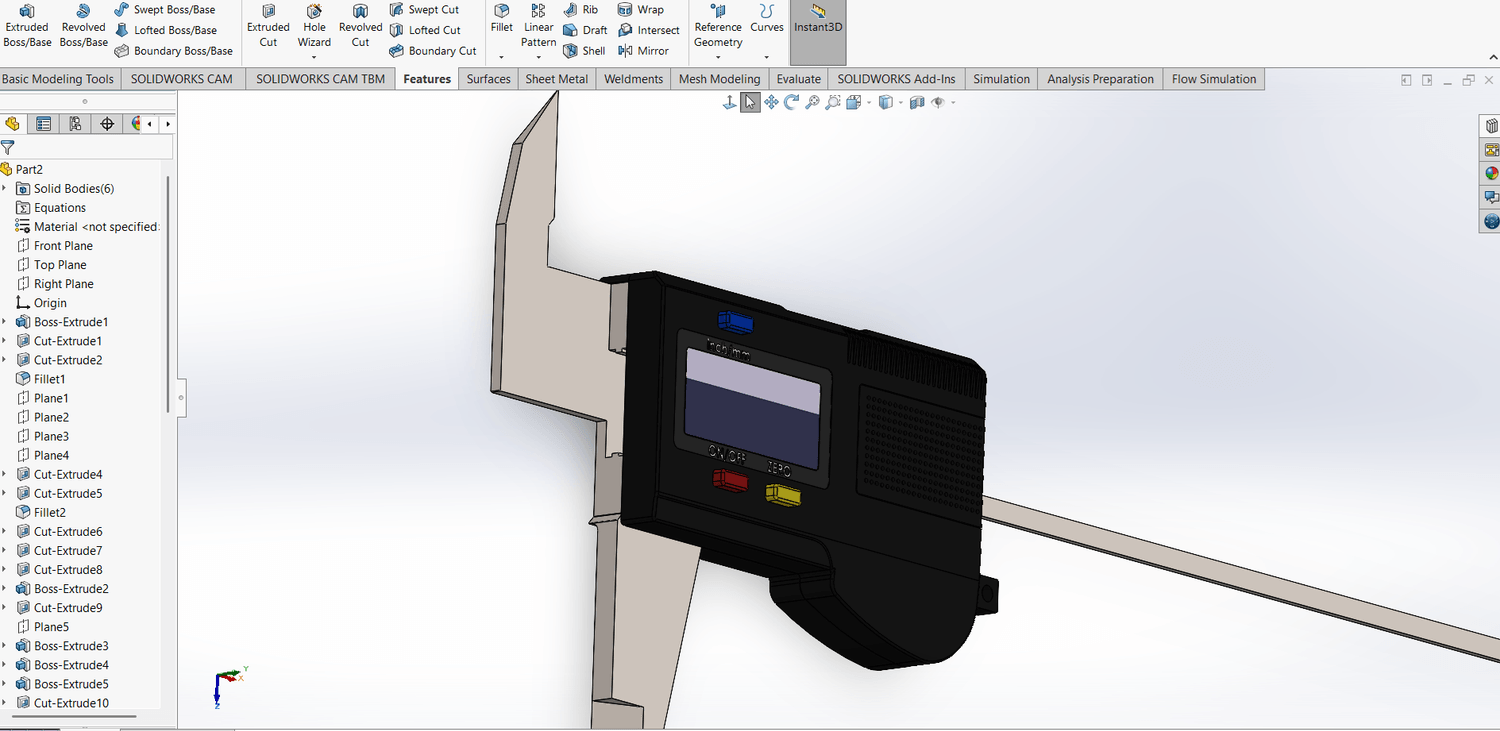
2. SolidWorks Advanced Design: Clean, efficient modeling like engineers do in real projects.
Multi-body workflows
Configurations
Design tables
Performance & feature optimization
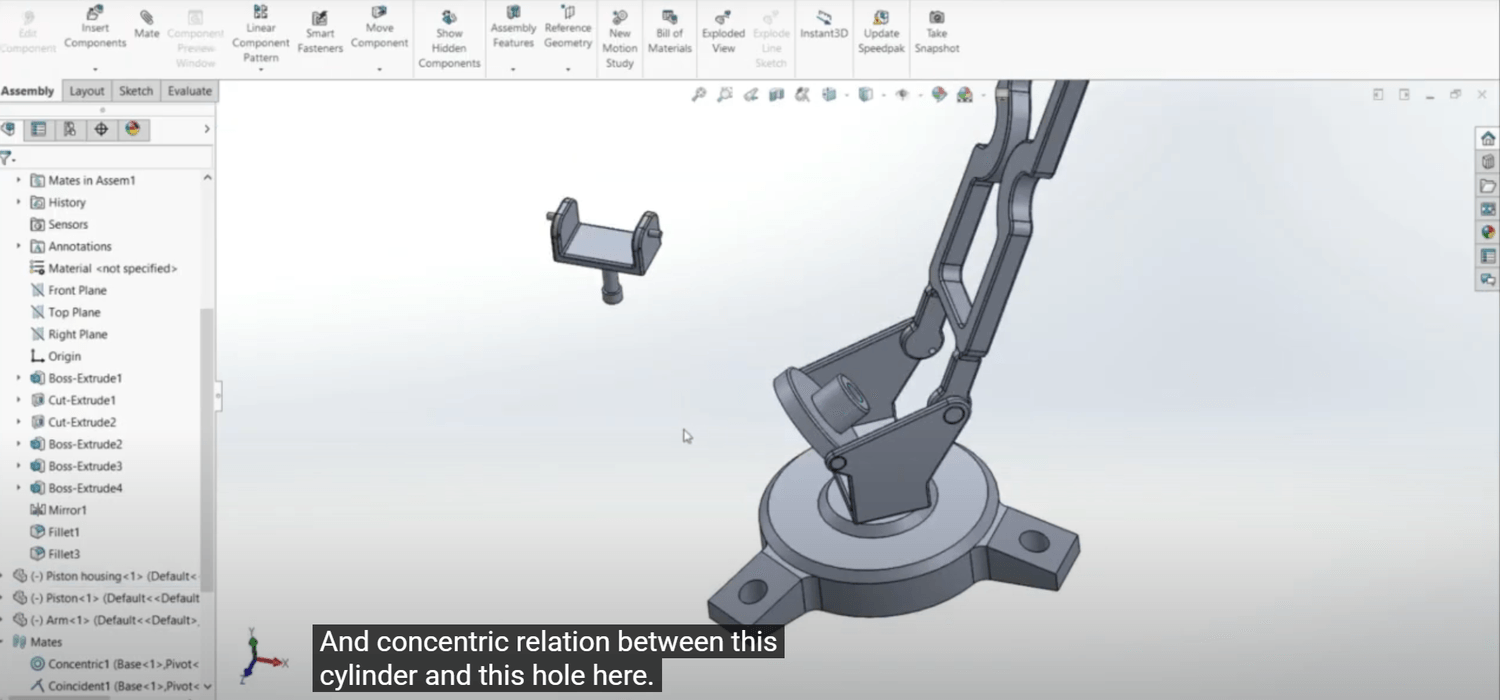
3. Assembly Design Mastery: Understand how real products come together.
Bottom-up & top-down workflows
Mates that behave predictably
Subassemblies
Motion setup & troubleshooting
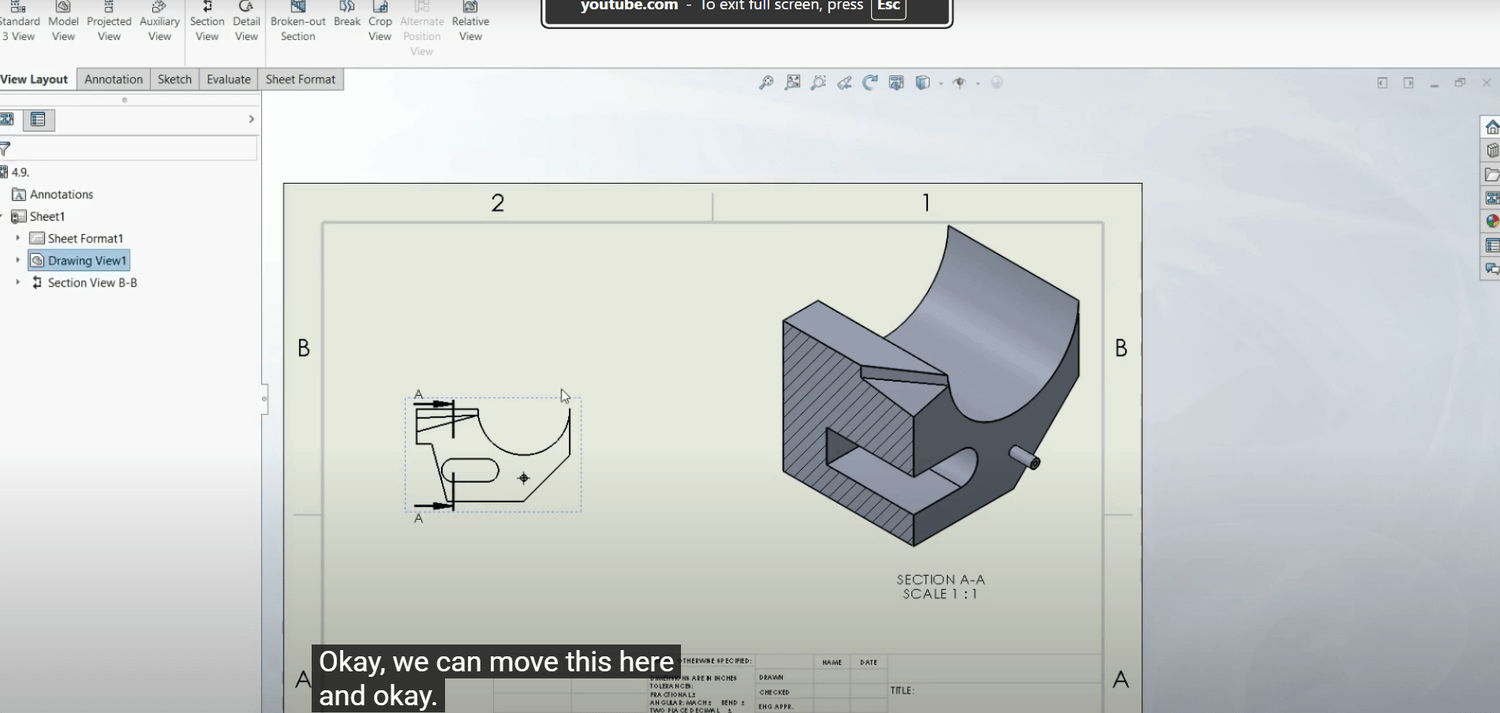
4. Drawing & Manufacturing Documentation: Turn models into real, buildable parts.
Dimensioning standards
GD&T basics
Bill of Materials & exploded views
Production-ready drawing layout
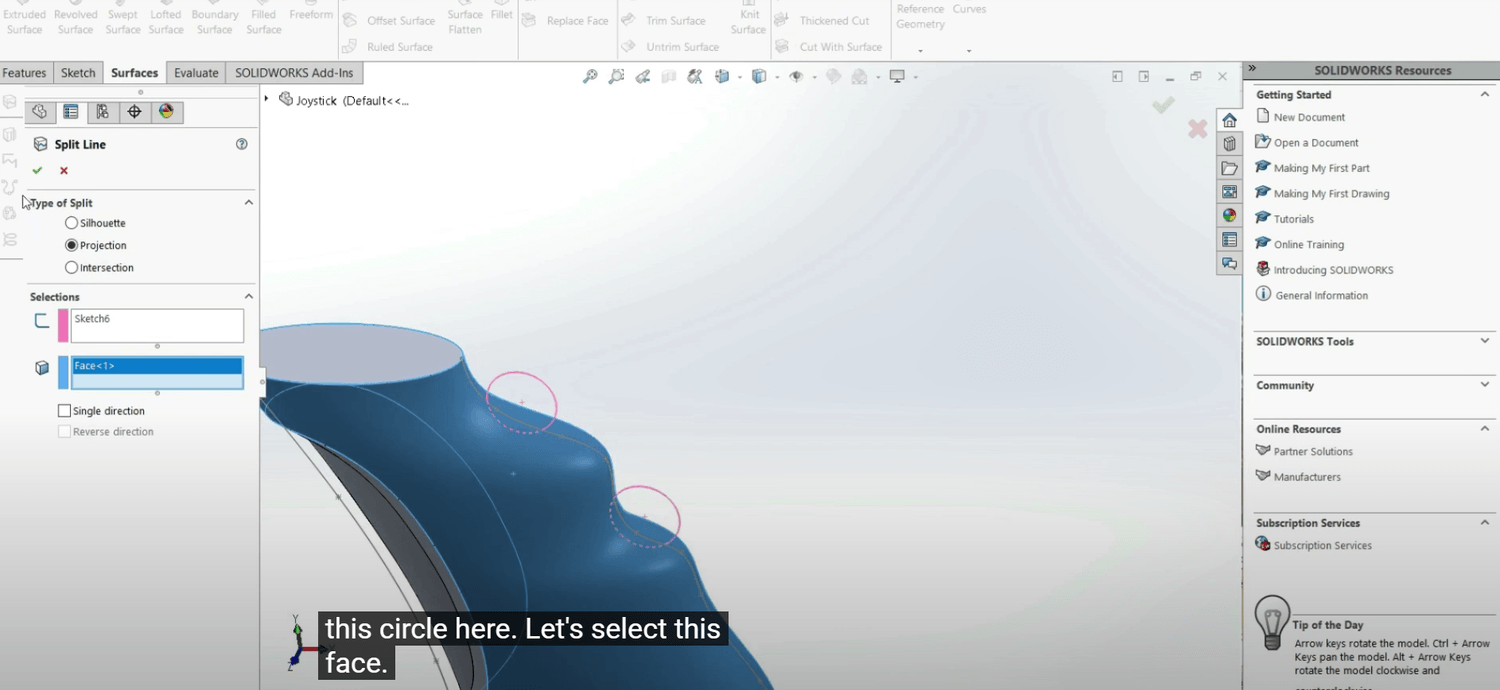
5. Surfacing: Industry-critical advanced skillsets.
Organic & freeform surfacing
Proper shelling, filleting & curvature control
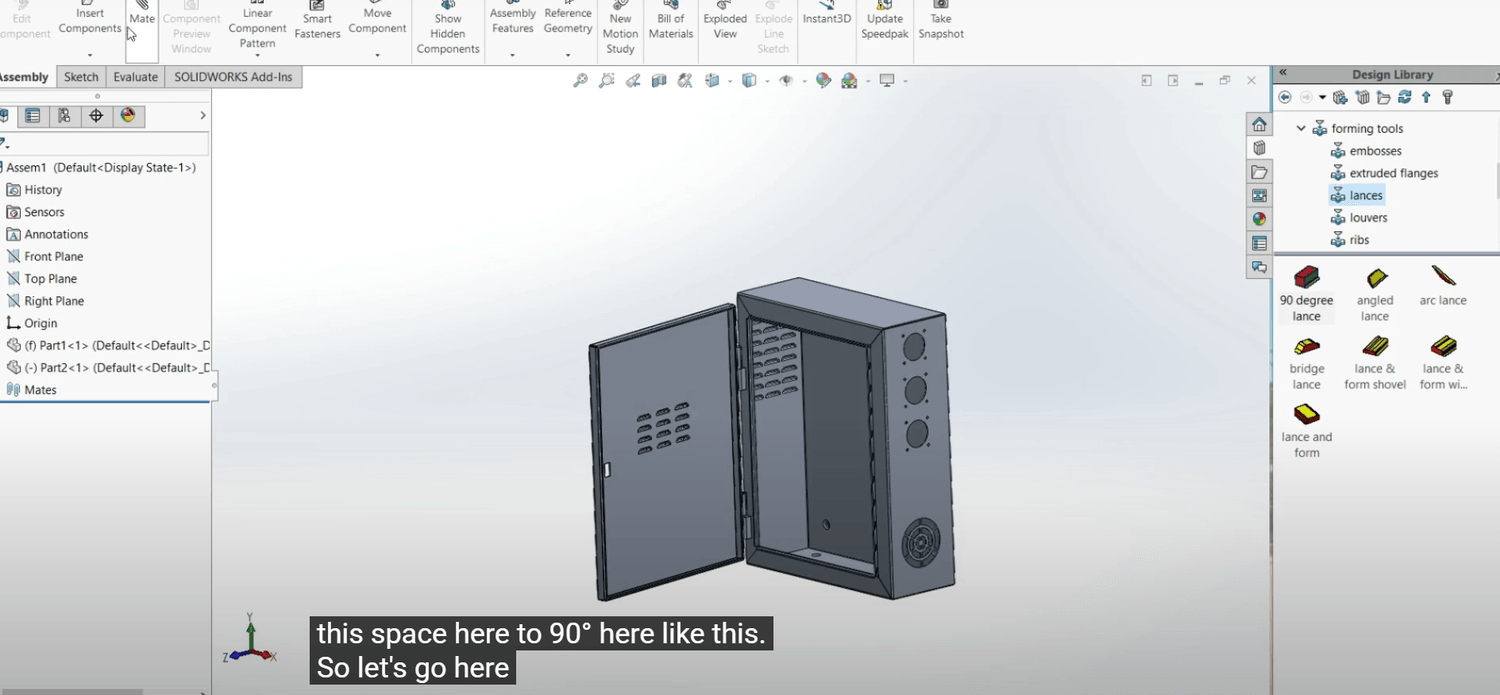
6. Sheet Metal: Industry-critical advanced skillsets.
Sheet metal bends, reliefs & flat patterns
Real-world manufacturability principles
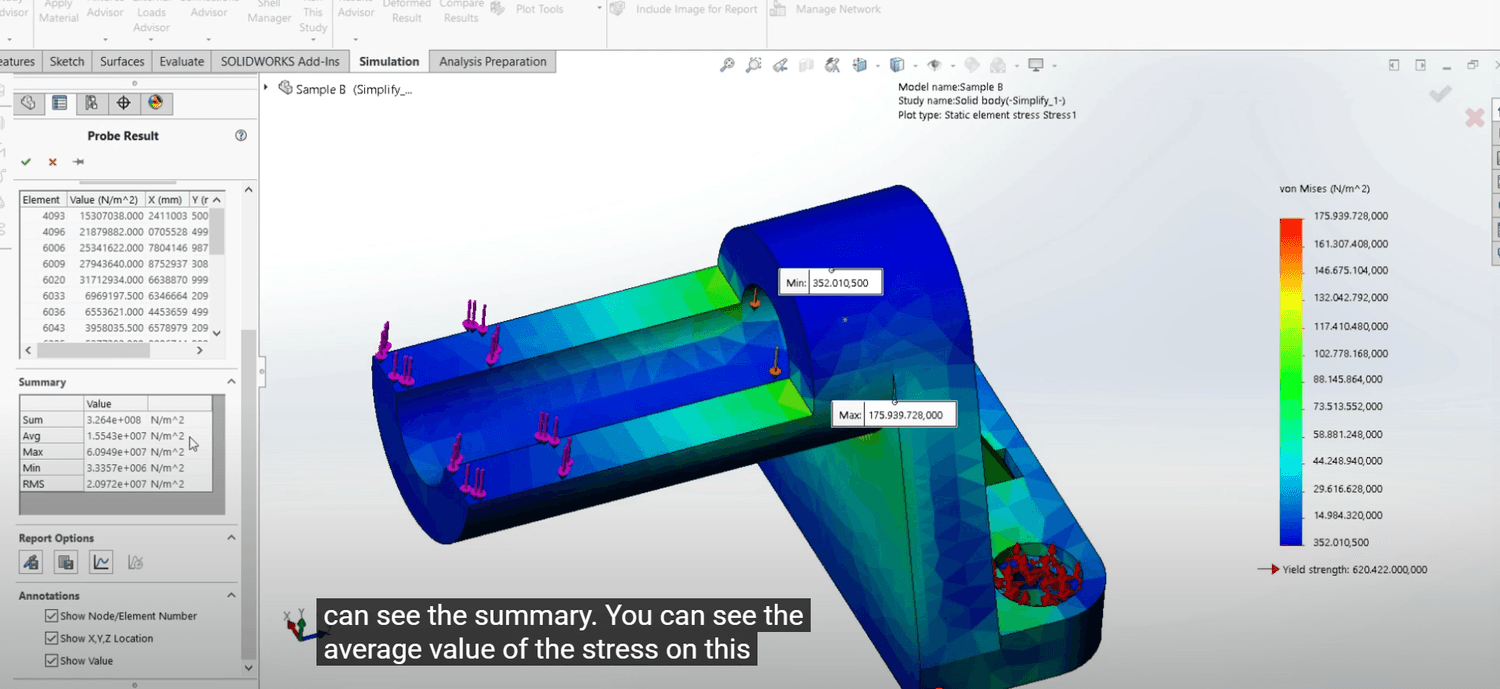
7. FEA Simulation (Static Analysis): Analyze parts before manufacturing.
Applying loads & boundary conditions
Mesh refinement & accuracy
Stress & deformation interpretation
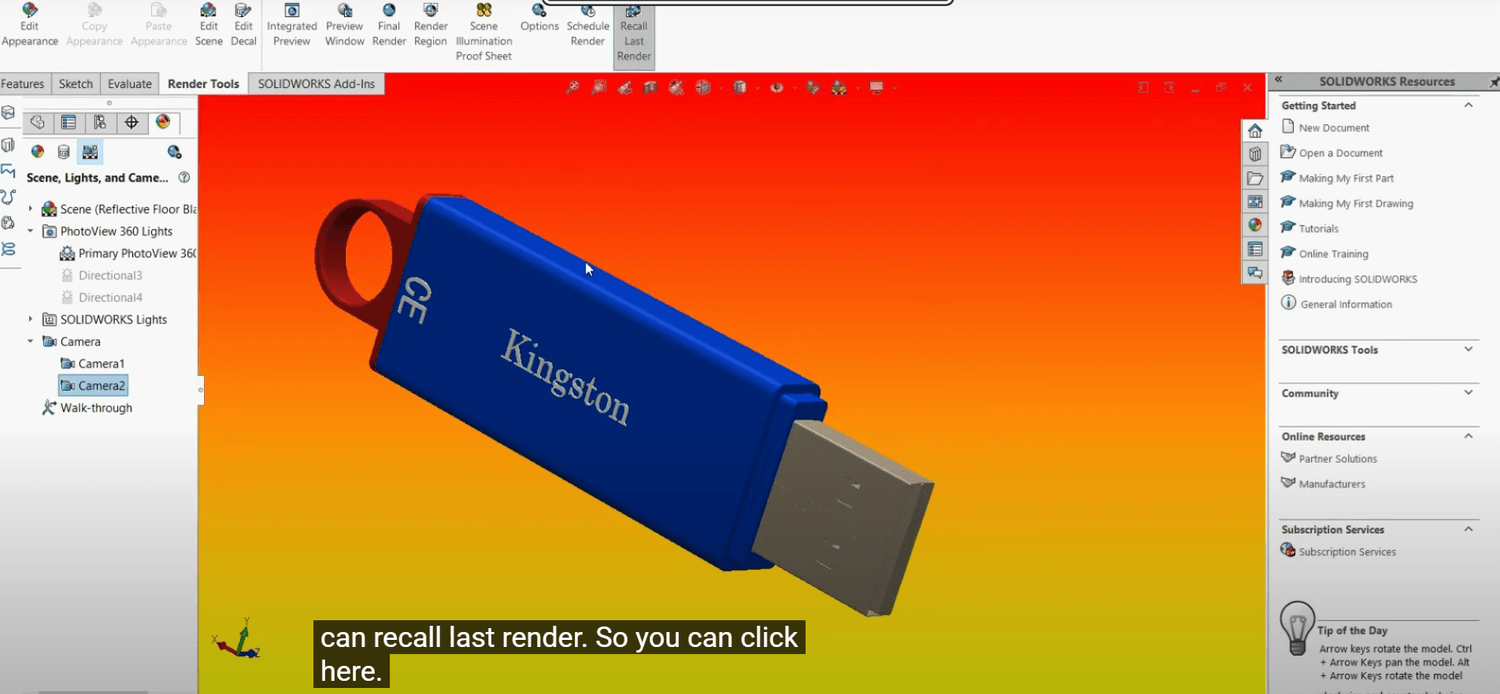
8. Rendering & Animation: Make your work look professional.
Realistic studio lighting & materials
Photorealistic product renders
Exploded motion & assembly animations
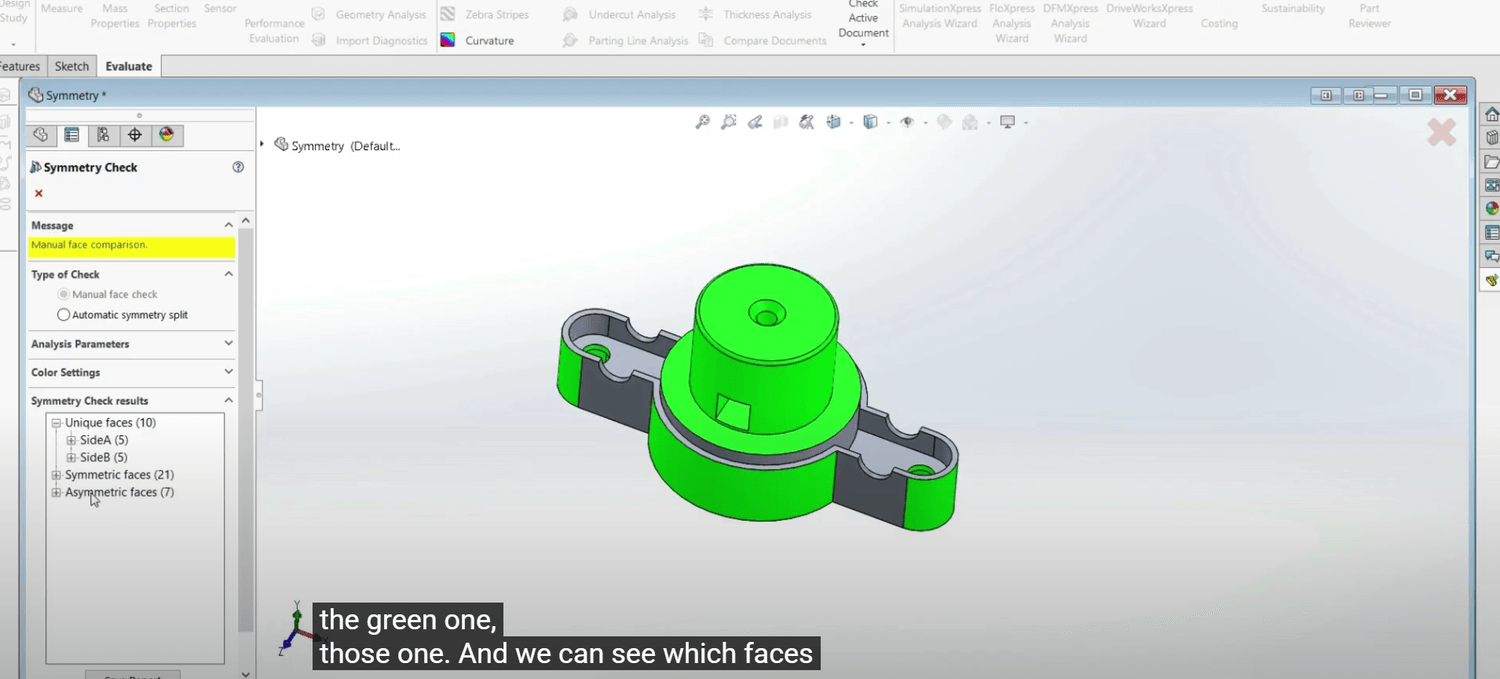
9. Evaluation Tools & Design Validation: Design smarter, not harder.
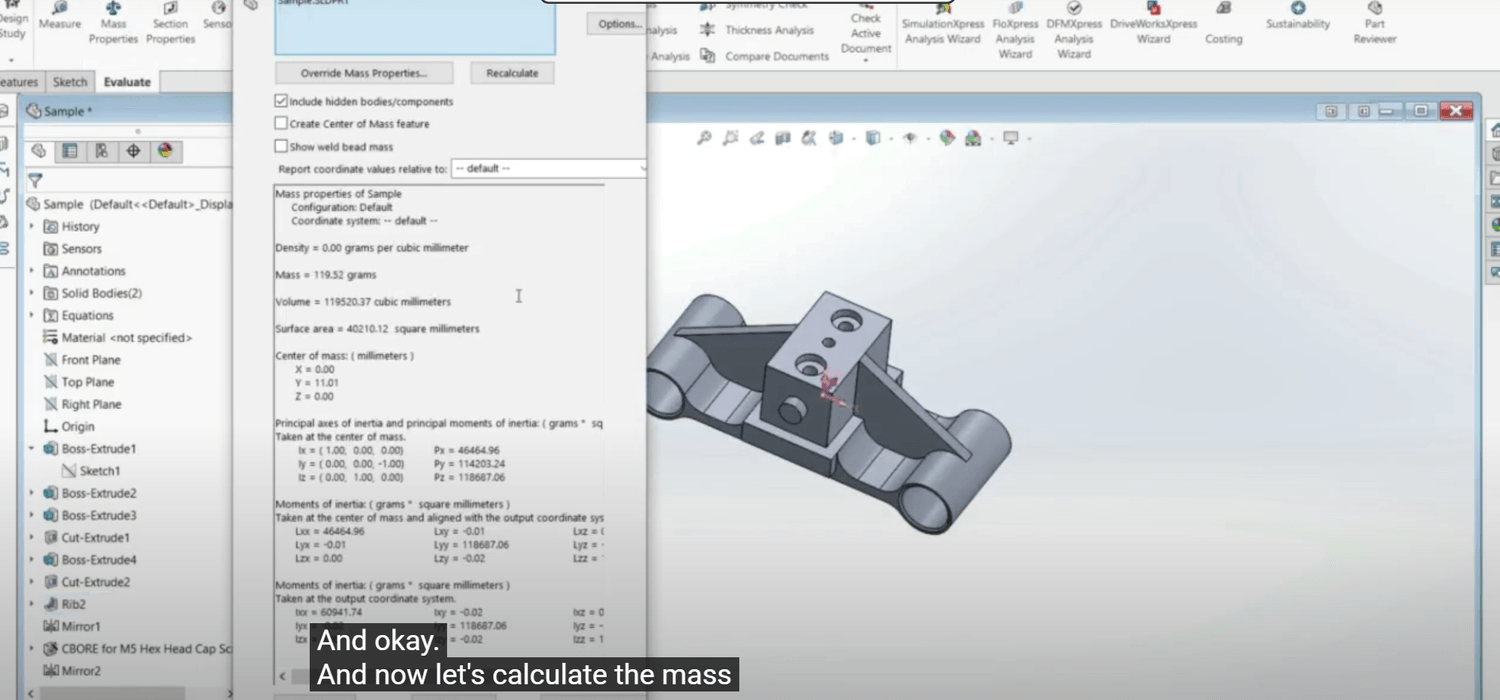
Mass properties
Interference checks
Draft analysis & manufacturability checks
10. Certification Prep: CSWA + CSWP: Everything you need to pass — confidently.
Full breakdowns of exam tasks
Time-saving modeling strategies
Practice tests
“Pass Checklist” to eliminate mistakes
If you’re ready to:
Build real skill
Build confidence
Build a portfolio
Become a certified SolidWorks professional
And finally feel like the engineer you know you can be
Here’s What You Get Lifetime Access To:
9 Complete Courses (35+ hours material) [$900]
50+ Real-World Examples [$200]
60+ Practical Exercises [$150]
2 SolidWorks Certification Preps [$100]
Portfolio projects [$250]
Private Community Support [$500]
TOTAL VALUE: $2000
Today you get it for ONLY:
Option 1 — Payment Plan
$197 × 3 monthly payments
Option 2 — Pay in Full (Save $100)
$497 one time payment
Guarantee
30-Day “Skill Progress” Guarantee
If you go through the lessons, practice the exercises, and don’t feel your modeling skill improving, email me and I’ll refund you. No questions.
Why Listen to Me
I’m Alen Oletic, Mechanical Engineer (MSc), SolidWorks Certified Professional.
48,000+ students trained worldwide
Average 4.5/5 course rating
Former industrial machine design engineer
Teaching SolidWorks daily for 4+ years
I’ve helped:
Students land first engineering jobs
Designers pass CSWA/CSWP
Engineers gain confidence in real-world modeling
This works because it's structured, not random.

Why This Matters Right Now
Basic SolidWorks skills are getting automated.
AI can already:
Generate simple parts
Suggest features and fillets
Copy existing designs
Which means…
If you only click buttons and make basic design, your work becomes replaceable.
But here’s the key:
AI cannot replace people who think like designers.
It cannot:
Decide what’s manufacturable
Design for assembly
Select tolerances
Validate stress or failure risk
Communicate real engineering intent
Those are the skills that get you hired, promoted, and paid more.
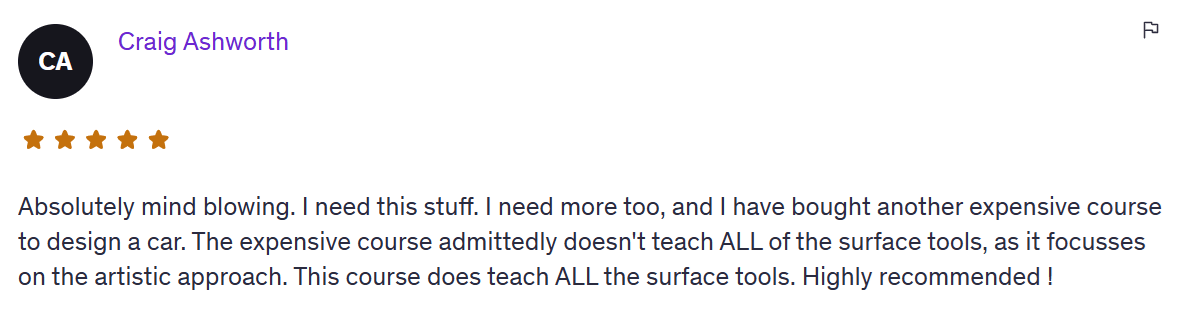
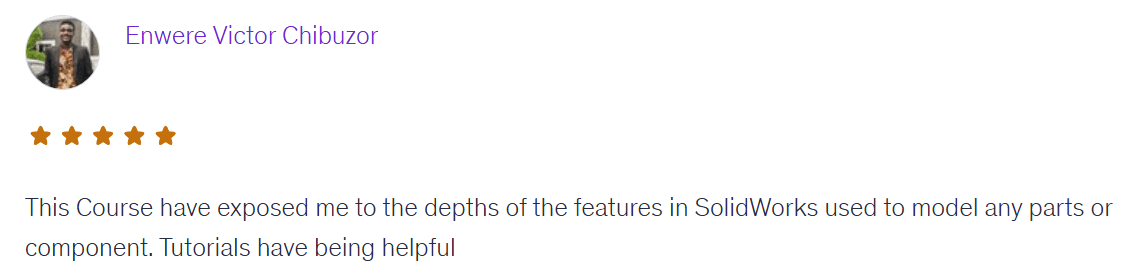
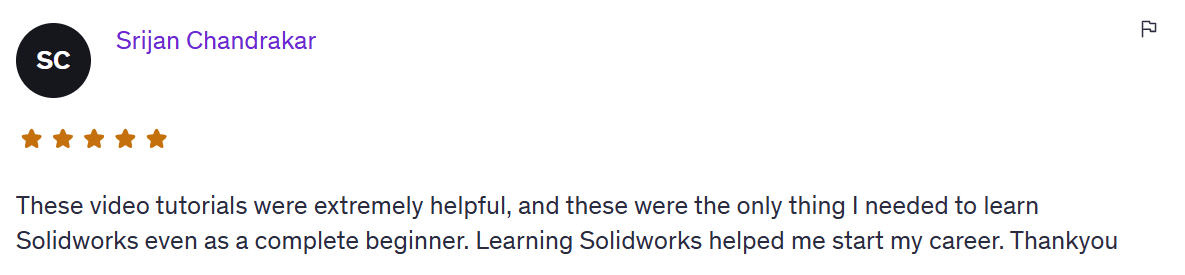
See What Our Students Are Saying

Every month you don’t master SolidWorks, someone else gets ahead of you.
Someone else gets certified.
Someone else gets the job.
Someone else gets the salary.
Someone else gets the confidence you wish you had.
Skills are the currency of engineering.
And right now, your competition is learning while you are deciding.
Don’t let another year slip away.
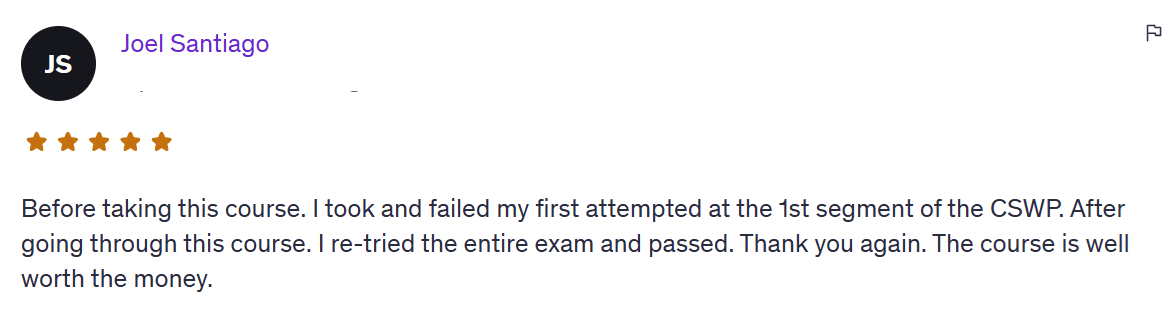
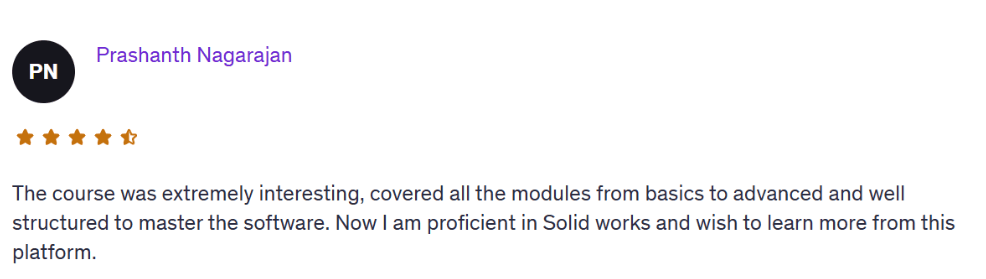
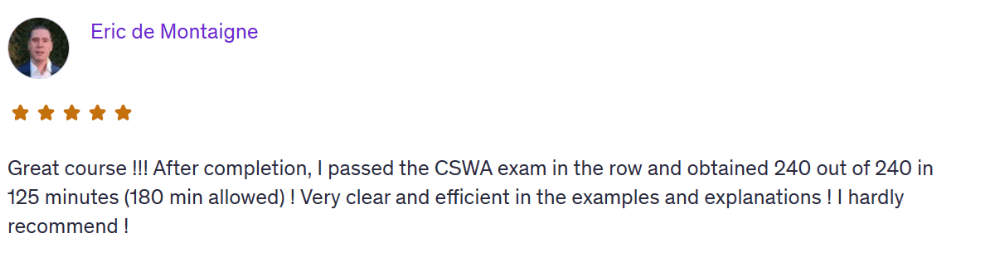
More From Our Students
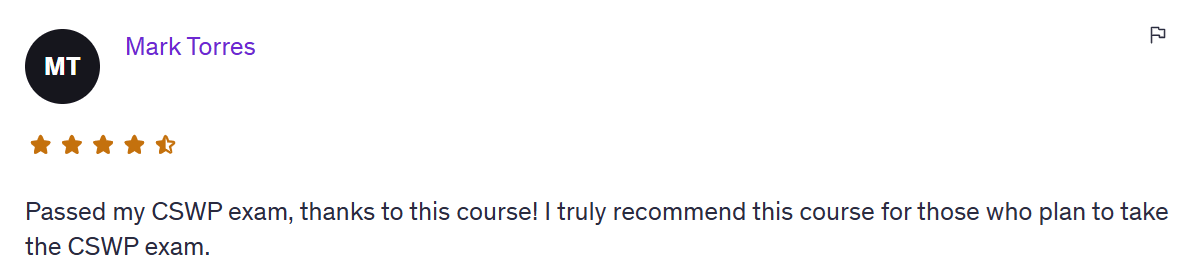
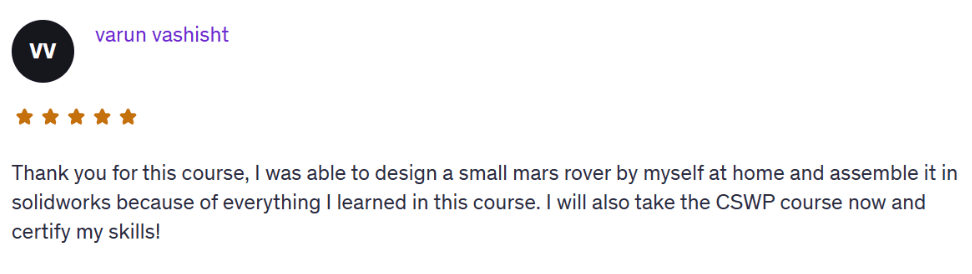
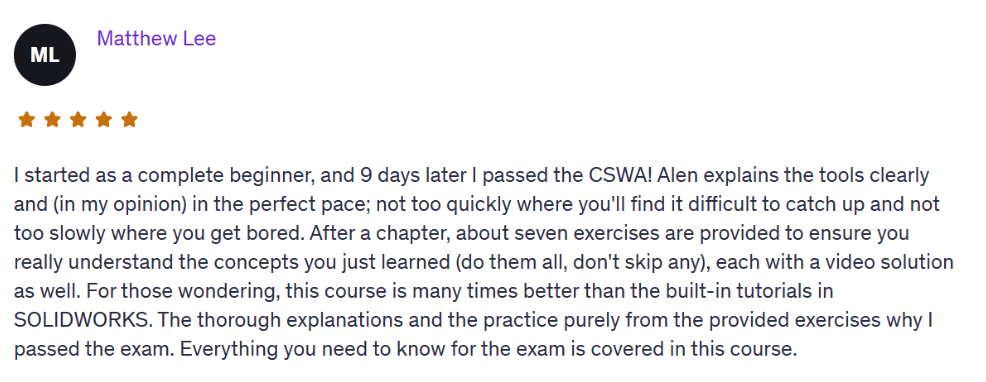
Frequently Asked Questions
No. The SolidWorks PRO Accelerator starts from absolute beginner level and guides you step-by-step to advanced tools. You’ll master everything from sketches and parts to full assemblies and simulations.
Most students complete it in 8–12 weeks, depending on how much time they dedicate weekly. You get lifetime access, so you can learn at your own pace and return anytime.
No, but we show you how to get a free trial or educational license directly from Dassault Systèmes if you’re a student or learning independently.
Yes, you’ll receive a personalized Certificate of Completion.
You'll have lifetime access to the community where you can ask any questions on daily basis.
Absolutely. Many students use this program to build a real portfolio and land jobs or freelance clients. You’ll learn the same workflows used in professional mechanical design roles.
Yes. You get lifetime access to all modules, files, and updates. You can log in anytime and learn at your own pace, from anywhere in the world.
Go from unsure beginner → confident designer without guessing your way through YouTube.
COURSE OUTLINE
COURSE 1 + COURSE 2: SOLIDWORKS ESSENTIALS + CSWA PREP
Creating a New File
User Interface
Mouse Movement
Opening/Saving Document
Creating A Sketch On The Standard Plane
Standard Sketch Tools
Fully/Over/Under Defined Sketch
Sketch Relations
Sketch Dimensions
Driving vs Driven Dimensions
Trim/Extend
Offset Entities
Mirror Entities
Linear And Circular Sketch Pattern
Edit Sketch
Properties And Units
Convert Sketch To 3D Model
Sketch On The Face
New Plane Creation
Convert Entities
3D Sketch
Heads-Up View Toolbar
Example 1
Example 2
Exercises
Extruded Boss Start/End Conditions
Extruded Cut Start/End Conditions
Extruded Boss/Cut Direction Vector
Extruded Boss -Thin Feature
Fillet And Chamfer
Rib
Draft
Shell
Part Modifications
Example 1
Example 2
Exercises
Material And Density
Global Variables And Linked Dimensions
Equations
Mass Properties And Coordinate System
Measuring Tool
Example 1
Example 2
Exercises
Mirror
Revolved Boss/Cut
Swept Boss
Swept Cut
Lofted Boss
Lofted Cut
Example 1
Example 2
Exercises
Inserting Components
Move Components
Standard Mates
Mirror Components
Collision Detection
Example 1
Example 2
Exercises
Setting Up A Drawing Sheet
Orthographic Views
View Properties And Projected View
Smart Dimensions And Units
Model Items - Part
Model Items - Assembly
Edit Sheet
Multiple Sheets
Saving Options
Example 1
Example 2
Exercises
Auxiliary View
Section View
Detail View
Broken-Out Section View
Break View
Crop View
Alternate Position View
Exercises
Download Exam
Video Tutorial 1
Video Tutorial 2
COURSE 3 + COURSE 4: SOLIDWORKS ADVANCED + CSWP PREP
Feature Conditions
Draft
Typed of Drafts
Shell
Multi-body Part
Mirror
Rib
Hole Wizard
Feature Scope
Linked Dimensions
Equations
Reference Geometry And Mass Properties
Sample Exam Segment 1
Design Table Creation
Design Table Modification
Configurations
Sample Exam Segment 2
Distance And Angle
Profile Center
Symmetric And Width
Collision And Interference Detection
Replacing Part
Measuring Tool
Linear/Linear Coupler
Assembly Features
Sub-assembly
Sample Exam Segment 3
Segment 1
Segment 2
Segment 3
COURSE 4: SOLIDWORKS DRAWING MASTERY + CSWPA-DT Prep
Setting Up A Drawing Sheet
Orthographic Views
View Properties And Projected View
Driving vs Driven Dimensions
Driving Dimensions
Driven Dimensions
Ordinate Dimensions
Angular Dimensions
Chamfer Dimensions
Model Item - Assembly
Dimension Properties
Dimension Style
Document Properties
View Focus
Custom Type View
3D Drawing View Tool
Predefined View
Relative View
Section View
Auxiliary View
Detail View
Broken-out Section View
Break View
Alternate Position View
Crop View
Isometric Section View
Measuring Tool
Dimension Rounding
Convert View
Centermark And Centerline
Hole Callout
Surface Finish
Weld Symbols
Hatch Pattern
Exploded View
Balloon And Magnetic Line
Autoballoon
Hole Table
Bill of Materials Table (BOM)
BOM Sorting And Item Numbers
Missing Item In BOM
Custom Properties
Equations
Show/Hide Components
Linked Notes
Generate Table
Layers
Multiple Sheets
Edit Sheet
Sheet Properties
Saving Options
Download Exam
Question 1
Question 2
Question 3
Question 4
Question 5
Question 6
COURSE 5: SOLIDWORKS SURFACING MASTERY + CSWPA-SU PREP
3D Sketch
Spline
Split Surface
Extruded Surface
Extruded Surface Open Sketch
Extruded Surface Start Conditions
Extruded Surface End Conditions
Face Extrusion
Revolved Surface Variations
Swept Surface
Swept Surface Guided Curves
Swept Surface Orientation and Twist
Curvature Display
Lofted Surface
Lofted Surface Connectors
Lofted Surface Guide Curves
Lofted Surface Centerline Parameter
Lofted Surface Strart/End Conditions
Boundary Surface
Boundary Surface Advantages
Boundary Surface Example
Filled Surface
Filled Surface Control
Filled Surface Using Edge
Optimizing Filled Surface
Ruled Surface
Ruled Surface Options
Offset Surface
Planar Surface
Bowl
Candle Holder
Trim Surface
Trim Surface Types
Trim Surface Advanced Options
Untrim Surface
Untrim Surface Advanced Options
Cut With Surface
Delete Face
Delete Face Options
Extend Surface
Knit Surface
Replace Face
Thicken Tool
Thicken Cut
Fillet
Direct Editing - Move
Freeform Tool
Freeform Continuity Options
Freeform Control Curve
Freeform Control Points
Freeform Symmetry
Freeform Precise Control
Flatten Surface
Bottle
Shovel
Joystick
Vintage Plane
Download Exam
Question 1
Question 2
Question 3
Question 4
COURSE 6: SOLIDWORKS SHEET METAL MASTERY
Base Flange - Thickness And Bend Radius
Feature Manager Design Tree
Gauge Tables
Bend Allowance
Auto-relief
Edge Flange
Edge Flange - Length And Position
Tab Feature
Extruded Cut And Hole
Miter Flange
Sketched Bend
Jog Bend
Hem
Cross Break
Closed Corner
Welded Corner
Break-Corner/Corner Trim
Corner Relief
Lofted Bend - Formed Method
Lofted Bend - Bent Method
Gusset
Swept Flange
Vent
Insert Forming Tool
Edit Forming Tool
Create Forming Tool
Design Library Cuts
Create Cuts
Converting a 3D Solid Into Sheet Metal
Converting a 3D Shelled Part Into Sheet Metal
Multi Sheet Part1 Creation
Multi Sheet Part 2 Creation
Assembly Creation
Unfold and Fold
Generating a Drawing View
Generating a Drawing View Of The Flat Pattern
Exporting 2D Files For Manufacturing
Creating Forming Tools
Sink
Body 1 - Base
Body 2 - Cover
Part1 - Housing
Part 2 - Door
Assembly - Electric Panel
COURSE 7: SOLIDWORKS: INTRODUCTION TO FINITE ELEMENT ANALYSIS (FEA) + CSWSA-FEA PREP
Instroduction
Simulation Add In and Options
New Study
Material
Fixture
Loads
Mesh and Model Simplification
Standard Mesh
Curvature Based Mesh
Mesh Control
Running Analysis
Geometry Modification
Chart Plots
Results Systematization
Compare Results
Separate Studies
Loadcase Manager
Conclusion
Lorem ipsum dolor sit amet, consectetur adipisicing elit. Autem dolore, alias, numquam enim ab voluptate id quam harum ducimus cupiditate similique quisquam et deserunt, recusandae.
Introduction
Static Analysis
Full Model Analysis and Comparison
FE Types
Introduction
Surface - Geometry Preparation
Surface - Static Analysis
Surface - Conclusion
Sheet Metal - Introduction
Sheet Metal Analysis and Results Comparison
Introduction
Developing a CAD Model With Weldment Tools
Truss Model1: Results
Truss Model2: Analysis Preparation
Truss Model2: Results
Introduction
Bean vs Truss
Analysis Preparation
Results
Download Material
Question 1
Question 2
Question 3
Question 4
Question 5
Question 6
COURSE 8: SOLIDWORKS ADVANCED TOOLS AND TECHNIQUES
Dynamic Mirror Entities
Repair Sketch
Quick Snaps
Instant 2D
Rapid Sketch
Derived Sketch
3D Sketch
Equations
Example 1
Example 2
Exercises
Lofted Boss
Lofted Cut
Boundary Boss
Boundary Cut
Multi-body Part
Draft
Draft Types
Hole Wizard
Thread
Wrap
Helix, Spiral, and Composite Curve
Intersect
Instant 3D
Using Sketch by Multiple Features
Part Modification
Example 1
Example 2
Exercises
Advanced Mates
Mechanical Mates
Belt
Mirror Components
Assembly Features
Sub-assembly
In-Context Features and External References
Collision Detection
Replacing Part
Top-down Assembly
Example 1
Example 2
Exercises
Material and Density
Appearance
Scene
Camera
Lights
Rendering
Motion Study and Animation Wizard
Applying Motors
Adding Appearance and View Orientation
Walkthrough 1
Walkthrough 2
Introduction
Sketch Picture 1 and Extrusion
Sketch Picture 2 and Extrusion
Slot and Circular Hole
Fillet
Creating USB Slots
Text
Appearance and Rendering
Exercise
Mass Properties
Override Mass Properties
Measuring Tool
Inteference Detection
Compare Documents
Symmetry Check
Part Reviewer
Assembly Visualization
Performance Evaluation
Compare Assembly
Check Active Document
Let's get connected on socials


Drop your email address below to access the free course
Privacy policy | Terms of use | Cookies