SolidWorks LaunchPad
Master the Fundamentals. Design With Confidence. Build a Real Career
You don’t need another random YouTube tutorial.
You need a system that takes you from confused beginner to confident, job-ready designer. Most SolidWorks users get stuck in the same loop:
Jumping between tutorials that never connect.
Restarting models when something breaks.
Avoiding complex projects because they don’t “feel ready.”t
Sound familiar?
You’re not missing effort. You’re missing structure — and that’s exactly what SolidWorks LaunchPad gives you.
What You’ll Learn
Inside SolidWorks LaunchPad, you’ll master the essential tools, mindset, and workflow that professional designers use every day:
Sketching & Design Intent – Build clean, editable parts that never fail when updated.
Part Design – Use features like extrude, revolve, patterns, and fillets the right way.
Assemblies – Create real-world mechanisms that actually move and fit.
Drawings & Documentation – Produce professional manufacturing drawings that earn trust
Final Project - Speedboat Design
Why This Works
Most courses teach you tools.
LaunchPad teaches you how to think like a designer.
By the end, you’ll know:
How to plan your model before you start.
How to prevent rebuild errors.
How to organize and structure your files.
How to design parts that are ready for manufacturing.
This isn’t just about learning commands — it’s about mastering design logic.
Over 3,500 students have taken this bestselling Udemy course (rated 4.6 stars)…
And now you can grab it here for only $147 ($291).
Who It’s For
SolidWorks LaunchPad is built for:
Beginners who want to learn properly from the start.
Self-taught users tired of restarting projects and guessing.
Students & engineers preparing for their first SolidWorks job or certification.
If you want to stop “clicking buttons” and start designing like a pro — this is for you.
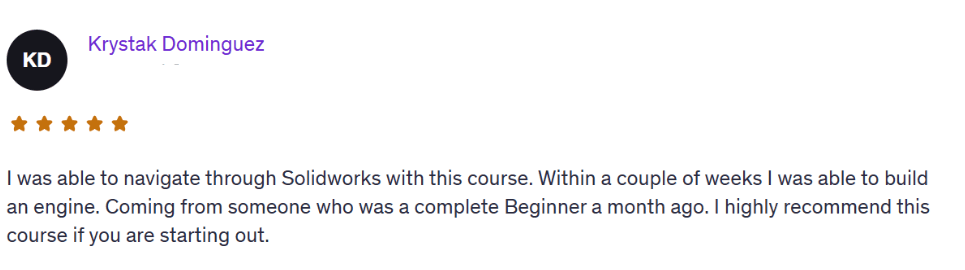
Learning Process
Setup & Sketching Foundations
Interface walkthrough and setup
Drawing first sketches with constraints and relations
Simple modeling basics
Sketching Mastery
Advanced 2D sketching
Using parameters, design intent, and equations
Modeling small real-world parts
Part Design & Features
Extrude, Revolve, Loft, Sweep
Fillets, Shells, Drafts, and Patterns
Parametric modeling principles
Assemblies & Motion
Multi-part assemblies
Mates and mechanical motion
Realistic simulations of simple mechanisms
Drawing Documentation
Review drawing standards: views, dimensions, annotations
Practice creating fully defined drawings with BOM and title blocks
Final review of common mistakes and personal drawing feedback
Real Project
Design Speedboat that you can use in your portfolio.
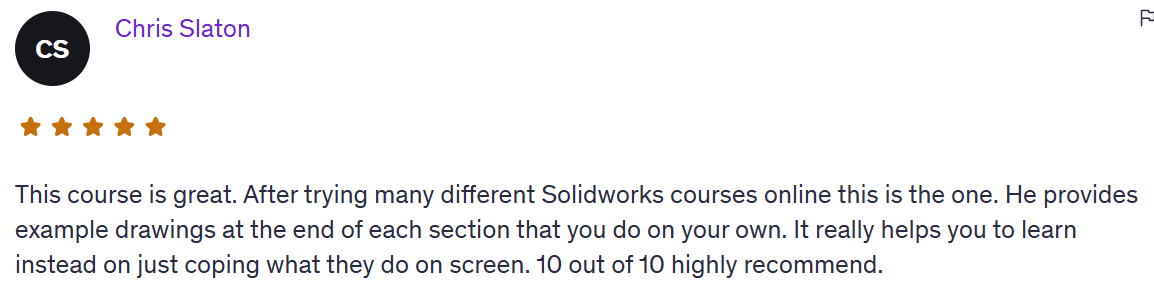
What You’ll Achieve Inside SolidWorks LaunchPad
By the end of this course, you’ll:
Master SolidWorks tools and design intent
Build a professional portfolio of projects
Design complete parts, assemblies, and drawings from scratch
Feel confident applying for jobs or freelance work
And most importantly —
you’ll finally feel confident calling yourself a SolidWorks professional.
Over 3,500 students have taken this bestselling Udemy course (rated 4.6 stars)…
And now you can grab it here for only $147.
HERE'S EVERYTHING YOU'RE GETTING TODAY
SolidWorks LaunchPad Course (Value: $497)
A complete beginner-friendly training designed to build real confidence with real skills.
How to navigate the SolidWorks interface without overwhelm
Sketching — and how to avoid messy geometry
Part modeling with real design logic
Assemblies — how to connect and position parts like a pro
Creating clean, professional 2D drawings
Final Project - Speedboat Design
TOTAL VALUE: $611
Regular price: $291
TODAY ONLY: $147 ($291)
You have two options:
Keep piecing together random tutorials, hoping it all “clicks someday.”
Or start today with a structured system that builds your confidence step by step.
Time will pass either way.
The difference is whether you spend it guessing… or mastering
This Is How You Go From “Learner” to “Professional.”
By the end of the program, you’ll:
Understand how to design with intent, not just use commands.
Create real projects you can use in your portfolio.
Be ready to apply for SolidWorks jobs or start freelancing confidently.
Finally feel like a SolidWorks professional, not a beginner.
Try the SolidWorks LaunchPad 100% Risk-Free for 30 Days
Don’t decide now.
Grab the full SolidWorks LaunchPad course today, go through the videos, practice the real projects, and if you don’t feel more confident using SolidWorks.
If you don’t feel like you’re actually progressing...
Just send me a message within 30 days and I’ll refund every penny.
No questions asked.
No hassle.
No hard feelings.
I’m confident this course will help you finally understand SolidWorks and give you a skills to build real parts, not just play around.
So if you're even thinking about it…
Just get in now while it’s only $147 ($291).
You literally can’t lose.
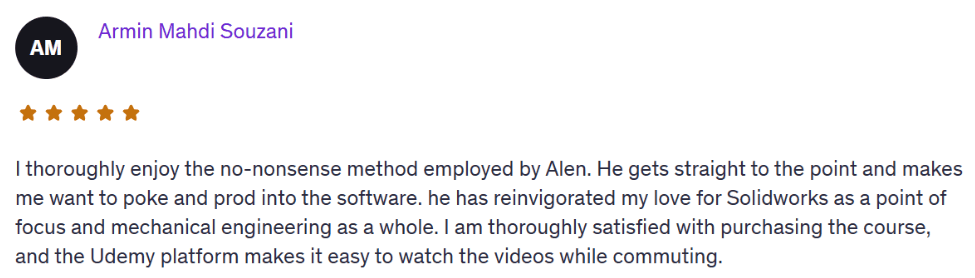
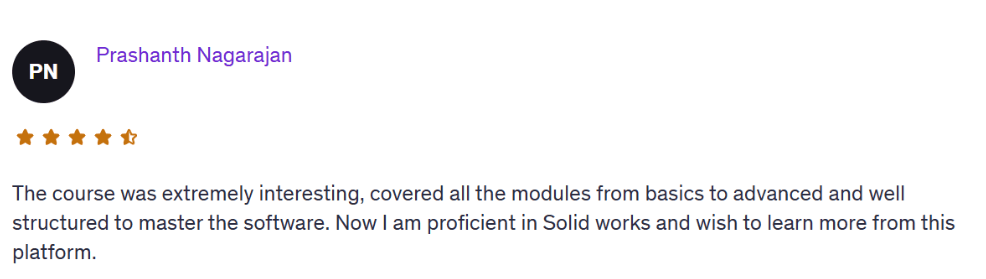
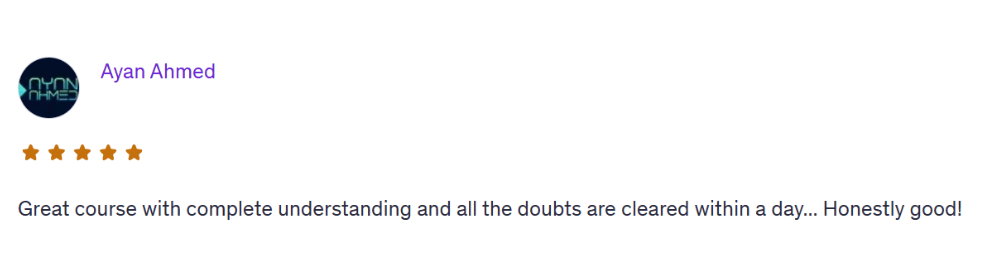
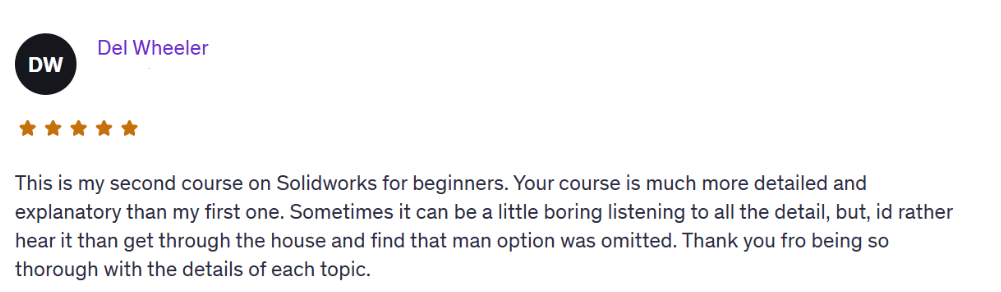
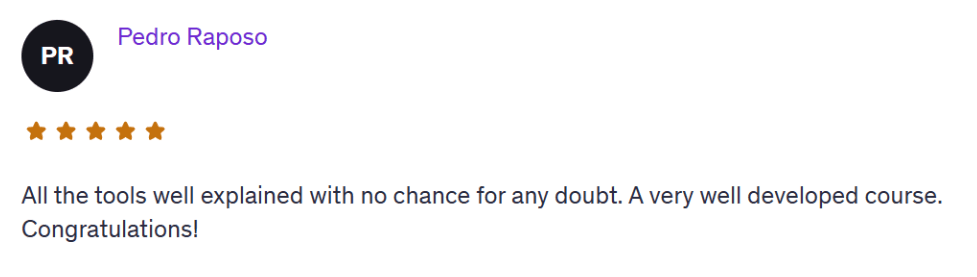

Once you know how to design with intent, everything changes, your confidence, your opportunities, and your value in the market.
If you’re serious about building a career with SolidWorks, this is the fastest, most direct path.
Frequently Asked Questions
Yes. We start from zero. You’ll learn the SolidWorks interface, basic sketching, part modeling, assemblies, and how to actually build real-world parts. No experience needed.
You get lifetime access. No rush, no deadlines. You can go through the lessons at your own pace and revisit them anytime.
You get instant access to the full SolidWorks LaunchPad course, real project tutorials, and a few powerful extras. Plus, direct 1-on-1 email support from me whenever you get stuck.
Any version from 2016 and up is totally fine. You don’t need the latest one — almost everything we cover works in older versions too.
No. If you can open SolidWorks and follow simple steps, you’re good. Everything is explained clearly and built for someone with no tech background.
Email me. Seriously. I’ll help you personally, explain what’s wrong and how to fix it. You’re not alone here.
Try it risk-free for 30 days. If you’re not satisfied or it doesn’t help, just email me and I’ll refund your $47 — no questions asked.
About the Instructor
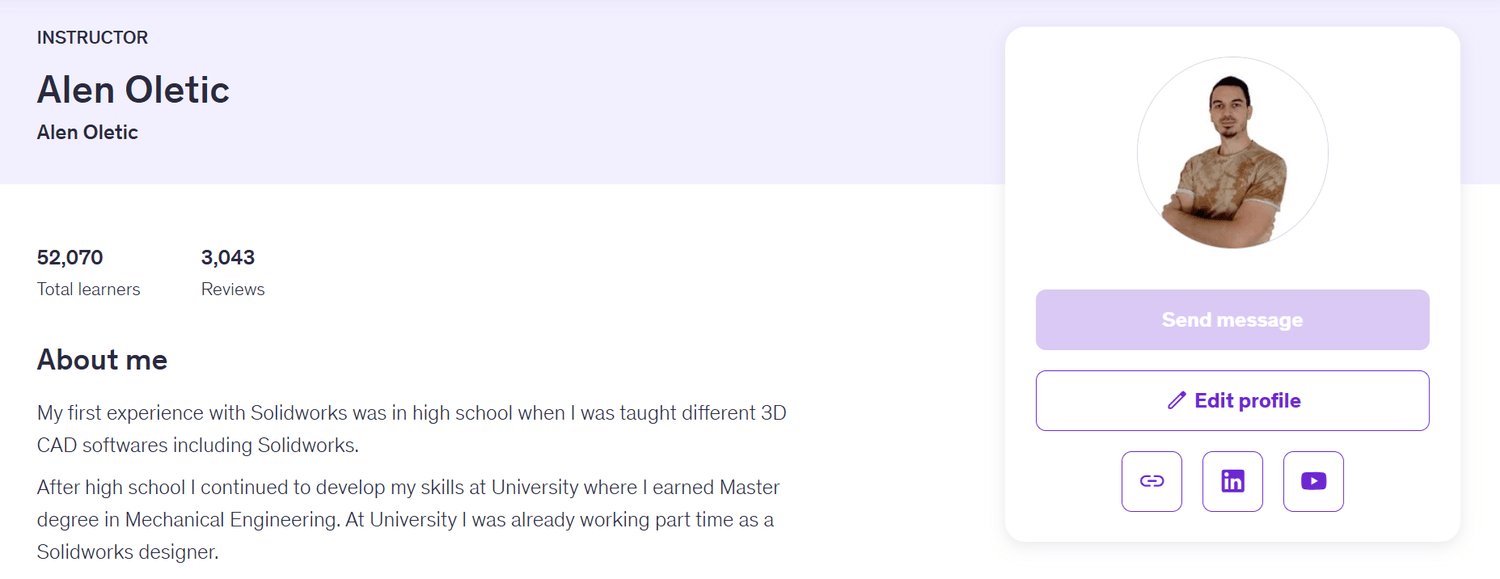
Hi, I’m Alen Oletić — a SOLIDWORKS Certified Professional with a Master’s degree in Mechanical Engineering. Over the past 4 years, I’ve taught 47,000+ students how to confidently use SOLIDWORKS through my best-selling online courses.
I don’t just teach buttons — I teach you how to think like an engineer, build real-world parts, and create a portfolio that actually gets noticed. Whether you're preparing for certification, job interviews, or freelance work, I’ll help you focus on what truly matters — and skip the fluff.

©cadandengineeringschool
SOLIDWORKS is a registered trademark of Dassault Systemes SolidWorks Corporation and not related to cadandengineering.com. The intellectual property depicted in these 3D models are not affiliated with or endorsed by the original rights holders.