SOLIDWORKS PRO ACADEMY
Learn SolidWorks in the right order, build real projects, prepare for CSWA/CSWP, and get support when you get stuck
What is SolidWorks PRO Academy?
A structured, self-paced online course library and community that takes you from absolute beginner to SOLIDWORKS Professional (CSWP) certification level. With 30+ hours of video material, built as a progressive learning path where each lesson builds on the last. No jumping around. No guessing what to learn next.
With access to all courses and community, you’ll master advanced modeling and open the door to better jobs, higher rates, and real opportunities
The SOLIDWORKS PRO Academy takes you from beginner or intermediate to a highly skilled, in-demand SolidWorks professional
with a clear path to CSWP certification.
How does it work?
You go through the courses at your own pace.
You start with the fundamentals learning tools.
Then you move into practical examples, real projects, and exam-style practice.
Step by step.
Tool by tool.
Project by project.
To the professional level.
Who is it for?
This is for you if:
You’re just starting with SolidWorks and don’t know where to begin.
You already know some basics, but still feel slow or confused when creating parts on your own.
You want to pass the CSWA or CSWP exam.
You want to build real projects for your portfolio.
You want to become more confident for a CAD job, engineering role, freelance work, or school projects.
You want to stop learning randomly and finally follow a complete system.
What’s inside SolidWorks PRO Academy?
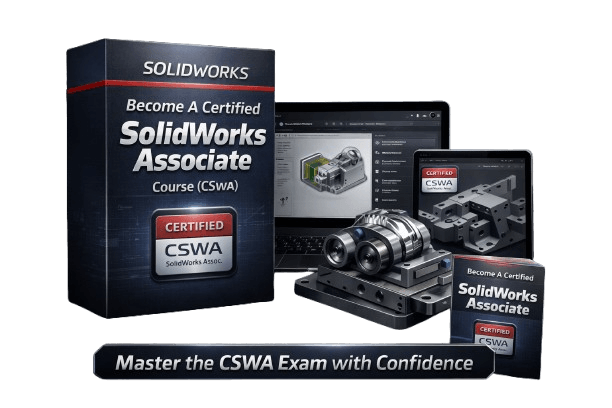
SolidWorks Fundamentals + CSWA Preparation Course
SolidWorks Fundamentals (Sketching, Part design, Assembly design, Drawing creation)
CSWA Exam Preparation
Examples, Exercises and Mini Projects
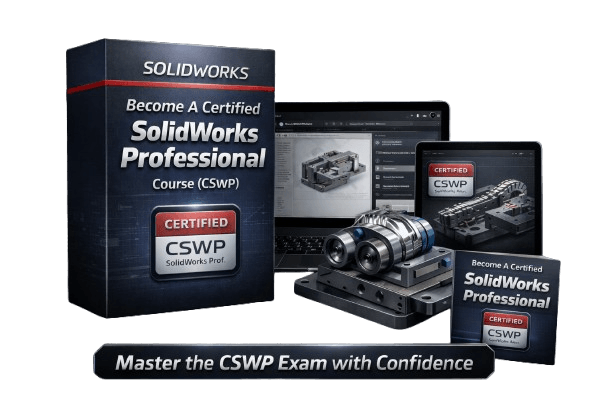
SolidWorks Professional + CSWP Prepration Course
SolidWorks Advanced (Part design, Configurations, Assembly design)
CSWP Exam Preparation
Examples, Exercises and Mini Projects
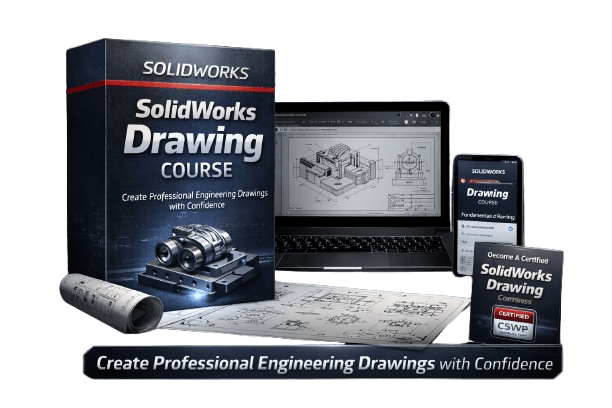
SolidWorks Drawing Mastery Course
SolidWorks Drawing Beginner to Advanced
CSWPA-DT Exam Preparation
Examples, and Exercises
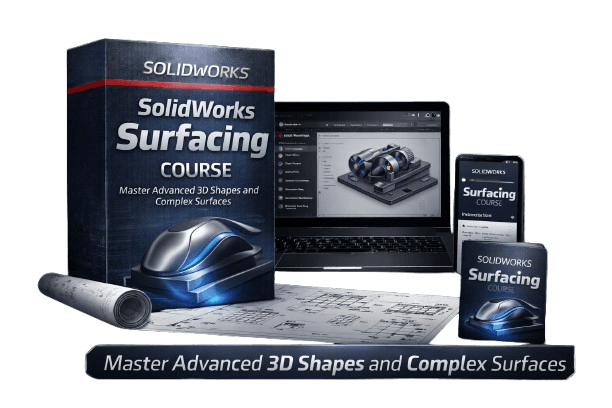
SolidWorks Surfacing Mastery Course
Surfacing Creation Tools from Beginner To Advanced
CSWPA-SU Exam Preparation
Examples, and Exercises and Mini Projects
Final Project: Vintage Plane
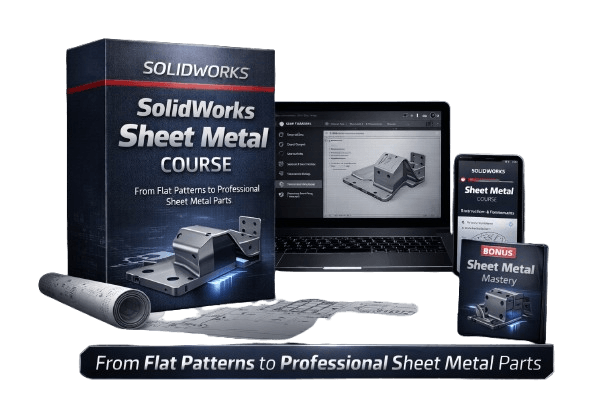
SolidWorks Sheet Metal Mastery Course
Sheet Metal Tools from Beginner To Advanced
Examples, Exercises and Mini Projects
Final Project: Electric Panel Housing
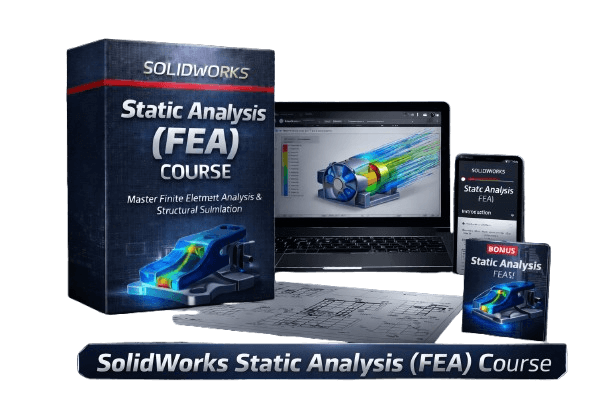
SolidWorks: Introduction to Finite Element Analysis (FEA)
Static analysis of solid body, surface body and frame body
CSWSA-FEA Exam Preparation
Examples, and Exercises
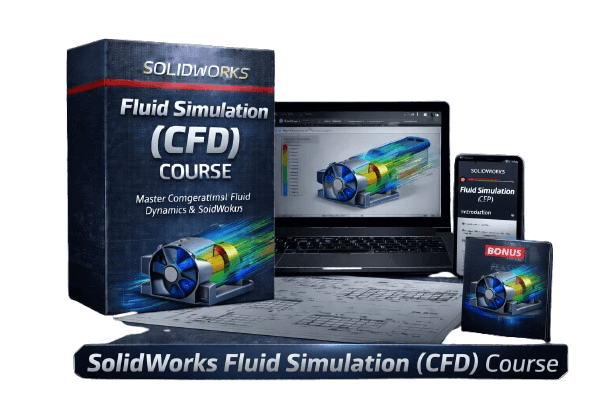
SolidWorks: Introduction to Fluid Simulation (CFD)
Fluid Simulation of Electric Motor Cooling
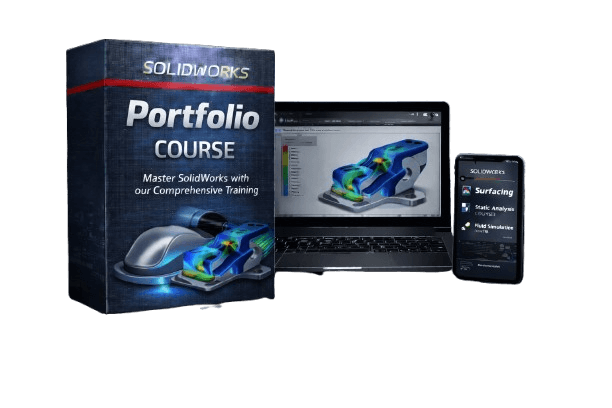
SolidWorks Portfolio Course
Portfolio Template
Portfolio Example
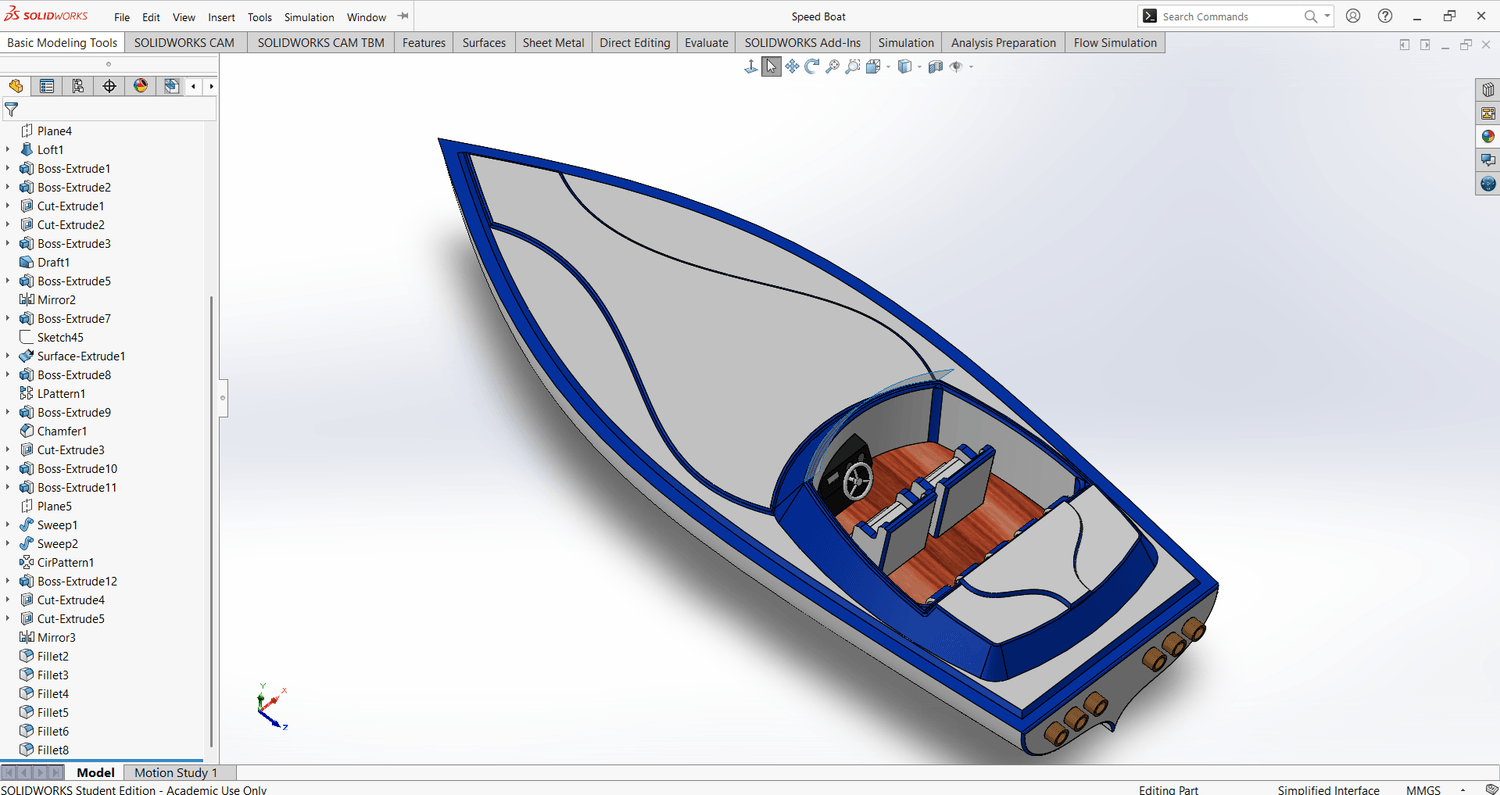
Project 1: Speedboat
Step by step tutorial
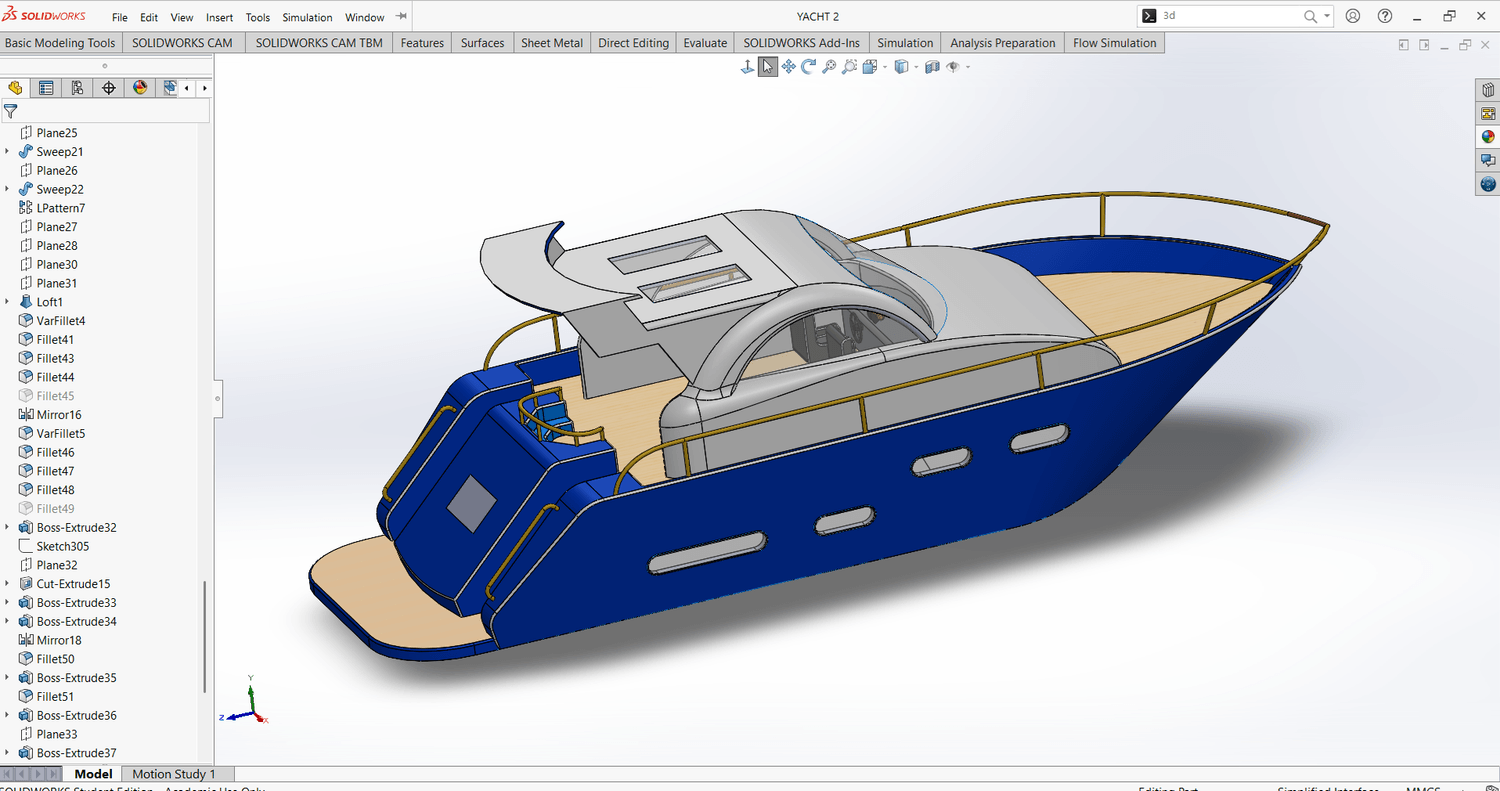
Project 2: Yacht
Step by step tutorial
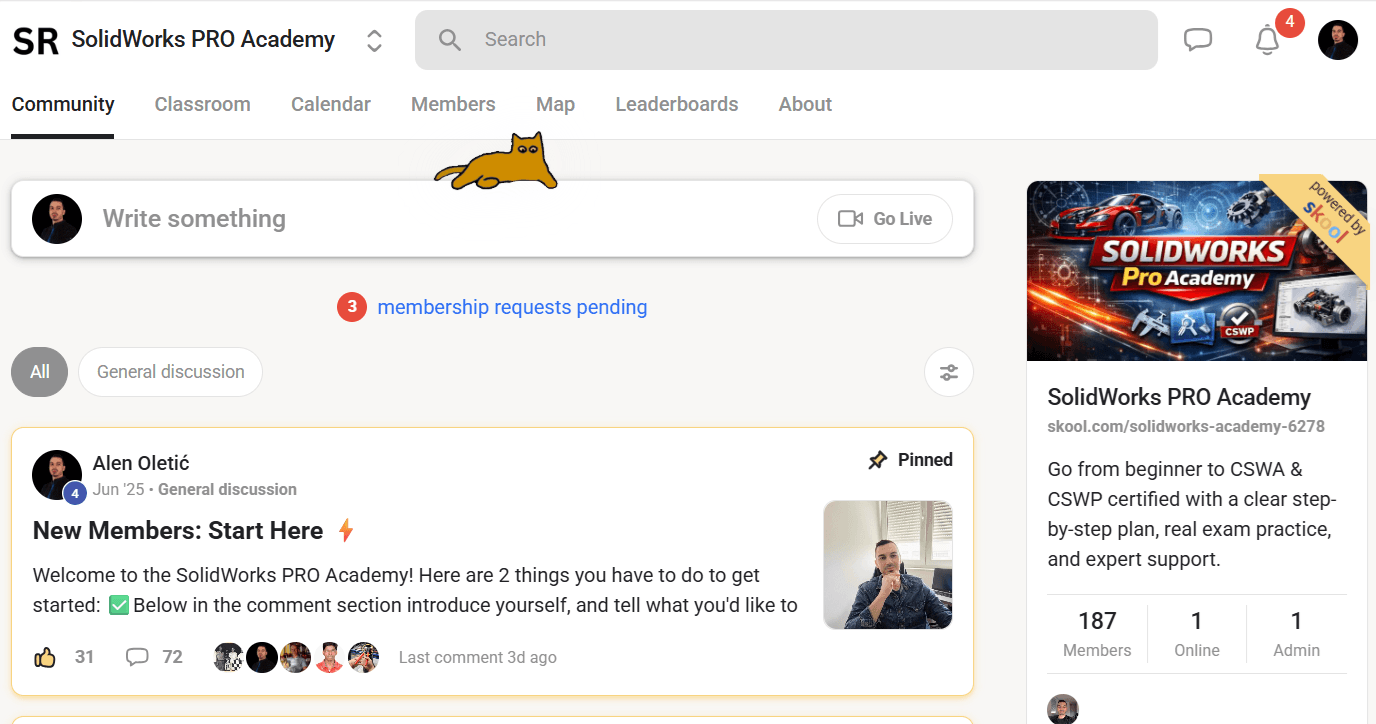
SolidWorks Community
Ask any question
Connect with other students/engineers
What you will be able to do by the end?
Master SolidWorks from fundamentals to professional level — including solid, sheet metal, and surfacing
Confidently model anything you imagine from simple parts to complex, organic designs
Earn CSWA and CSWP certifications and prove your skills professionally
Create photorealistic renderings for clients, portfolios, and presentations
Analyze and improve your designs using FEA and CFD simulations
Position yourself as a high-value designer and charge premium rates
Skip years of trial-and-error and follow a clear, proven path
Stand out with real-world skills that most SolidWorks users never devel
There are 2 packages: STANDARD and PREMIUM
STANDARD
$13
/ month
Part Design Course
Assembly Design Course
Drawing Course
Project 1: Speedboat Design
Project 2: Yacht Design
Community Access
5 CSWA Exam Samples
3 CSWP Exam Samples
Surfacing CourseSheet Metal CourseStatic Analysis (FEA) CourseFluid Simulation (CFD) CoursePortfolio Course
PREMIUM
$29
/ month
Part Design Course
Assembly Design Course
Drawing Course
Project 1: Speedboat Design
Project 2: Yacht Design
Community Access
5 CSWA Exam Samples
3 CSWP Exam Samples
Surfacing Course
Sheet Metal Course
Static Analysis (FEA) Course
Fluid Simulation (CFD) Course
Portfolio Course
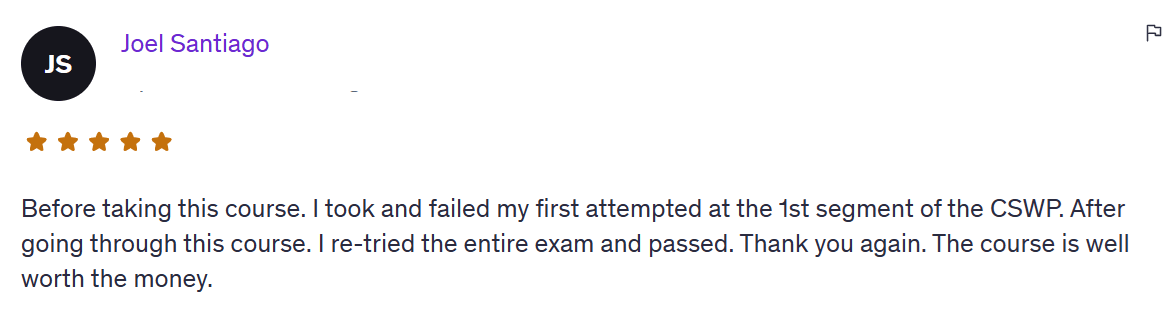
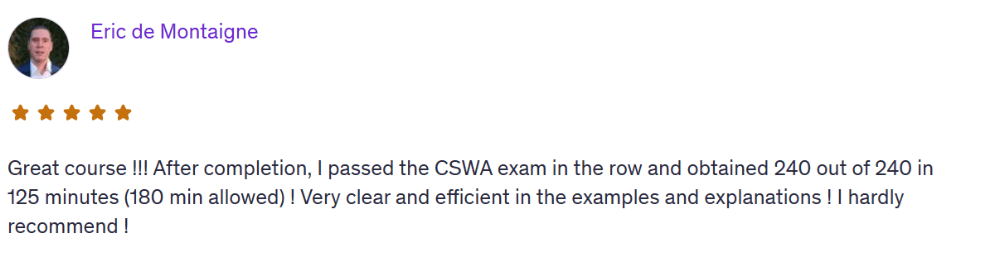
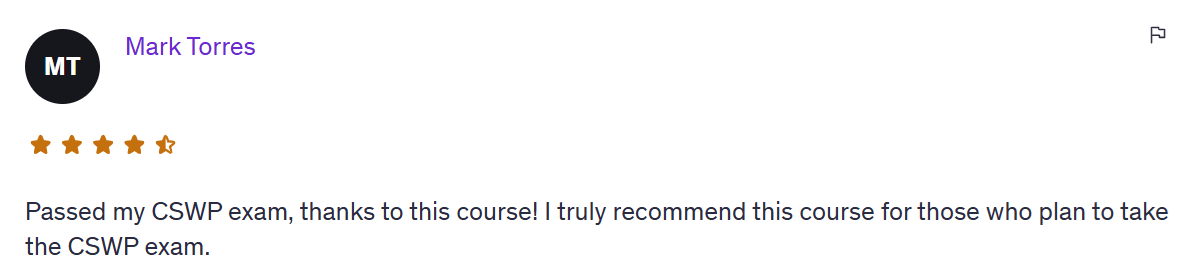
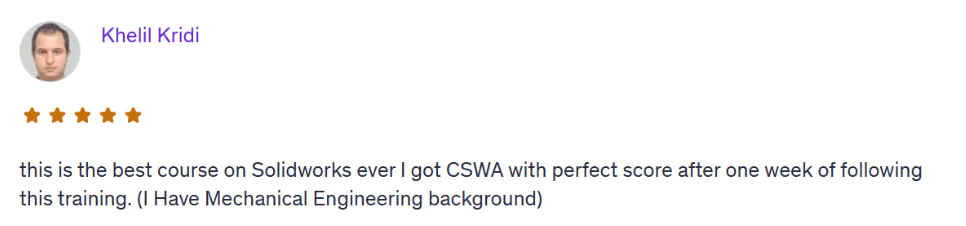
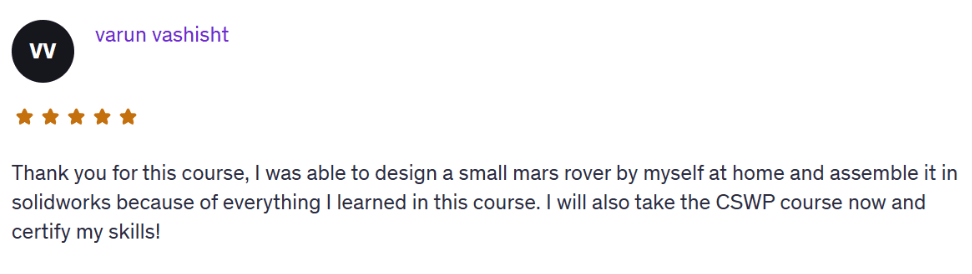
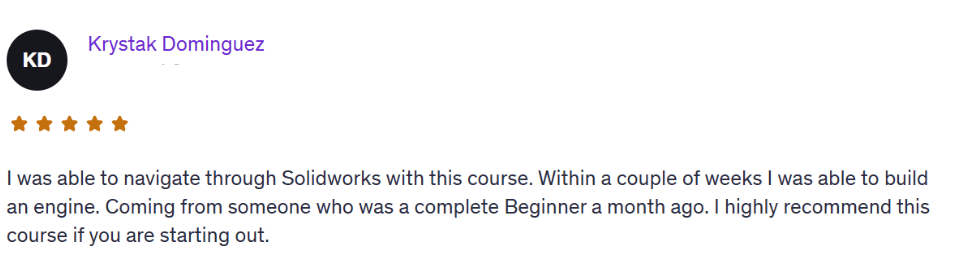
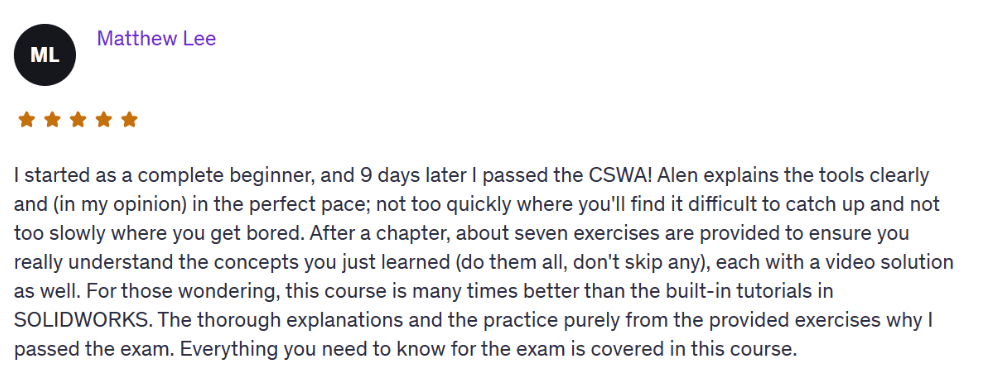
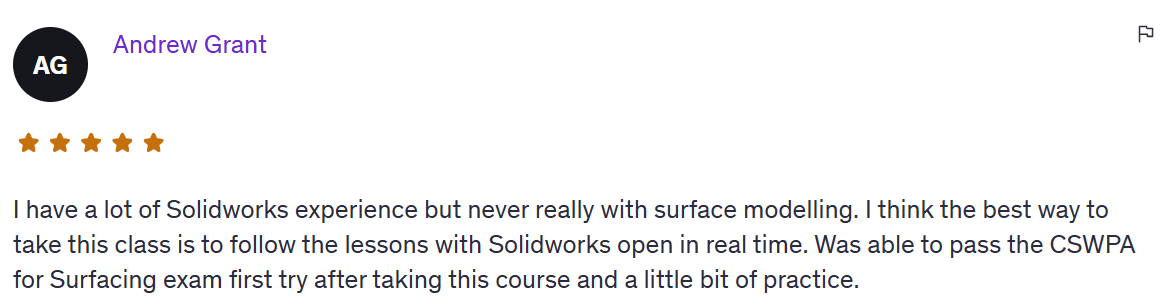
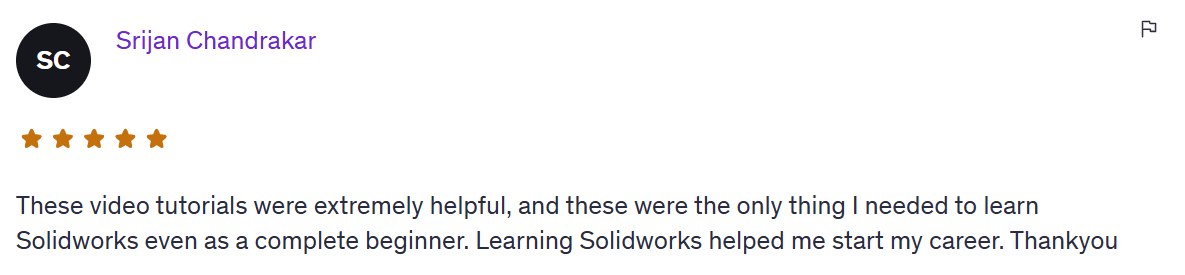
Real Students. Real Results.

Why SolidWorks PRO Academy?
If you’ve been trying to learn SolidWorks by yourself, you probably already know how frustrating it can feel.
One day you understand.
The next day you open a new part and don’t know where to start.
You get errors.
Sketches get messy.
Assemblies don’t move correctly.
Drawings don’t look professional.
And after a while, you start thinking:
“Maybe I’m just not good at this.”
But that’s usually not true.
Most of the time, you don’t need more random tutorials.
You need structure.
You need practice.
You need real examples.
And you need a clear path to follow.
That’s why I SolidWorks PRO Academy helps.
So if you want to become more confident in SolidWorks, prepare for certification, and start building real CAD skills, this is for you.
Questions?
Yes. We start from zero. You’ll learn the SolidWorks interface, basic sketching, part modeling, assemblies, and how to actually build real-world parts. No experience needed.
You have access as long as you are subscribed.
You get instant access to the full SolidWorks courses library, real project tutorials, and a few powerful extras. Plus, direct 1-on-1 email support from me whenever you get stuck.
Any version from 2016 and up is totally fine. You don’t need the latest one — almost everything we cover works in older versions too.
No. If you can open SolidWorks and follow simple steps, you’re good. Everything is explained clearly and built for someone with no tech background.
Email me. Seriously. I’ll help you personally, explain what’s wrong and how to fix it. You’re not alone here.
I don't but I can help you to get student version even if you're not a student.
If you feel this is not for you, you can unsubscribe anytime.
Standard gives you the main SolidWorks training path, including part design, assemblies, drawings, and projects.
PREMIUM gives you everything in Premium, plus advanced courses CSWA, CSWP, Surfacing, Sheet Metal, FEA, CFD, portfolio template, and career/freelancing guidance.
Yes. You can go through the training at your own pace.
Who Am I?
Hi, I’m Alen Oletić — a SOLIDWORKS Certified Professional with a Master’s degree in Mechanical Engineering. Over the past 4 years, I’ve taught 50,000+ students how to confidently use SOLIDWORKS through my best-selling online courses.
I don’t just teach buttons, I teach you how to think like an engineer, build real-world parts, and create a portfolio that actually gets noticed. Whether you're preparing for certification, job interviews, or freelance work, I’ll help you focus on what truly matters and skip the fluff.

©cadandengineeringschool
SOLIDWORKS is a registered trademark of Dassault Systemes SolidWorks Corporation and not related to cadandengineering.com. The intellectual property depicted in these 3D models are not affiliated with or endorsed by the original rights holders.