Your FREE SOLIDWORKS Core Tools Handbook Is On Its Way!
Check your inbox for your download link. (If you don't see it within a few minutes, check your Spam or Promotions folder.)
Before You Go...
Understanding the SOLIDWORKS tools is the first step...
But knowing the tools alone won't teach you how to design real products.
To become a confident SOLIDWORKS designer, you also need to learn:
How to combine multiple tools to create complete models
Which features to use, and in what sequence
How to think through the modeling process before clicking a single command
How professional designers approach real-world CAD projects
That's exactly why I created the SOLIDWORKS Projects Handbook 2026.
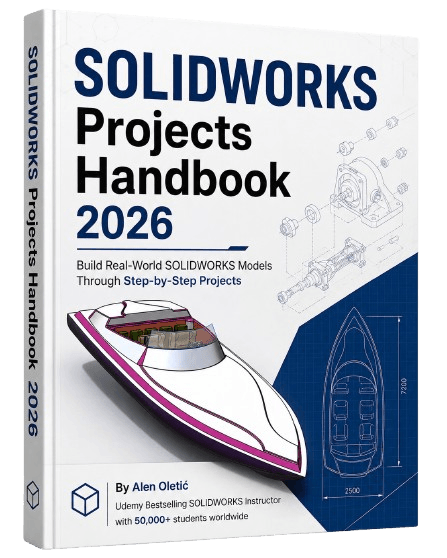
Inside You'll Build:
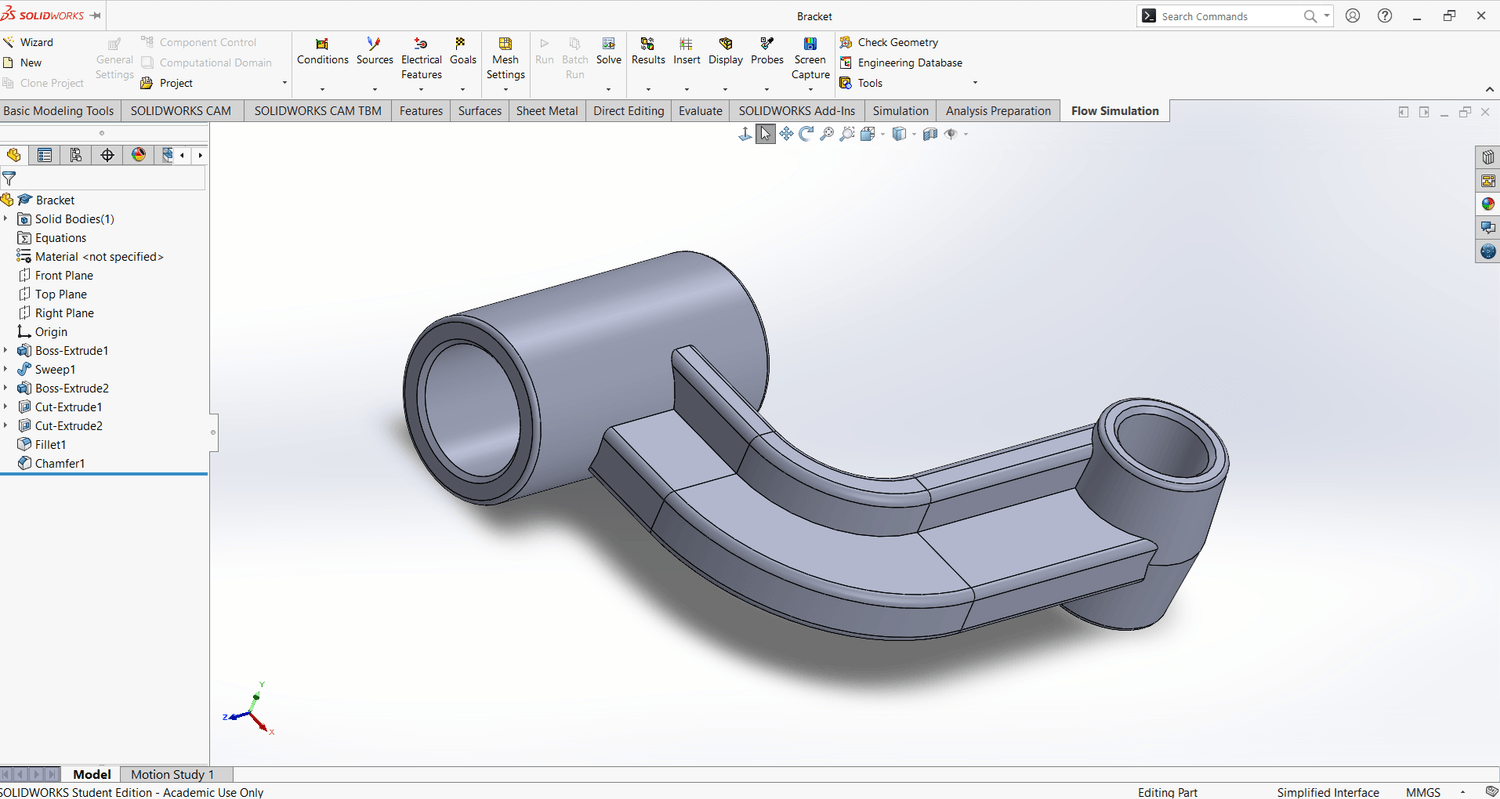
Bracket
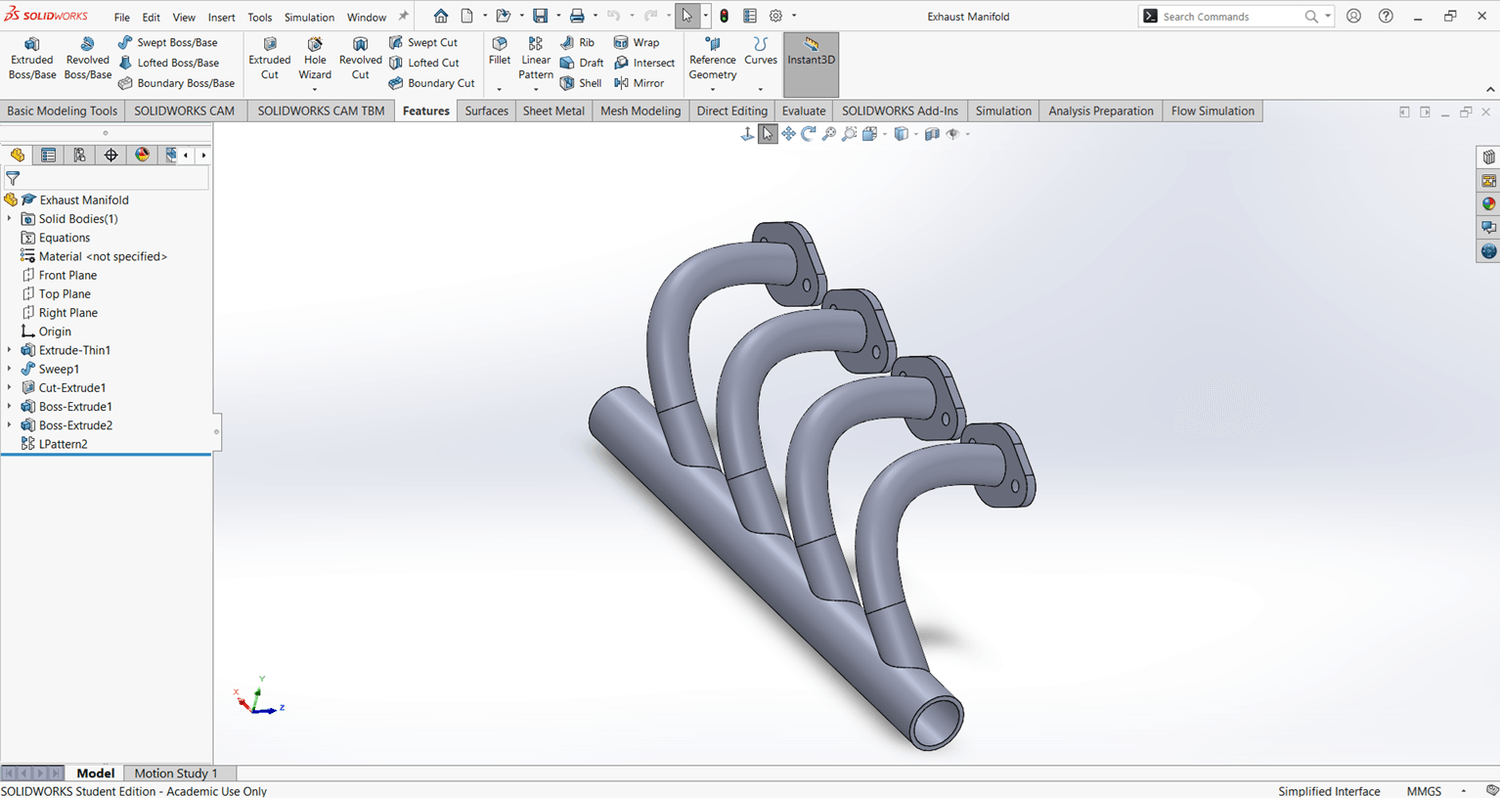
Exhaust Manifold
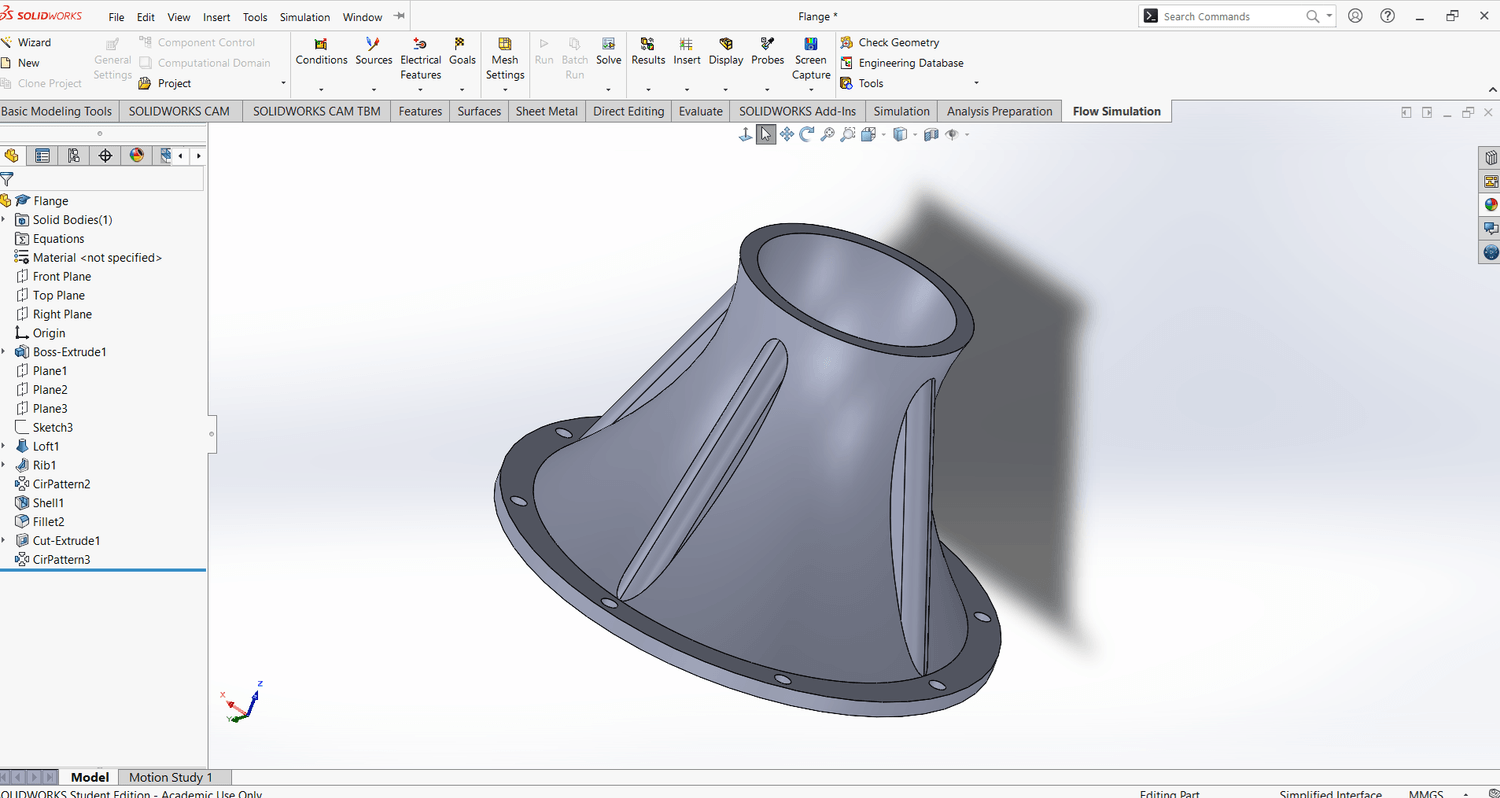
Flange
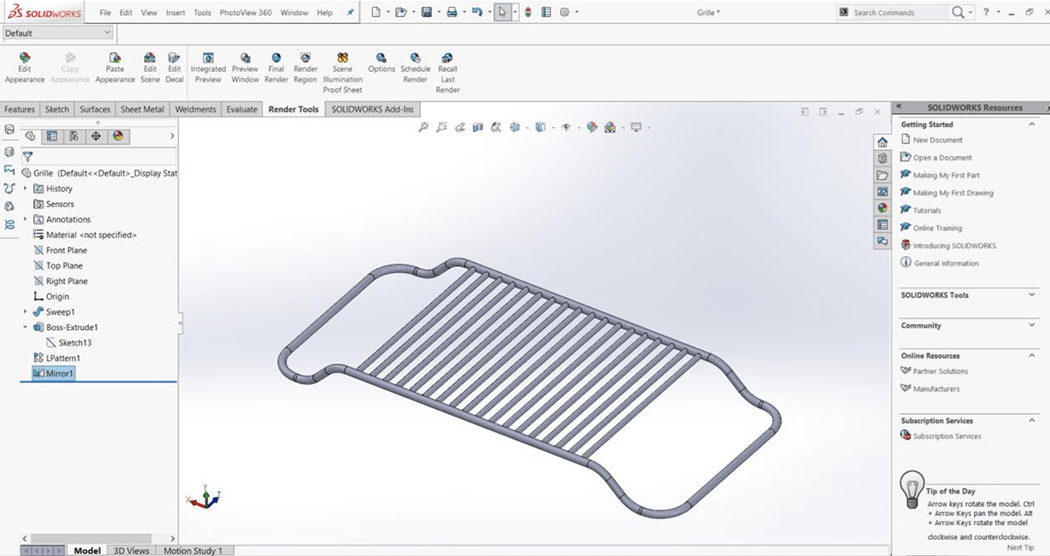
Grille
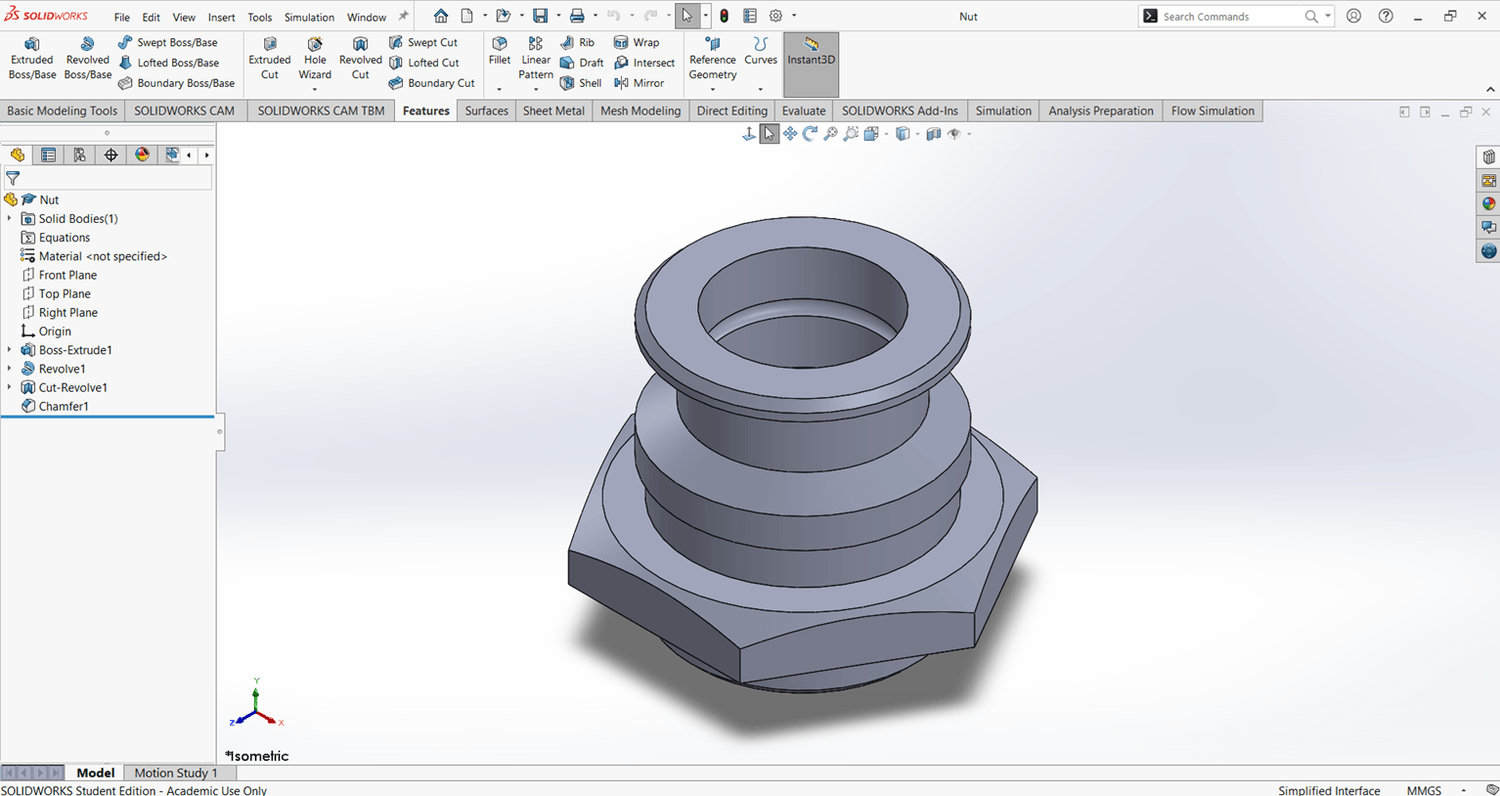
Nut
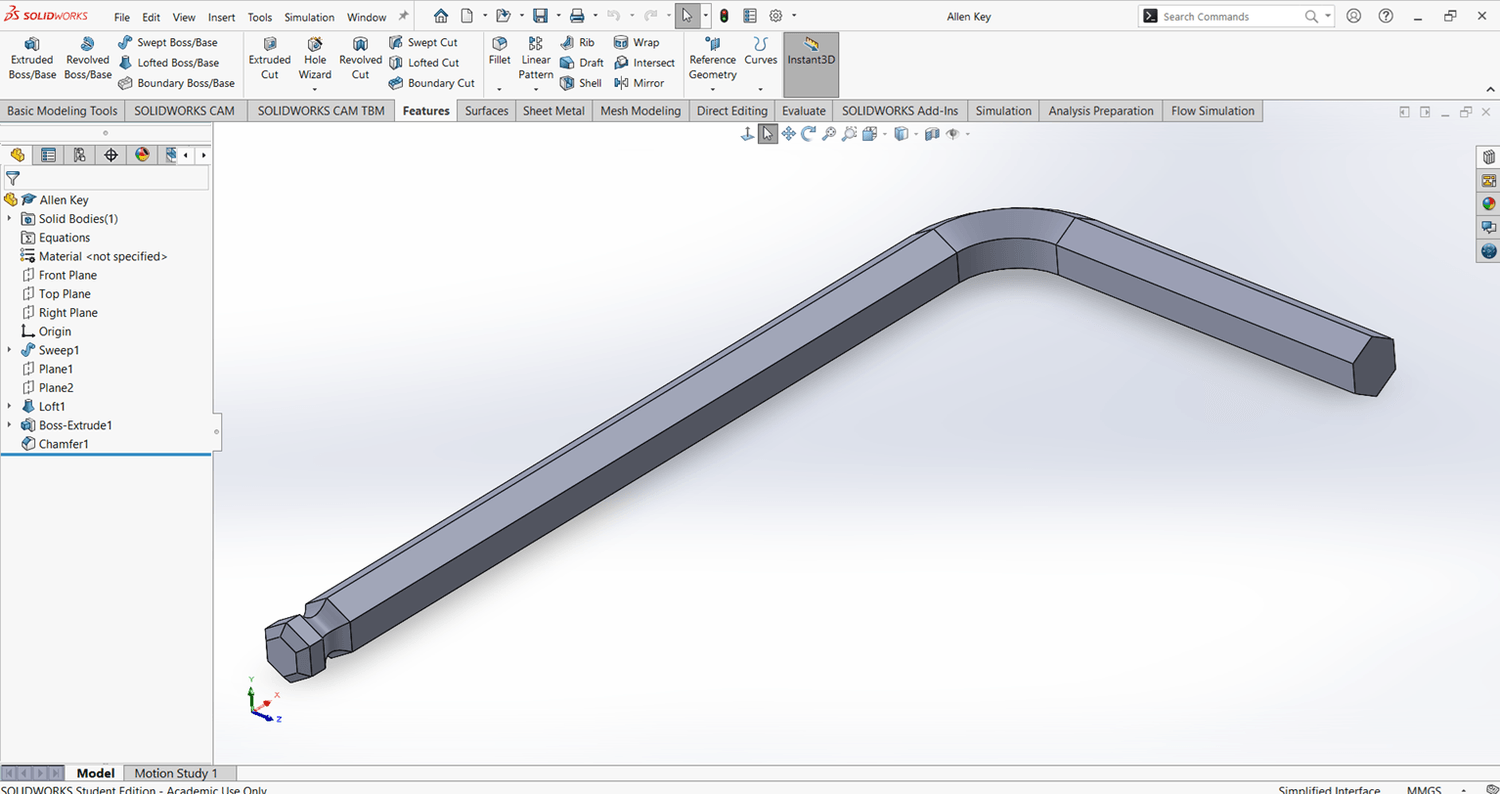
Allen Key
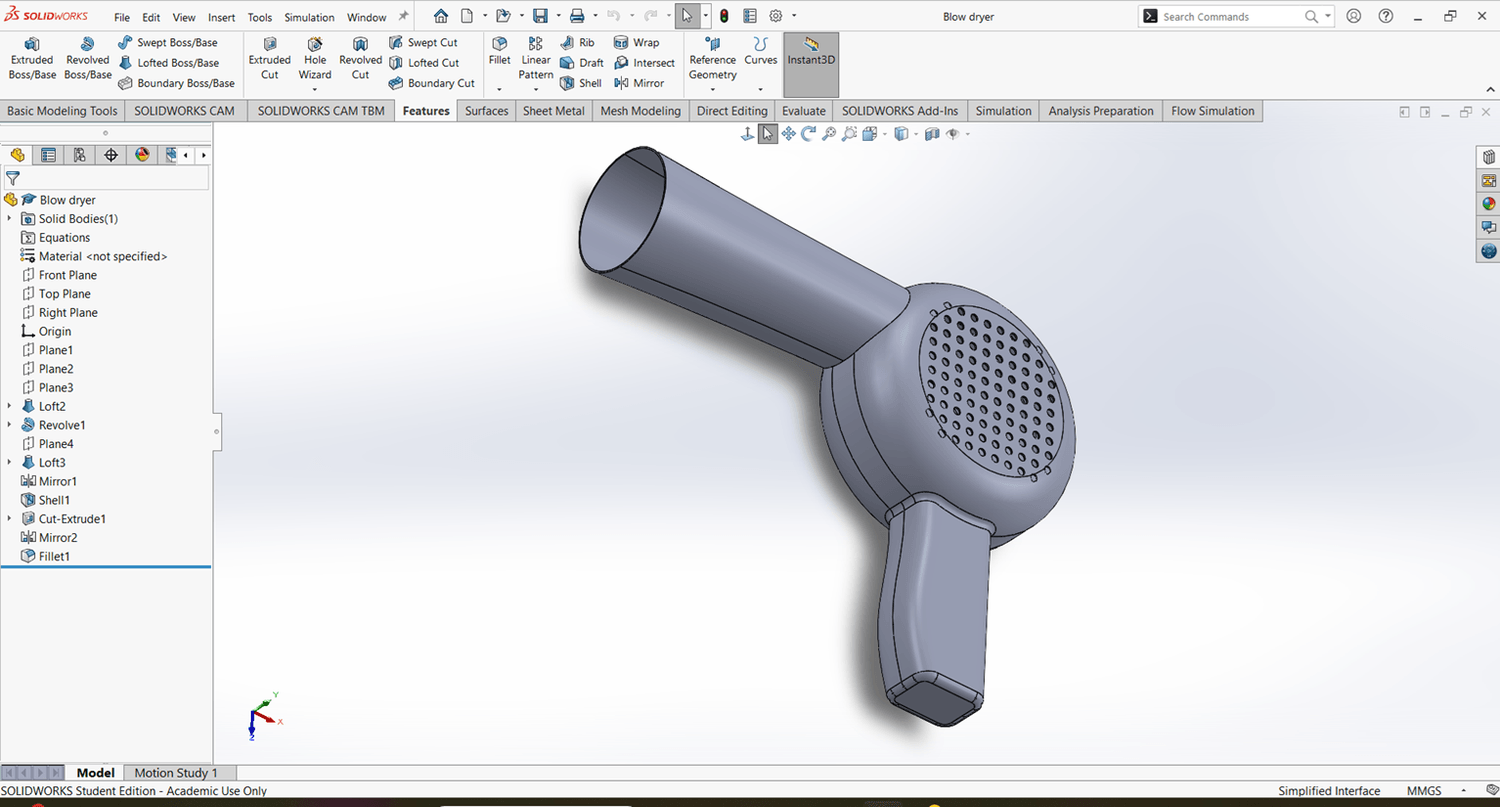
Hair Dryer
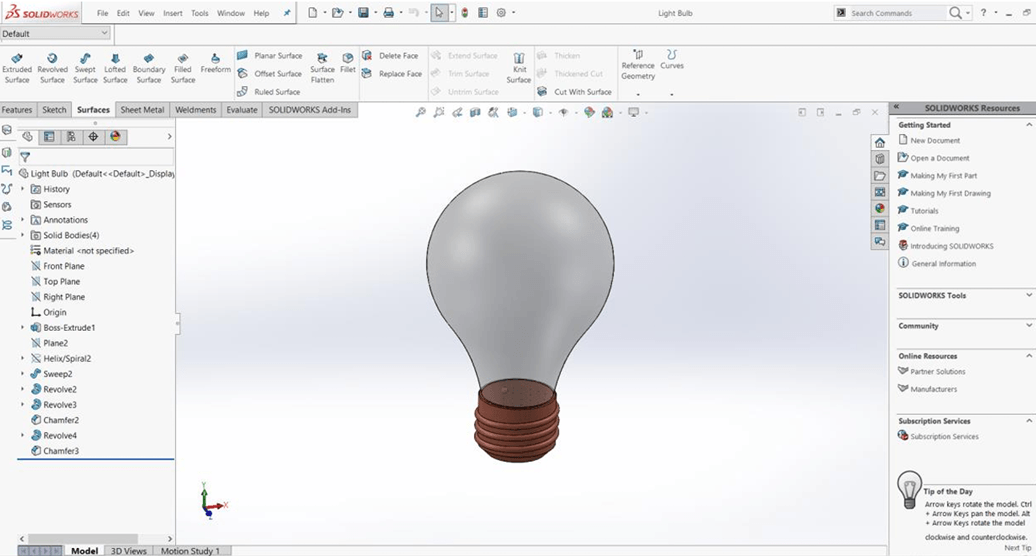
Light Bulb
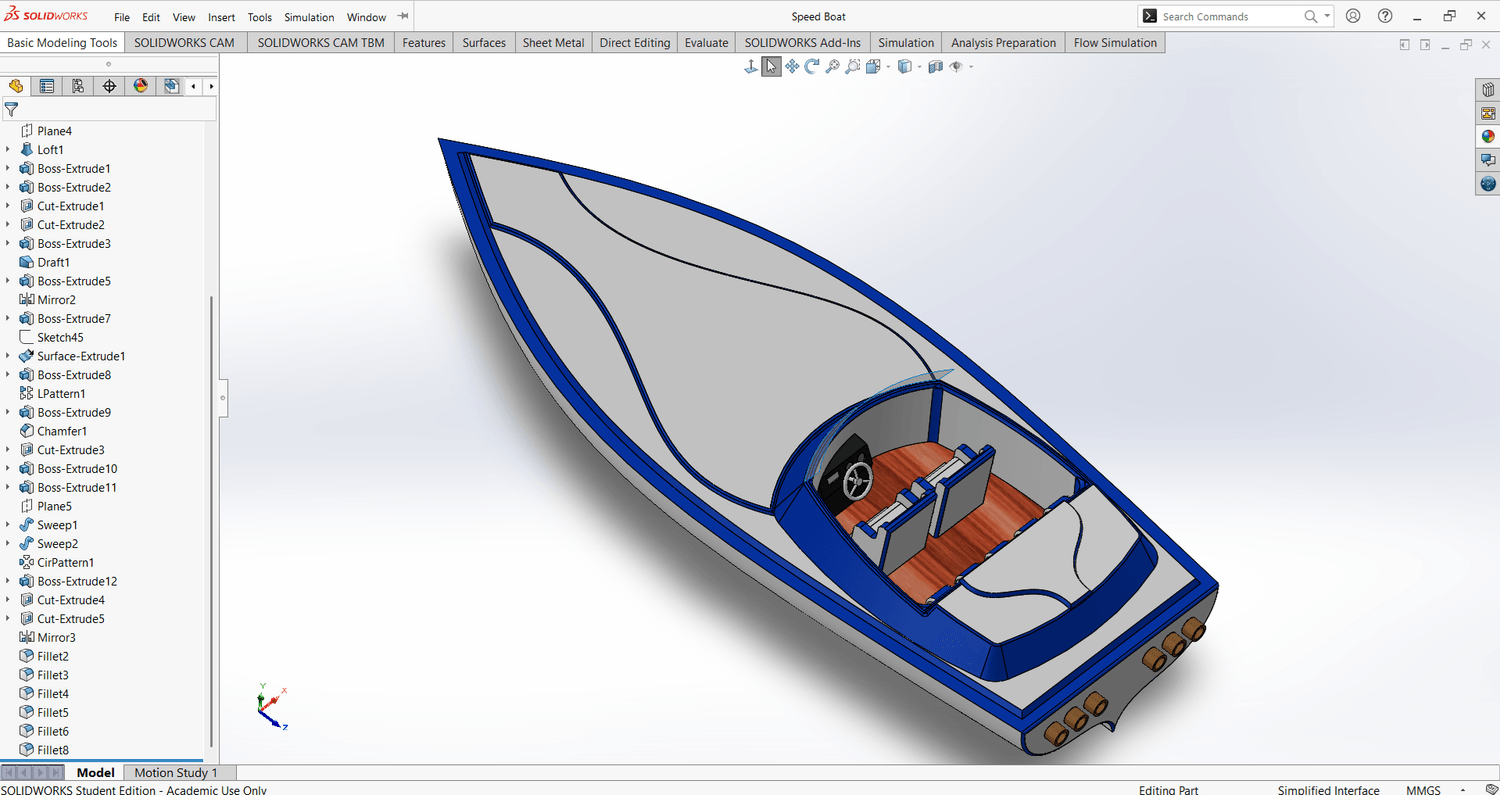
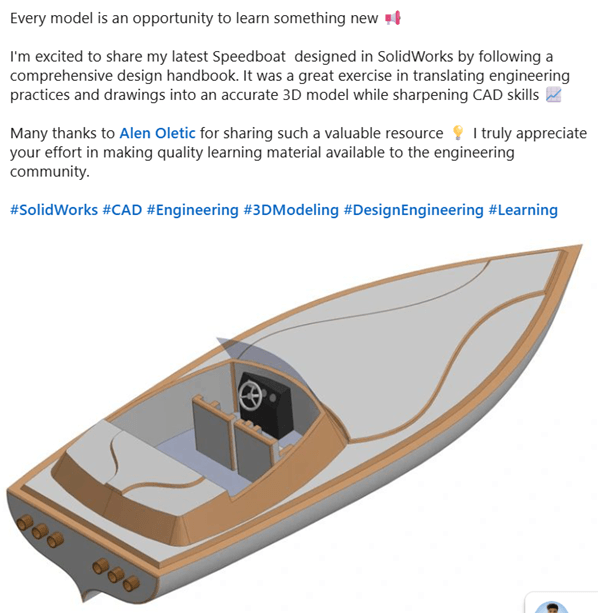
Final Project: Speedboat
By the time you finish both handbooks, you'll have:
A solid understanding of the core SOLIDWORKS tools
Practical experience building real engineering models
Better design thinking and modeling workflow
The confidence to start creating your own projects from scratch
Special One-Time Offer
Get the SOLIDWORKS Projects Handbook 2026
Only $7 (Regular Price $24)
This special discount is available only on this page.
©cadandengineeringschool
SOLIDWORKS is a registered trademark of Dassault Systemes SolidWorks Corporation and not related to cadandengineering.com. The intellectual property depicted in these 3D models are not affiliated with or endorsed by the original rights holders.