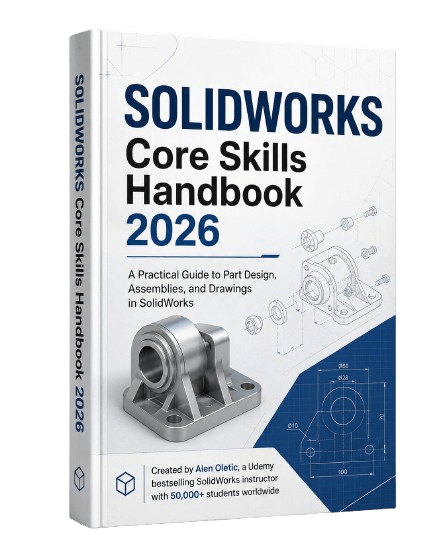
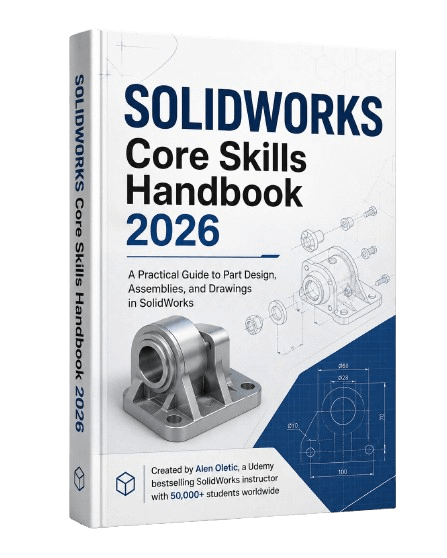
SolidWorks Core Skills Handbook 2026
Learn the Essential SOLIDWORKS Tools, and Use Them to Build Real Projects
Get the complete SOLIDWORKS Core Skills Handbook 2026 for only $4.99 ($19.99).
Do You Want to Learn SOLIDWORKS but Don’t Know Where to Start?
SOLIDWORKS contains hundreds of tools, features, and commands.
When you are just starting, it can be difficult to know:
Which tools are actually important
What you should learn first
How Part Design, Assemblies, and Drawings connect
Which tutorials are worth following
So you watch one tutorial about sketches.
Then another about extrusions.
Then another about assemblies.
But the information feels disconnected, and your progress is slower than it should be.
You may understand individual commands, but still feel lost when you try to build something on your own.
Maybe You Have Already Started, but Still Get Stuck
You know how to create a sketch.
You have used tools such as Extruded Boss/Base, Extruded Cut, Fillet, Chamfer, and Mirror.
But when you try to create a real model without copying a tutorial, questions begin to appear:
Which tool should I use for this shape?
Which feature should come first?
Why is my sketch underdefined?
Why did an error suddenly appear?
Why did my model break after changing one dimension?
How should I structure the complete model?
Knowing where the tools are located is not enough.
You also need to understand what each tool does, when to use it, and how the tools work together.
That is exactly what this handbook was created to teach.
Introducing the SOLIDWORKS Core Skills Handbook 2026
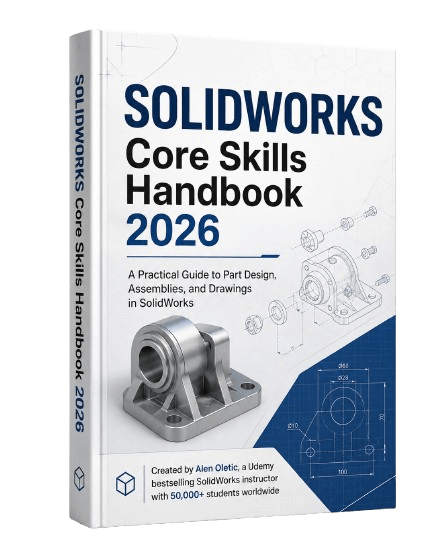
The SOLIDWORKS Core Skills Handbook 2026 gives you a structured introduction to the essential skills used throughout SOLIDWORKS.
Instead of overwhelming you with every available command, it focuses on the tools and workflows you need to begin creating complete parts, assemblies, and engineering drawings.
You will not only read about the tools.
You will use them through practical examples and step-by-step projects so you can understand how they work in real modeling situations.
What You Will Learn
Part Design
Learn how to create clean and accurate 3D parts from sketches.
You will explore essential skills including:
Starting sketches on the correct planes and faces
Creating lines, circles, arcs, rectangles, and other sketch entities
Applying dimensions and geometric relations
Fully defining sketches
Creating extruded and revolved features
Removing material with cuts
Using fillets, chamfers, shells, patterns, mirrors, and other modeling tools
Building models with a logical feature order
Editing dimensions without unnecessarily rebuilding the model
Assembly Design
Learn how individual components are brought together into a complete assembly. You will discover how to:
Insert parts into an assembly
Position and organize components
Apply common mates
Control component movement
Build relationships between parts
Understand how assembly tools work together
Create clear and structured assemblies
Drawing Documentation
A 3D model is only one part of the engineering workflow.
You will also learn how to communicate your design through professional drawings.
The handbook introduces:
Standard drawing views
Projected and section views
Dimensions and annotations
Centerlines and center marks
Basic drawing documentation
Preparing clear engineering drawings from your models
Build Real SOLIDWORKS Projects
After learning the core tools, you will apply them through multiple step-by-step modeling projects.
The projects gradually introduce new shapes, decisions, and feature combinations so you can develop your skills with each model.
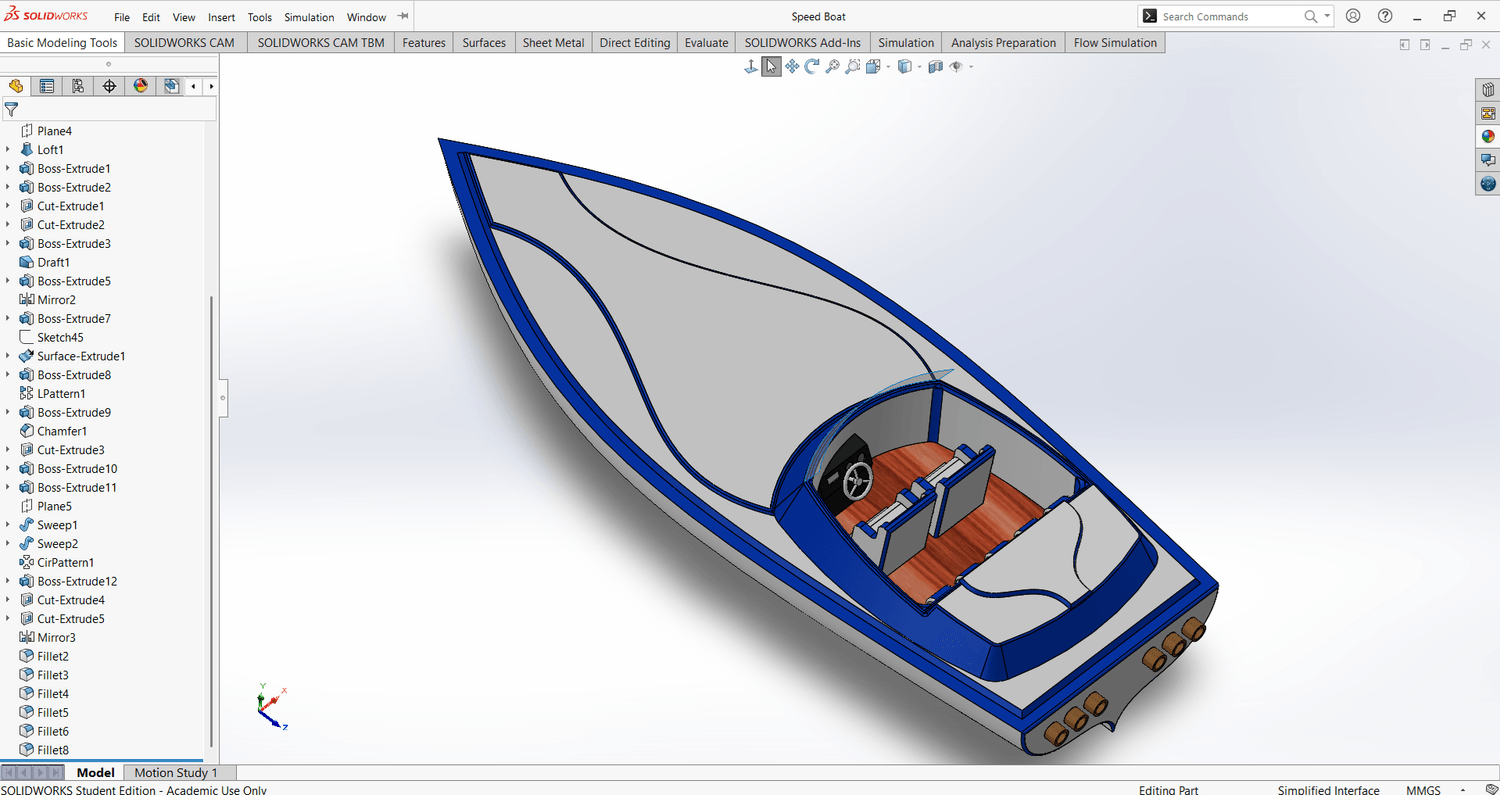
You will build practical models before progressing to the final speedboat project, where you bring together many of the skills covered throughout the handbook.
By completing projects instead of only reading explanations, you can begin developing the confidence to approach new models independently.
Bracket
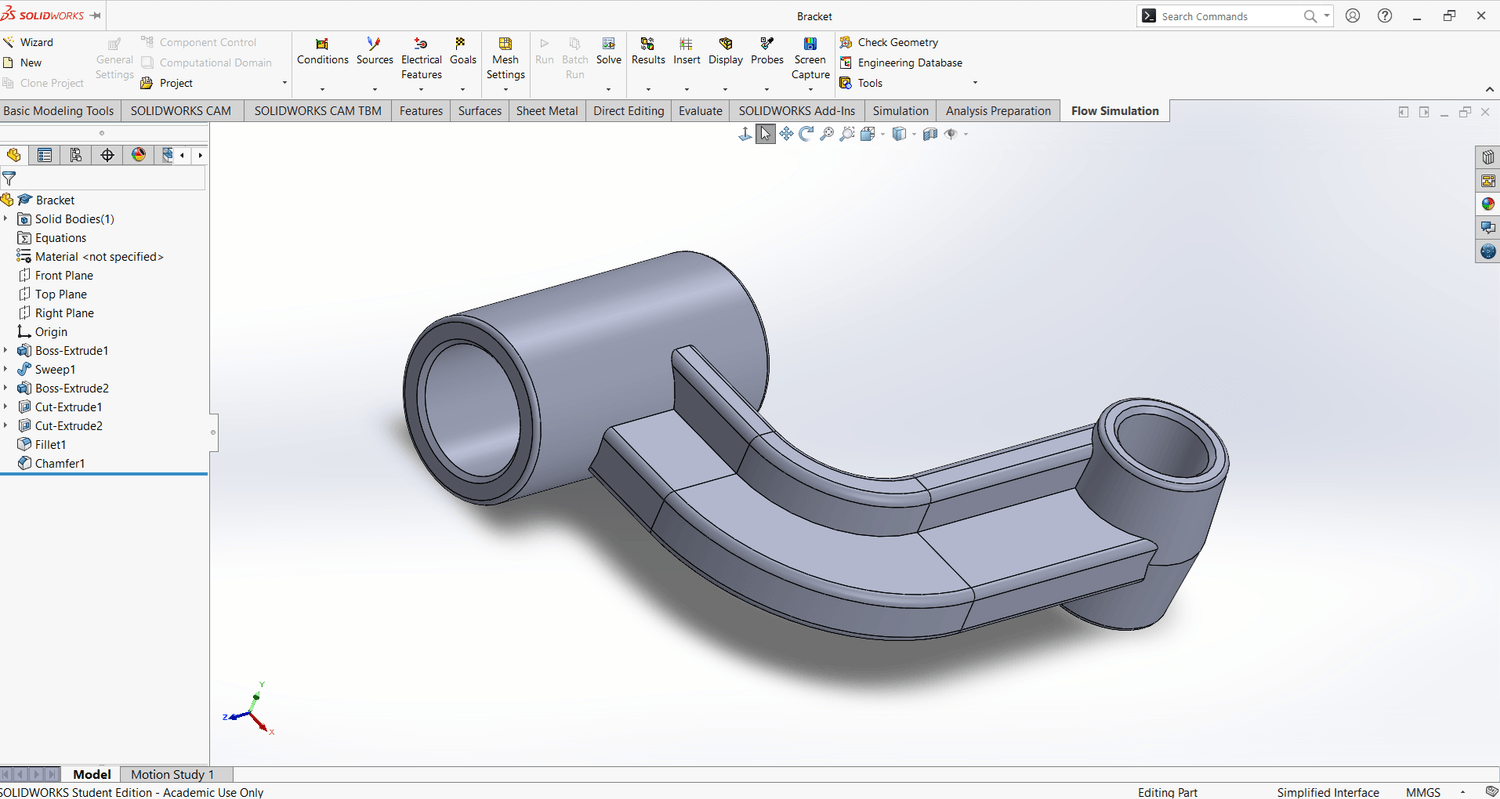
Exhaust Manifold
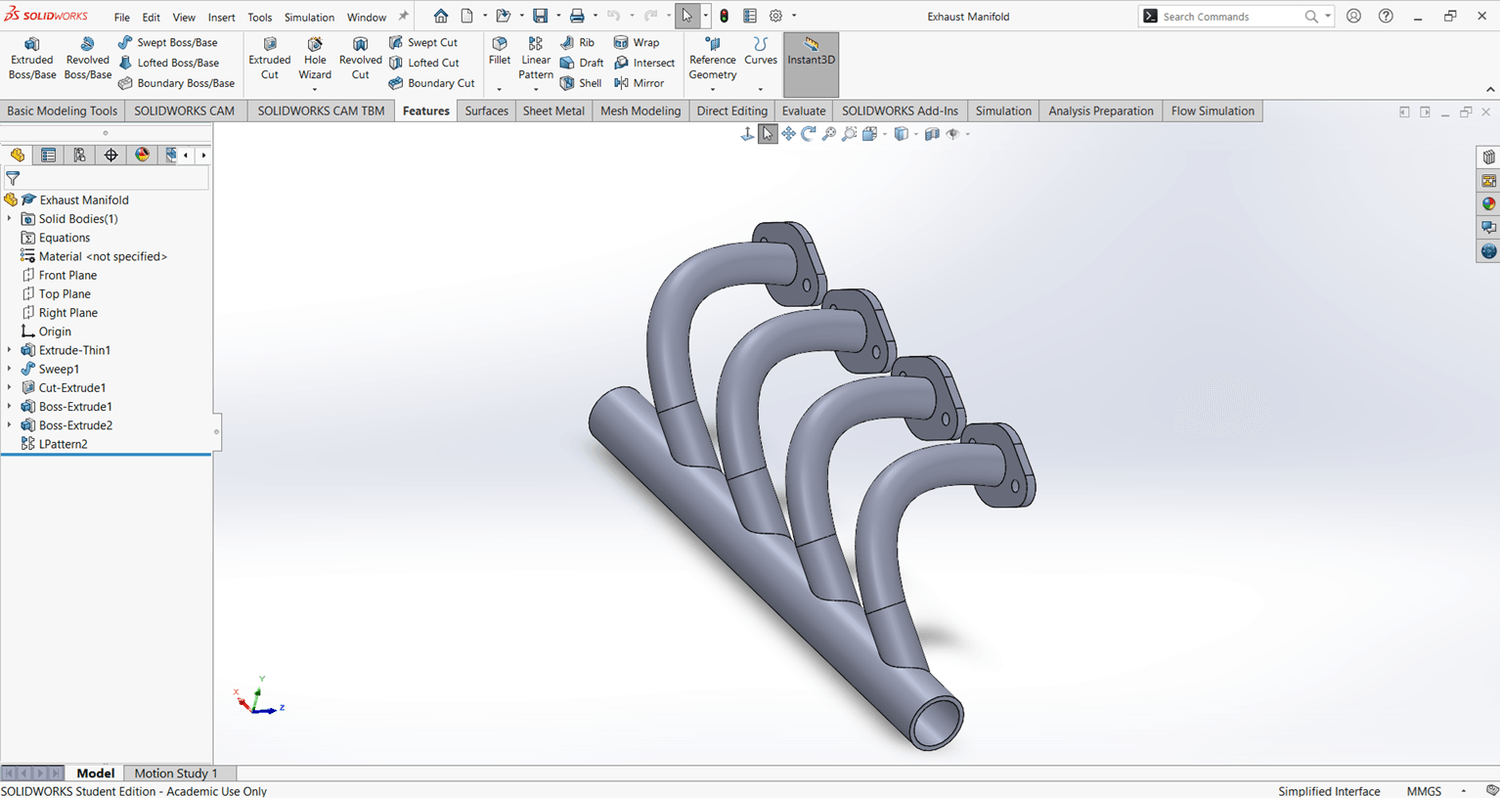
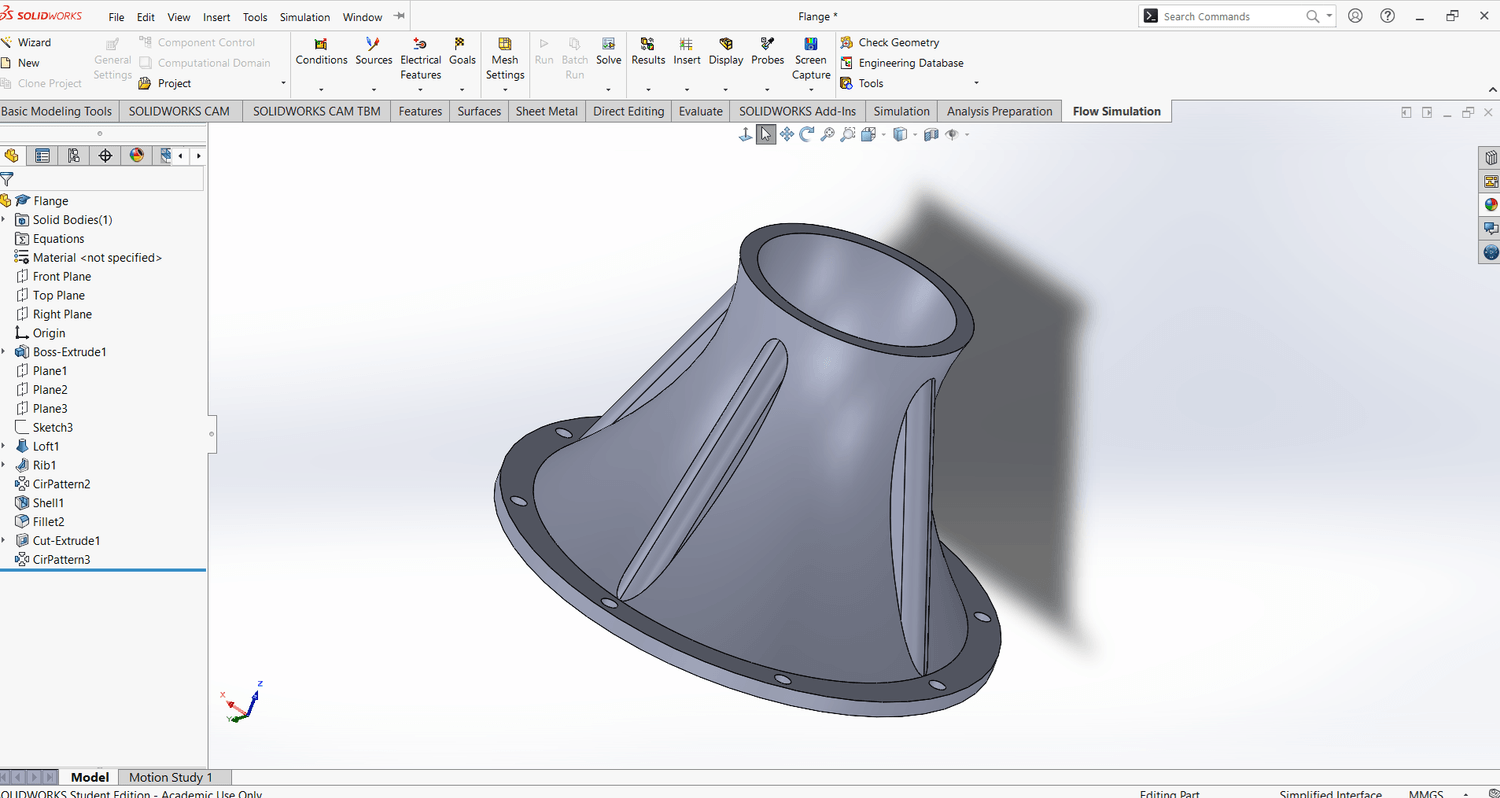
Flange
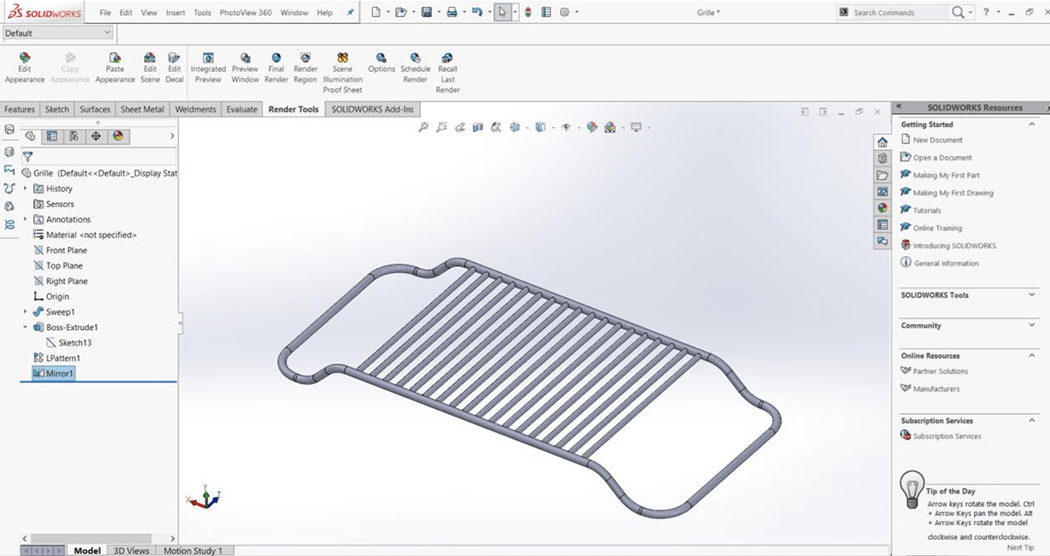
Grille
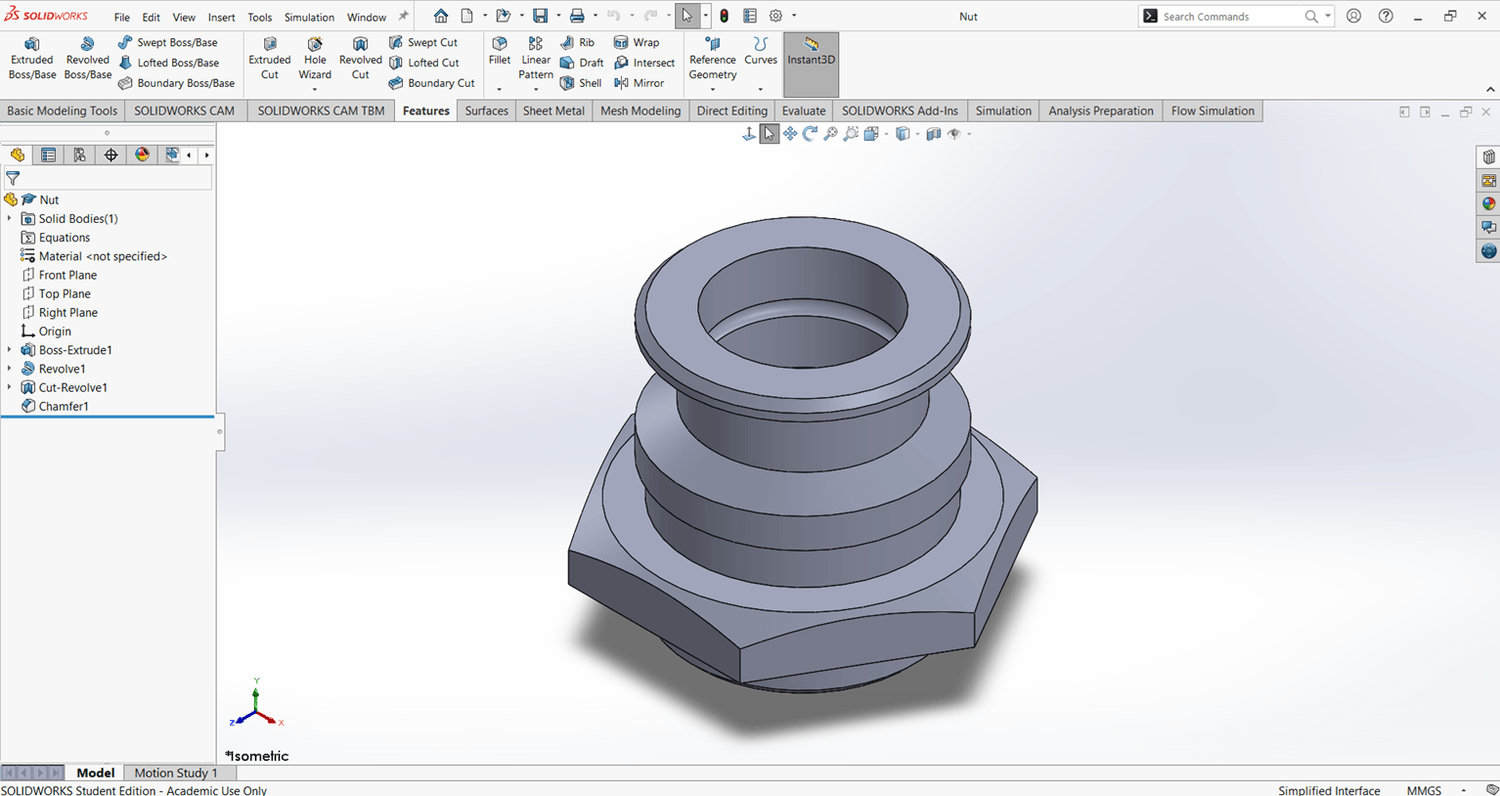
Nut
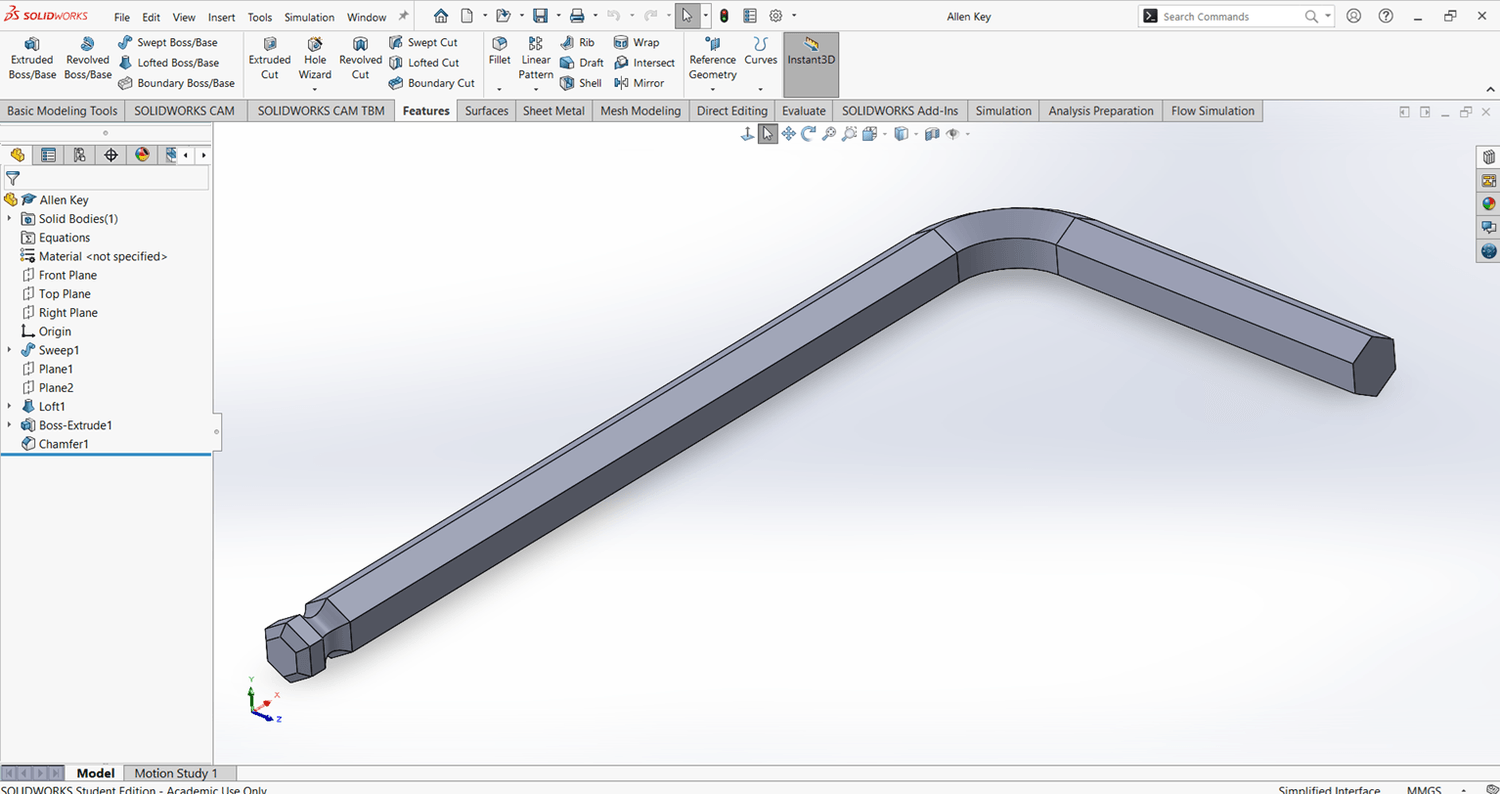
Allen Key
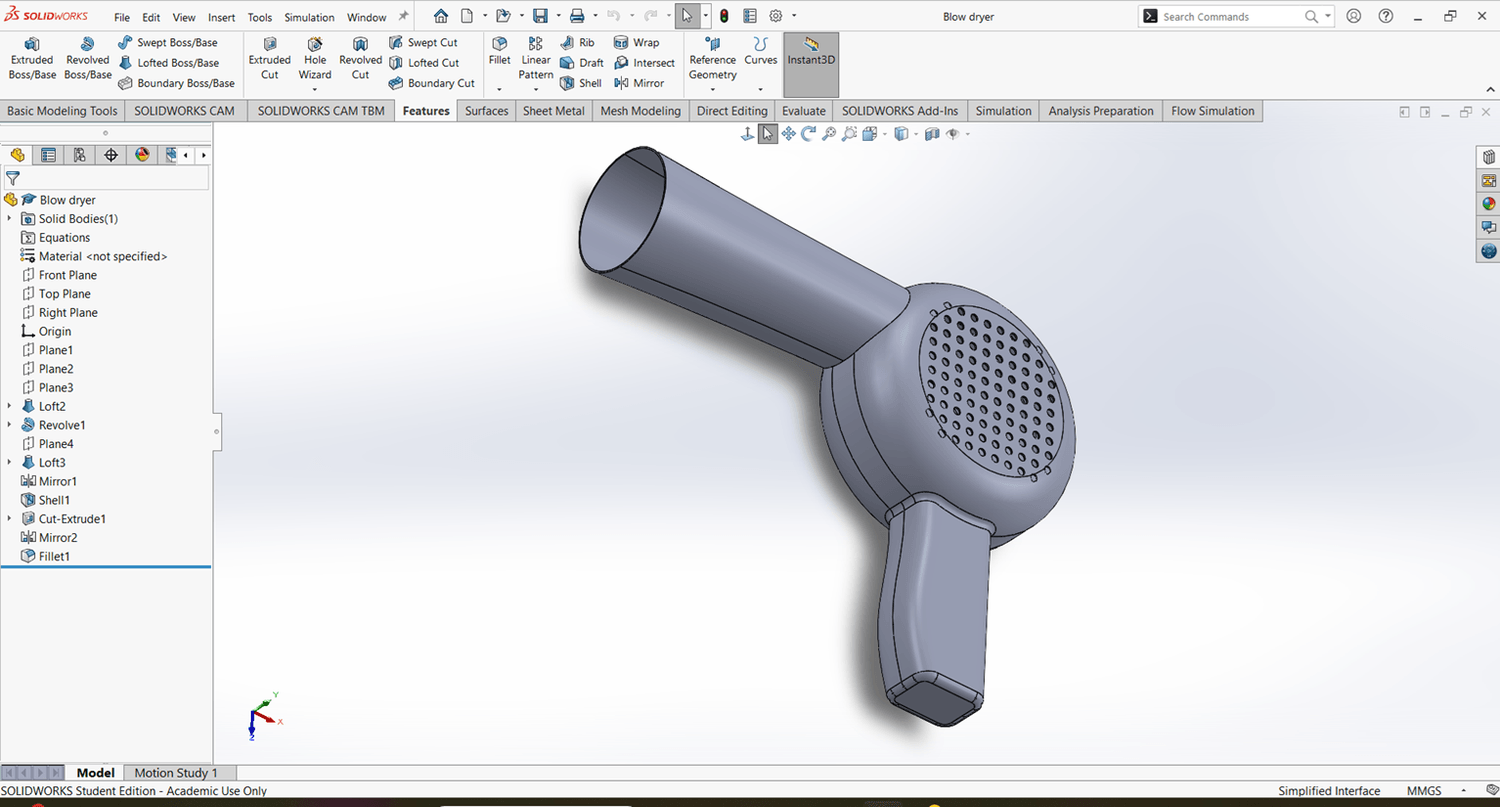
Hair Dryer
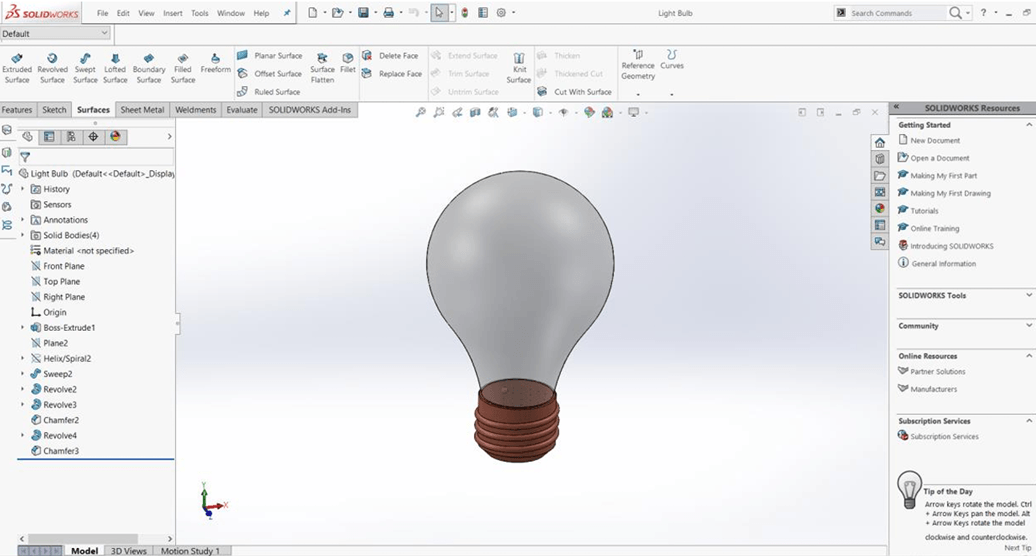
Light Bulb
Final Project: Speedboat
This Handbook Will Help You:
Understand what to learn first
Stop wasting time on disconnected tutorials
Build a structured SOLIDWORKS foundation
Understand when and why different tools are used
Create cleaner sketches and features
Combine individual tools into complete models
Practice your skills through real projects
Prepare for more advanced SOLIDWORKS topics
Build a foundation for CSWA preparation
Who Is This Handbook For?
The SOLIDWORKS Core Skills Handbook 2026 is designed for:
Complete beginners who do not know where to start
Self-taught users learning through online tutorials
Students who understand some commands but cannot yet model independently
Anyone refreshing their SOLIDWORKS fundamentals
Future engineers and designers building practical CAD skills
Learners preparing to move toward the CSWA certification
People who prefer a structured guide instead of scattered information
Learn From a Proven SOLIDWORKS Instructor
My name is Alen Oletić, and I have helped more than 50,000 students worldwide develop their SOLIDWORKS and CAD skills through my online courses.
This handbook is based on the content and teaching approach from my Udemy bestselling SOLIDWORKS course.
I created it to give you a practical, organized learning path that explains the essential tools clearly and shows you how to use them through real examples.
Instead of wondering what to learn next, you can follow one structured resource from the fundamentals to complete projects.
Everything You Need to Start Building a Strong Foundation
Inside the handbook, you get:
Essential Part Design tools and workflows
Assembly Design fundamentals
Drawing Documentation fundamentals
Clear explanations of what the tools do
Guidance on when and why to use each tool
Practical modeling examples
Multiple step-by-step projects
A complete final speedboat project
Get the Complete Handbook for Only $4.99 ($19.99)
You could continue spending hours searching through unrelated videos and trying to decide what to learn next.
Or you can follow a structured handbook that brings the essential tools, explanations, examples, and projects together in one place.
Get the complete SOLIDWORKS Core Skills Handbook 2026 today for a one-time payment of only:
$4.99 ($19.99).
Frequently Asked Questions
Is this suitable for complete beginners?
Yes. The handbook begins with essential concepts and tools, making it suitable for people starting from the beginning.
Does it only explain the tools?
No. In addition to explaining the tools, the handbook includes practical examples and multiple projects that show you how to apply them.
What areas of SOLIDWORKS are covered?
The handbook covers the foundations of Part Design, Assembly Design, and Drawing Documentation.
Does it include projects?
Yes. You will complete multiple practical projects before progressing to the final speedboat project.
Is this a video course?
No. This offer is for the digital PDF handbook, which you can use as a structured learning guide and reference.
Can this help me prepare for the CSWA?
The handbook teaches many core skills that form a strong foundation for CSWA preparation, although it is not presented as a complete certification exam-preparation program.
Stop Guessing What to Learn Next
Build your SOLIDWORKS foundation with a clear path through essential tools, practical examples, and real projects.
Get the SOLIDWORKS Core Skills Handbook 2026 for only $4.99 ($19.99).
©cadandengineeringschool
SOLIDWORKS is a registered trademark of Dassault Systemes SolidWorks Corporation and not related to cadandengineering.com. The intellectual property depicted in these 3D models are not affiliated with or endorsed by the original rights holders.