Your free SOLIDWORKS CFD mini course is on its way to your inbox, and if you want the complete electric motor cooling CFD course, you can get it below with 83% off.
Introduction to CFD in SolidWorks — Simulating Electric Motor Cooling
Learn CFD SolidWorks Flow Simulation using a real-world engineering problem: Cooling performance of an electric motor.
You’ll model airflow, heat generation, meshing strategy, convergence, and temperature fields, and understand what’s happening at every step. By the end, you’ll confidently:
Set up CFD studies from scratch
Define heat sources and materials
Apply boundary conditions correctly
Refine mesh where it matters
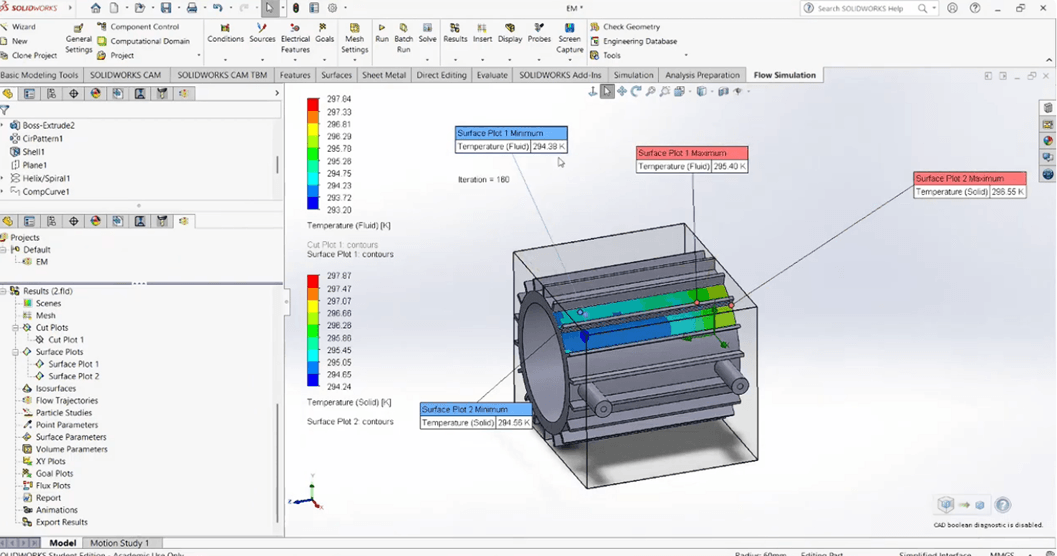
Interpret temperature and velocity plots
Perform mesh sensitivity studies
Evaluate cooling effectiveness
Know when results are reliable
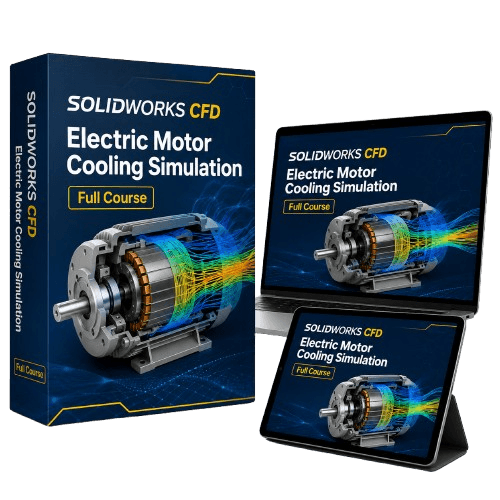
Introducing: Introduction to CFD in SolidWorks — Simulating Electric Motor Cooling
What You’ll Learn Inside
✔ CFD Fundamentals (Without the Theory Overload)
Understand:
• What CFD really solves
• How Flow Simulation works in SolidWorks
• Heat transfer basics
✔ Preparing the Model for Simulation
Learn how to:
• Simplify geometry for CFD
• Seal leaks and cavities
• Define rotating regions
• Assign materials
• Add heat power to components
✔ Mesh Strategy That Makes Sense
Instead of blindly sliding mesh bars, you’ll learn:
• Global vs local mesh refinement
• Mesh control regions
• How to run mesh sensitivity studies
✔ Boundary Conditions & Goals
You’ll see:
• Inlet and outlet setups
• Environmental pressure
• Fans and flow openings
• Heat sources
✔ Running & Interpreting Results
Master:
• Temperature plots
• Velocity fields
• Streamlines
• Cut plots
• Surface parameters
• Heat flux
• Solid temperatures
• Flow paths
✔ Evaluating Cooling Performance
Finally, you’ll analyze:
• Hot spots
• Maximum temperatures
• Cooling channel effectiveness
• Design weaknesses
• How geometry impacts cooling
Electric Motor Cooling Simulation
Who This Course Is For
Mechanical engineering students
Junior engineers
Product designers
Anyone starting with CFD
SolidWorks users wanting thermal simulations
Engineers working with motors, housings, or electronics
By the End of the Course, You’ll Be Able To:
Run CFD studies
Explain your simulation choices
Validate mesh quality
Spot unrealistic results
Optimize cooling designs
Add CFD to your engineering skillset
Stand out in job interviews
Save time during design
©cadandengineeringschool
SOLIDWORKS is a registered trademark of Dassault Systemes SolidWorks Corporation and not related to cadandengineering.com. The intellectual property depicted in these 3D models are not affiliated with or endorsed by the original rights holders.