90-Day SolidWorks Career Accelerator
In 90 days, go from beginner to Certified SolidWorks Pro — with a portfolio that gets you hired
This isn’t just another course. The SolidWorks Career Accelerator is a complete transformation program designed to take you from beginner or intermediate SolidWorks user…to standing out as a certified, job-ready designer with a portfolio that proves your skills.
The Problem
Let’s be real:
You can waste months watching random YouTube videos.
You can buy cheap courses that teach buttons — but never show you how to land a job.
You can keep applying without certifications, without a portfolio, without confidence.
That’s why most beginners get stuck: they “know the basics” but remain invisible to employers.
Who This Is For
Engineering students who want to stand out before graduation
Designers who want to handle complex, higher-paying projects
Professionals who need certification to move up in their career
Freelancers looking to win more (and better-paying) clients
Anyone tired of trial-and-error learning and finally ready for a proven system
What You’ll Learn
In 90 days, you’ll master every major SolidWorks skill employers and clients look for:
Sketching & Part Design — build a strong foundation
Assembly Design — create full products with multiple components
Drawings — produce professional 2D engineering drawings
Rendering & Visualization — make your designs presentation-ready
Animations & Motion Studies — show movement and functionality
Modeling from Photographs — advanced, real-world projects
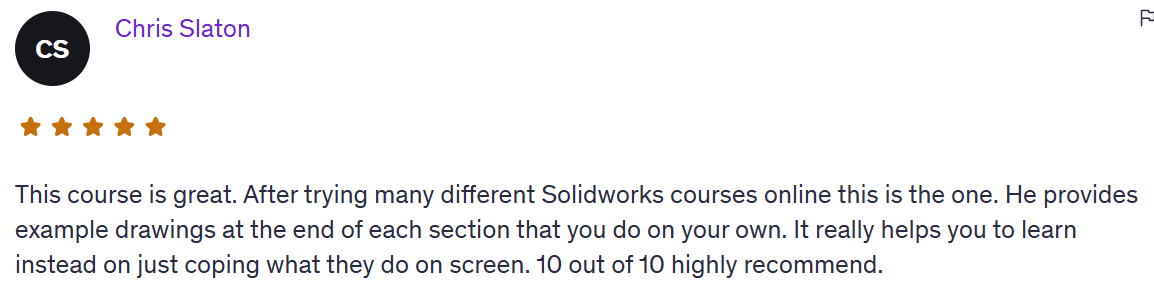
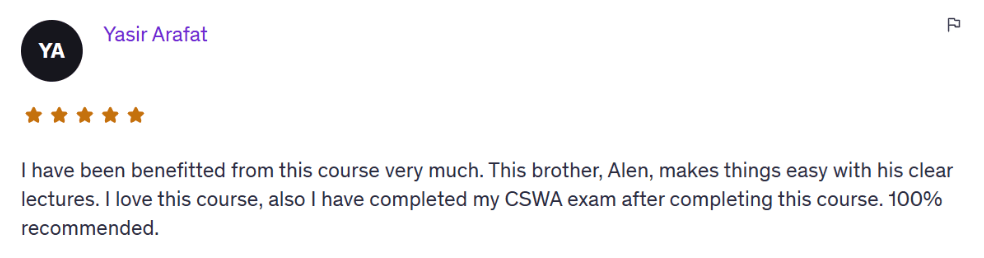
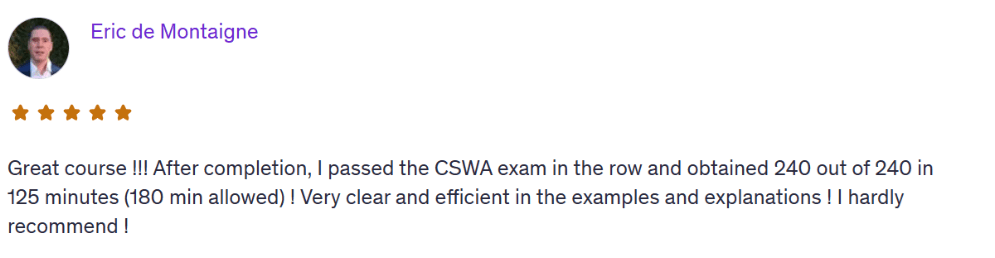
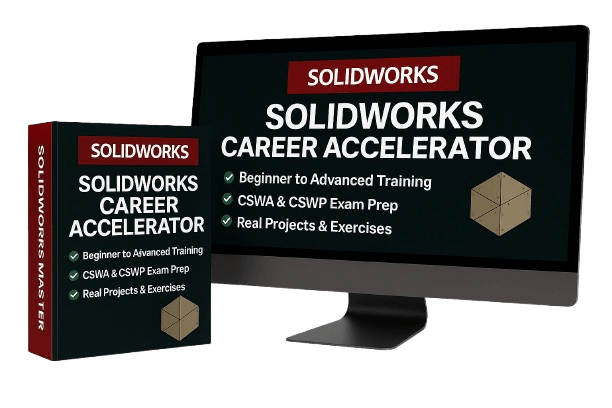
Certification Prep — CSWA + CSWP fast-track training
Portfolio Builder — complete 5–7 professional projects to showcase your skills
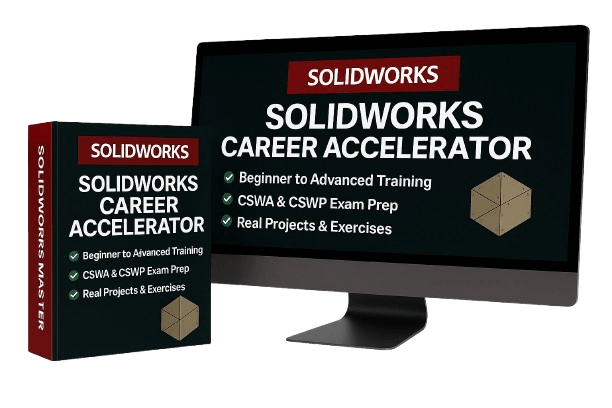
What’s Inside the Accelerator
1. Complete Knowledge Path
A step-by-step roadmap covering fundamentals → advanced skills.
No guessing. No wasted time.
2. Certification Prep (CSWA + CSWP)
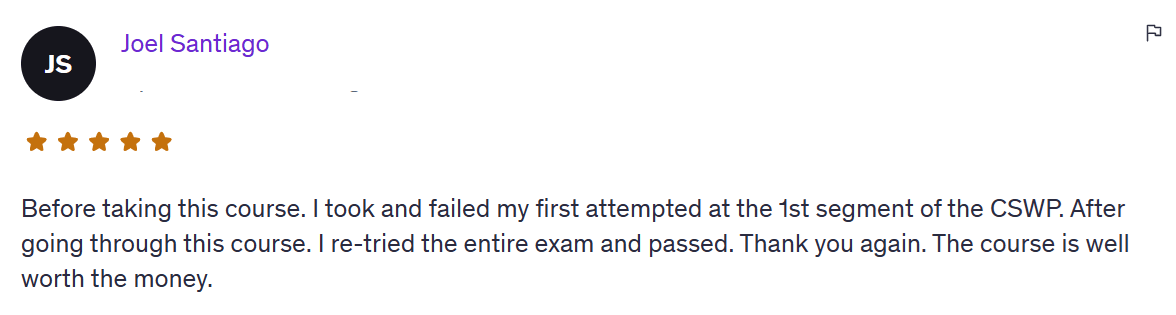
Pass both certifications on your first try.
Includes practice exams, timed walkthroughs, and exam-style projects.
3. Portfolio Builder System
Create 5–7 projects employers and clients can’t ignore.
Learn exactly how to present your portfolio so it wins interviews and contracts.
Your 90-Day Roadmap
Month 1 — Foundations & Core Skills
Master interface, shortcuts, 2D sketching, part modeling basics
Build first assemblies + drawings
Reinforce with real-world exercises
Month 2 — Advanced Design & Specialization
Advanced assemblies + complex part modeling
Professional drawings + detailing
Rendering, animation, and modeling from photographs
Month 3 — Certification & Portfolio Building
CSWA + CSWP full prep & simulations
Build advanced projects for your portfolio
Learn how to present your work to stand out in interviews & freelancing
The Outcome
By the end of the Accelerator, you will:
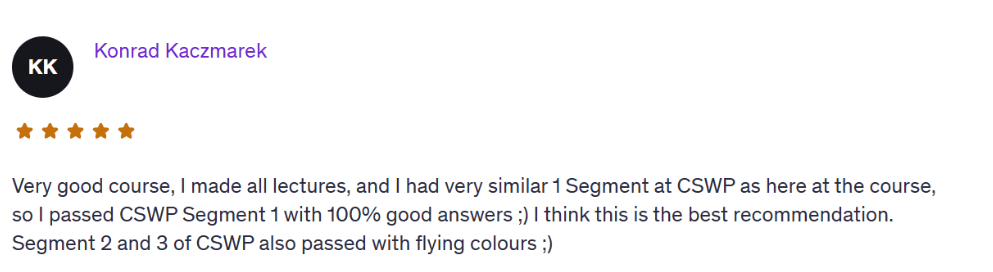
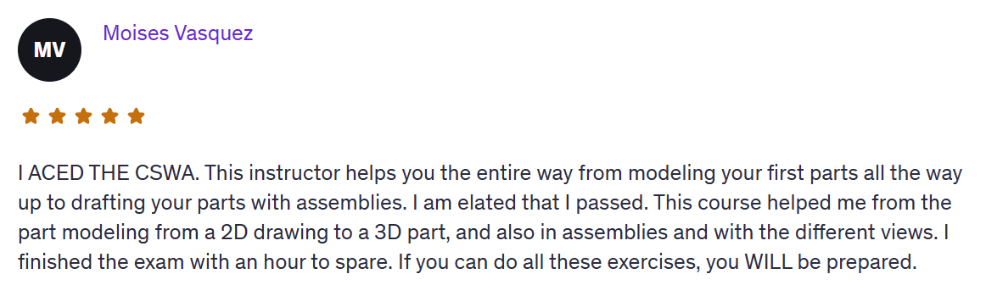
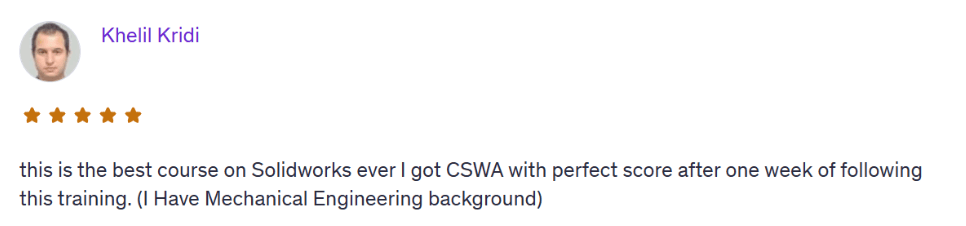
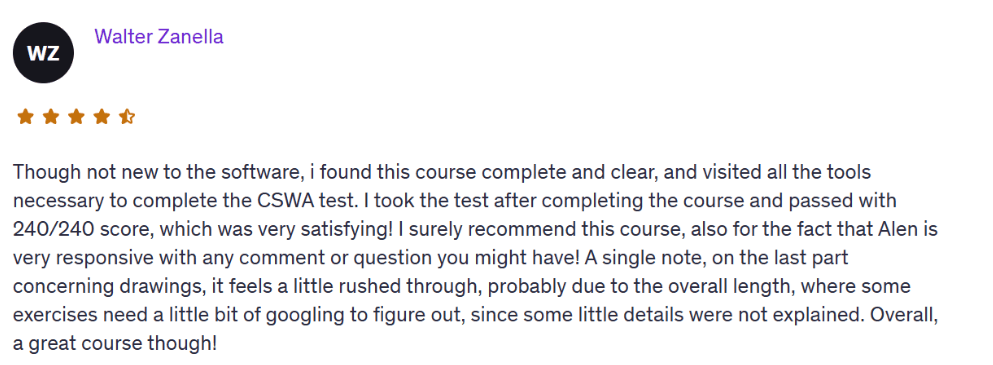
Be CSWA + CSWP Certified (official, industry-recognized).
Have a portfolio of 5–7 real projects that prove your skills.
Design with confidence in real-world scenarios.
Know how to position yourself for jobs, promotions, and clients.
Bonuses
Portfolio template ($197 value) — a done-for-you template you can copy/paste so your portfolio instantly looks professional.
LinkedIn optimization guide ($97 value) — proven layout and wording that gets recruiters and clients reaching out to you.
Is there a guarantee?
Follow the roadmap, and if you’re not confident, certified-ready, and portfolio-ready by the end…
Just send me an email to alen@cadandengineering.com, and I'll give you full refund.
Imagine:
Walking into an interview with a certification in hand
Showing a portfolio with real projects
Feeling confident designing without hesitation
Having the skills that 85% of other SolidWorks users lack
This ties back to the transformation.
Frequently Asked Questions
Yes. We start from zero. You’ll learn the SolidWorks interface, basic sketching, part modeling, assemblies, and how to actually build real-world parts. No experience needed.
You get lifetime access. No rush, no deadlines. You can go through the lessons at your own pace and revisit them anytime.
You can. But you’ll waste 6–12 months piecing together random tutorials — and still end up without certifications, portfolio, or clarity. This Accelerator gets you certified and job-ready in 90 days.
Any version from 2016 and up is totally fine. You don’t need the latest one — almost everything we cover works in older versions too.
No. If you can open SolidWorks and follow simple steps, you’re good. Everything is explained clearly and built for someone with no tech background.

Join Today
Enroll now in the 90-Day SolidWorks Career Accelerator
In 3 months, you’ll go from beginner to certified SolidWorks pro with a career-ready portfolio and the confidence to stand out in interviews and projects.
It’s not for everyone. This isn’t just about learning SolidWorks. It’s about accelerating your career and moving into the top 10–15% of designers who stand out with certifications, portfolios, and proof of skill.
@Copyright 2025