SolidWorks Career Accelerator
If your brain goes blank every time you open SolidWorks, and you’re tired of watching random YouTube tutorials, and you don’t want to “figure it out” or “learn by trial and error”, you just want to open the software and actually build something that works then you should probably read this page.
Ok so you’ve decided to learn SolidWorks.
You’ve watched some YouTube videos, maybe even tried a course or two.
And you really want to get good at it.
But every time you open a blank part file…your brain turns into mashed potatoes and your mouse hand forgets how to function.
You don’t know where to start or what to click.
You try sketching something and the dimensions explode.
You try making a feature and it says “fully define the sketch.”
You search for answers, but end up more confused than before.
Your confidence evaporates.
You remember 37 other things you’d rather be doing.
You scroll Reddit and tell yourself you'll try again tomorrow.
You watch one more video that says “this is beginner-friendly” —
But somehow you’re still stuck.
Nothing makes sense.
And you start wondering if maybe you’re just not “a CAD person.”
You click.
Undo.
Click again.
Undo.
Then rage-quit.
I’m sure you’ve been there before.
We all have.
But if that does describe you…
BOY OH BOY, DO I HAVE SOME GOOD NEWS FOR YOU!!!
Because I’ve created a SolidWorks course that’s going to, quite literally, change your life .
By giving you a clear path, real-world projects, and the confidence to finally build stuff that works.
It’s called SolidWorks Career Accelerator.
And it’s made for beginners like you.
SolidWorks Career Accelerator
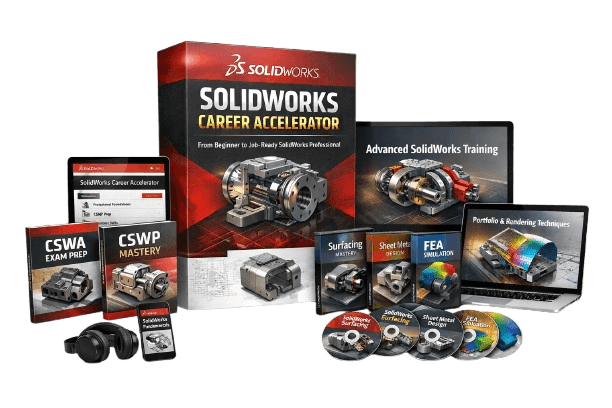
🧩A step-by-step SolidWorks system that actually makes sense
⏱️Follow it just 30 minutes a day — no guesswork
🛠️ Perfect for beginners who want to build real parts and real skills
🚀 Designed to take you from “where do I start?” to “I got this” — even if you’ve never used SolidWorks before
“Who the heck is this Alen Oletic guy and why should I care about his SolidWorks course?”
Fair question.
You probably saw an email…
Maybe got a little curious about this “Career Accelerator” thing…
And now you’re here, wondering:
Is this actually going to help me learn SolidWorks for real?
Let me introduce myself.
My name’s Alen.
I’m a mechanical engineer and Certified SolidWorks Professional.
Over the last few years, I’ve taught over 49,000 students how to actually get good at SolidWorks.
But more importantly…
I remember what it was like when I was just starting.
Confused.
Frustrated.
Bouncing from YouTube video to YouTube video, trying to piece things together.
That’s why I created SolidWorks Career Accelerator.
The course I wish I had when I was starting out.
No fluff.
No random tips.
Just a clear path that takes you from “Where do I even start?” to “I can actually build something real.”

I’ve worked with students across the world, from high school kids trying to pass their school exam, to engineers looking to upgrade their skills and get certified.
And when I say this course works, I’m not guessing.
I’ve spent the last few years inside SolidWorks every single day —
Testing what works.
Breaking down real projects.
And building a course that actually teaches you how to create real parts that make sense.
This isn’t some fluff-filled tutorial or random tips video.
This is a battle-tested system built from the ground up to help beginners win.
And if you follow it, it’ll work.
How can I be so sure?
Well…
Because I was you.
And this is the course I wish I had when I was starting out.
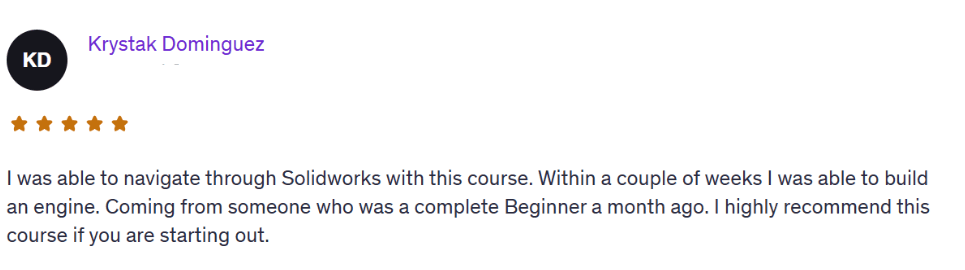
Getting good at SolidWorks doesn’t require talent.
Not some overpriced degree.
Not hours wasted on YouTube.
And definitely not clicking random buttons and hoping things work.
What you need is a simple, clear system that actually works.
And that’s exactly what you’re getting here:
A step-by-step SolidWorks course built for beginners who want to stop guessing and start building real parts...IMMEDIATELY.
Even if you’ve never opened SolidWorks.
Even if you’ve tried and failed before.
Even if the last thing you made looked like a broken Lego piece.
I took everything I wish I had when I was starting…
Filtered it down into a clean, no-fluff system…
And turned it into SolidWorks Career Accelerator.
It shows you exactly what to do, in what order, and why.
No skipping around. No confusion. No wasted time.
You just follow the path, apply what you learn, and feel your confidence grow with every click.
This course was designed to be as beginner-proof as humanly possible.
I walk you through it all — tools, projects, practice files.
So you’re never left thinking, “What do I do next?”
You’ll stop watching and start doing.
You’ll finally build stuff that looks like it belongs in the real world, not in the trash.
There’s an old saying:
“Give a man a model and he copies it once. Teach him SolidWorks the right way and he builds whatever he wants.”
Well… that’s what this course is about.
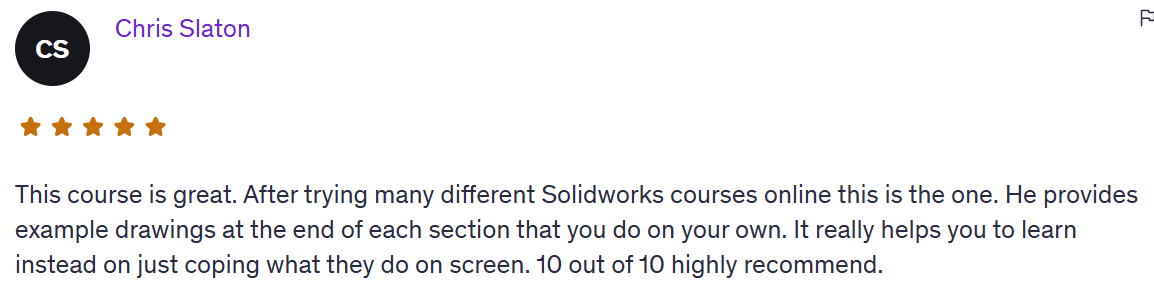
Of course, you can take your own path if you want to.
But I designed this course to be as step-by-step and beginner-proof as possible.
You don’t need to piece together random tutorials.
You don’t need to guess which tool to use or what to learn next.
Just follow the lessons in order, and you’ll start building real parts with confidence.
This system isn’t just for one project or one moment.
You can reuse the skills you learn here for the rest of your career.
SolidWorks doesn’t change overnight, and neither do the fundamentals.
This course is evergreen.
Whether you’re applying for jobs, or building your portfolio,
LaunchPad gives you the foundation that everything else builds on.
These are the same tools and techniques I’ve used to teach over 3,500 students.
From beginners who’ve never opened SolidWorks...
To professionals upgrading their skills after years in the industry.
And if you stick with it, even just 30 minutes a day...
You’ll be shocked at what you can build in a few weeks.
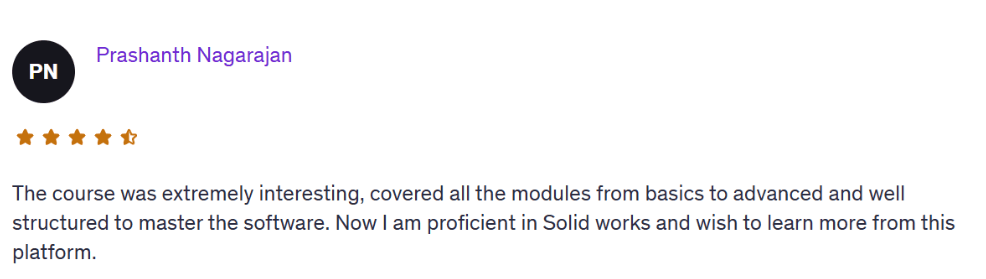
Who is this course for?
This course is for anyone who wants to finally learn SolidWorks — the right way.
It’s especially for YOU if any of this sounds familiar:
If opening SolidWorks makes you question every life decision that led you to this point…
And you’re tired of pretending another YouTube video will fix it…
LaunchPad will do the heavy lifting for you.If every time you try to follow a tutorial, you end up confused, stuck, and closing SolidWorks in frustration…
This might be the fix you’ve been hoping for.If staring at the interface has become your default “learning strategy”…
And your only real plan is “maybe I’ll figure it out eventually”…
This course was built for you.If you’ve ever Googled “how to get started with SolidWorks” and ended up on a forum from 2009 with no clear answer…
Just grab this instead.If you’ve been “thinking about learning SolidWorks” longer than it would take to finish this course…
Well… that’s kind of the point of LaunchPad.If you know SolidWorks is a real skill that gets real jobs, but you’re still stuck at square one…
This course will get you moving fast.If you’ve been telling yourself you’ll “figure it out tomorrow” for the last three weeks, but tomorrow never shows up…
This might be the closest thing to a rescue plan you’ll find for $297.If “learning SolidWorks” feels like shouting into the void, and the void is laughing at your sketches…
LaunchPad will finally give you structure, clarity, and progress.If you’ve tried five free tutorials and still don’t know how to build a real part from scratch…
Maybe don’t try another video. Just start here.If using SolidWorks feels like a constant failure loop — click, error, undo, repeat...
This course will break the cycle and give you actual momentum.If you’ve got ambition, curiosity, and a little bit of time, but no clue what to do when you open the software…
SolidWorks LaunchPad is probably the best $297 you’ll spend on your future.
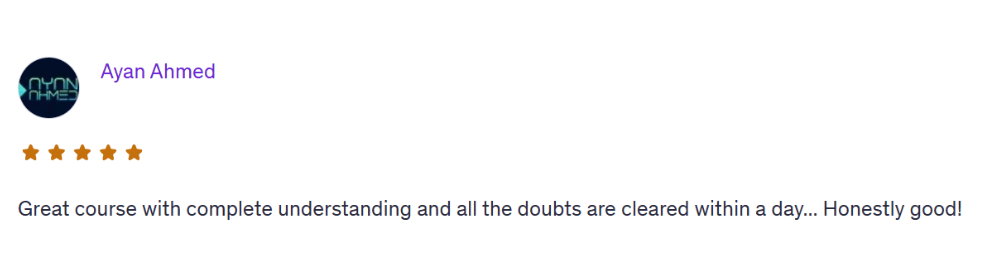
Here's what's included
A complete, beginner-friendly SolidWorks system designed to take you from “no clue what I’m doing” to building real parts with confidence.
You’ll get:
Step-by-step video lessons that actually make sense
Real-world projects you can follow and build yourself
Practice files, walkthroughs, and cheat sheets to help you avoid getting stuck
A full course roadmap, so you always know what to do next
Instant access to everything
Want a sneak peek?
You’ll go from your first sketch...
To building assemblies...
To creating models that look like they belong in the real world.
Even if you’ve never touched SolidWorks in your life.
Even if tech usually makes your head spin.
And yes, you get lifetime access to the course, the updates, and any future upgrades I add.
All I want is for you to actually use it, and finally feel what it’s like to be good at SolidWorks.
Let’s build.
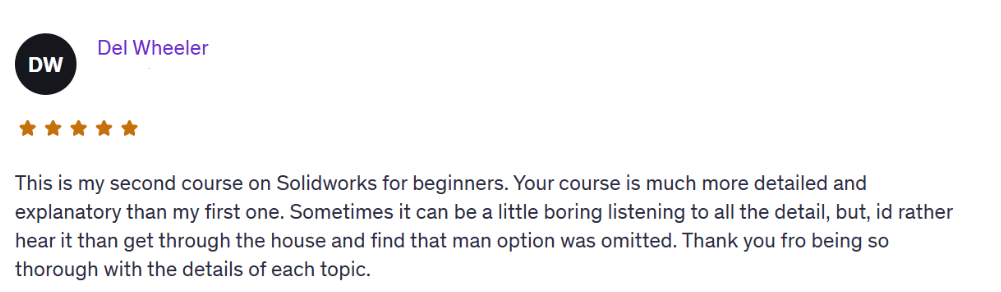
What's Included
Sketching Module
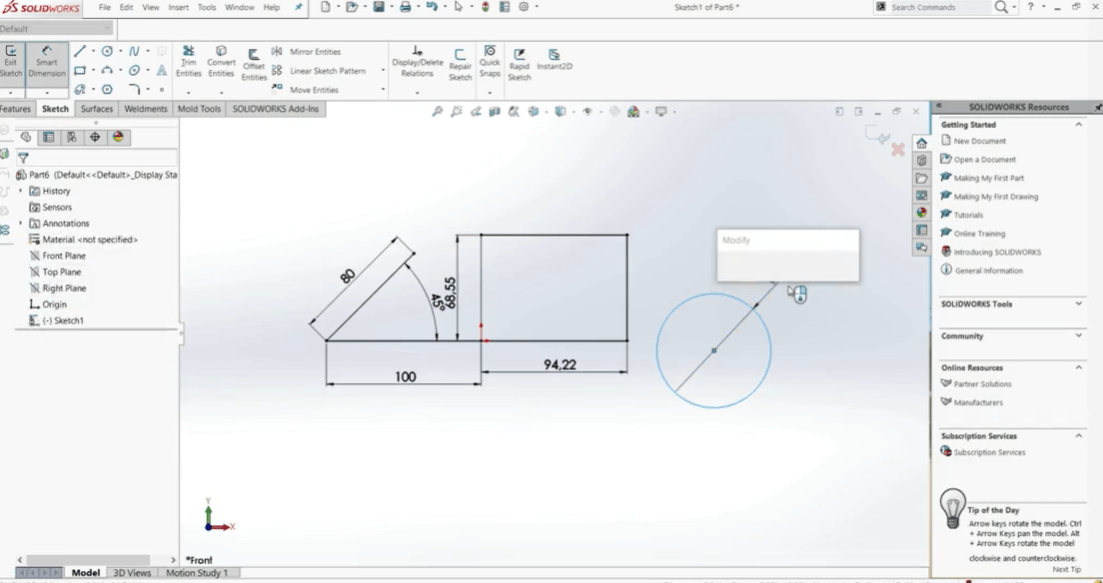
Interface walkthrough and setup
Drawing first sketches with constraints and relations
Simple modeling basics
Advanced 2D sketching
Using parameters, design intent, and equations
Part Design Module
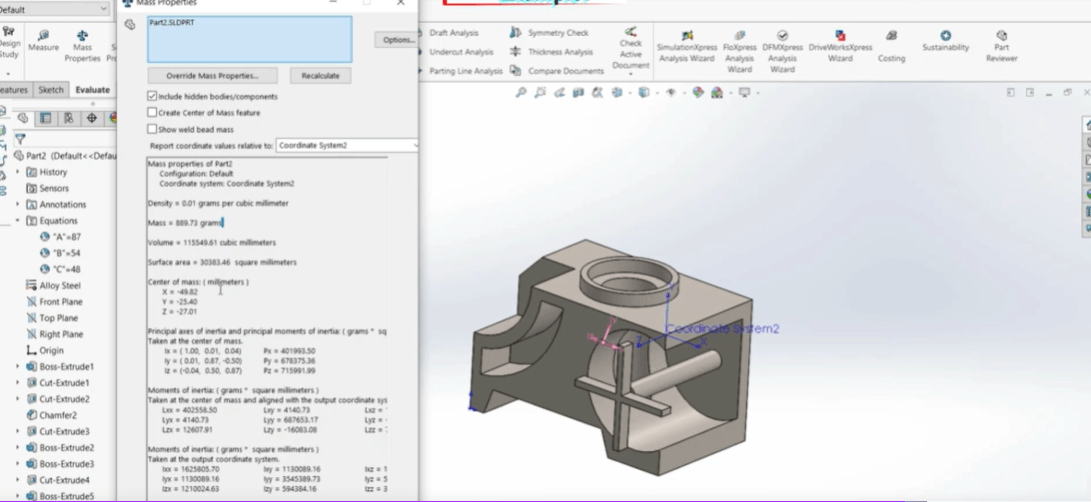
Extrude, Revolve, Loft, Sweep
Fillets, Shells, Drafts, and Patterns
Parametric modeling principles
Assembly Module
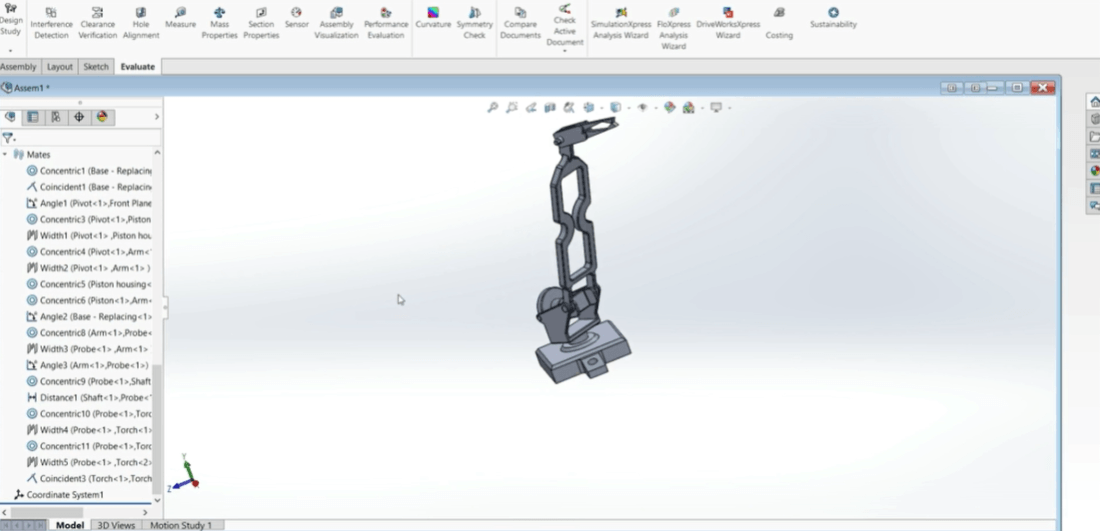
Multi-part assemblies
Mates and mechanical motion
Advanced mates
Drawing Module
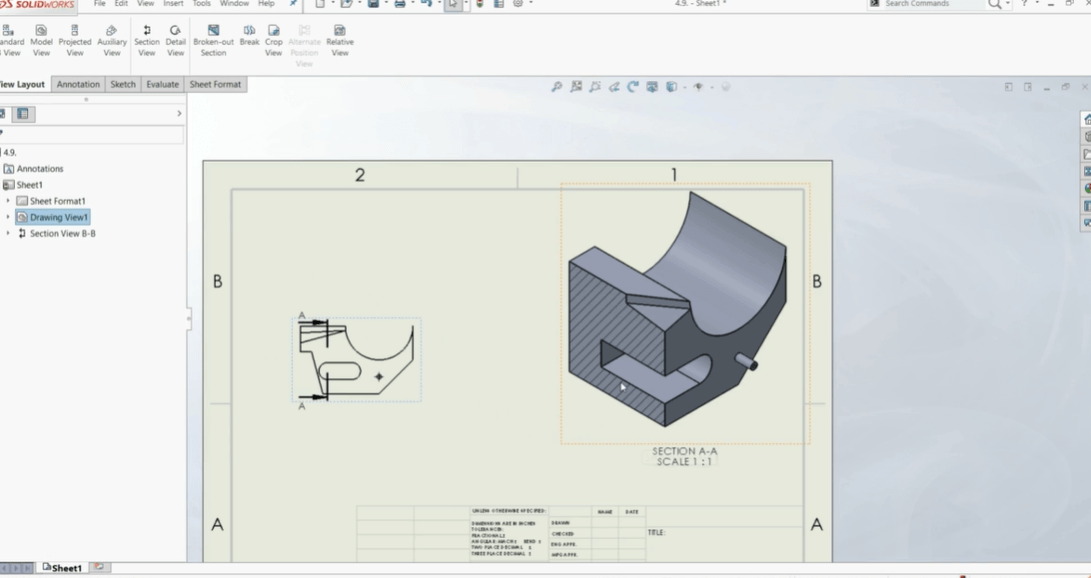
Review drawing standards: views, dimensions, annotations
Practice creating fully defined drawings with BOM and title blocks
Final review of common mistakes and personal drawing feedback
Rendering & Animation Module
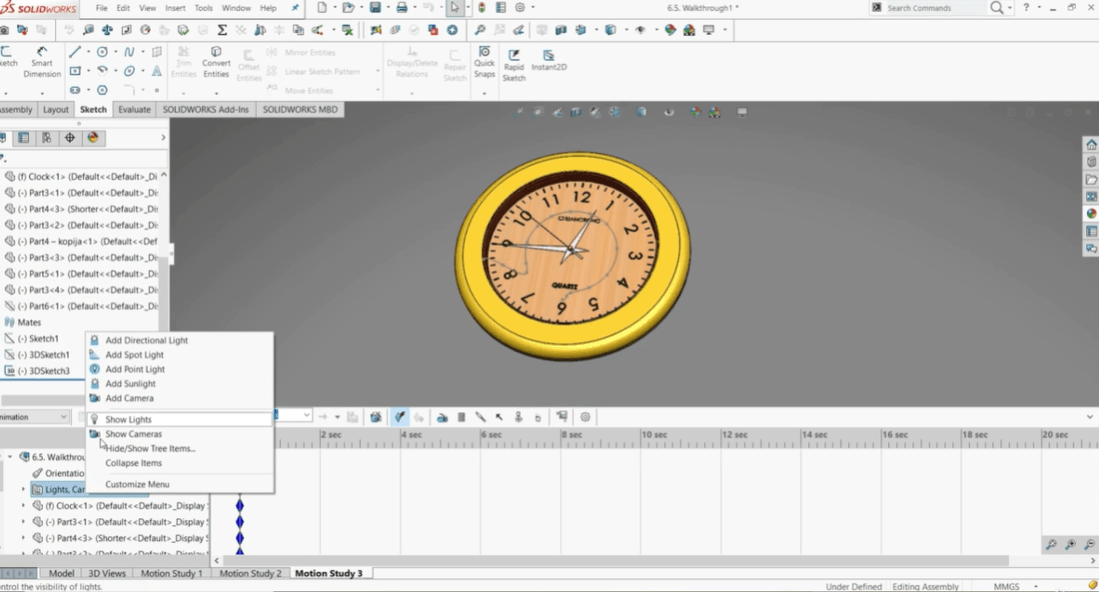
Apply materials, lighting, and backgrounds for clean renders
Create basic exploded views and animation studies
Export final visuals for certification projects or portfolioio
Modeling From Photo Module
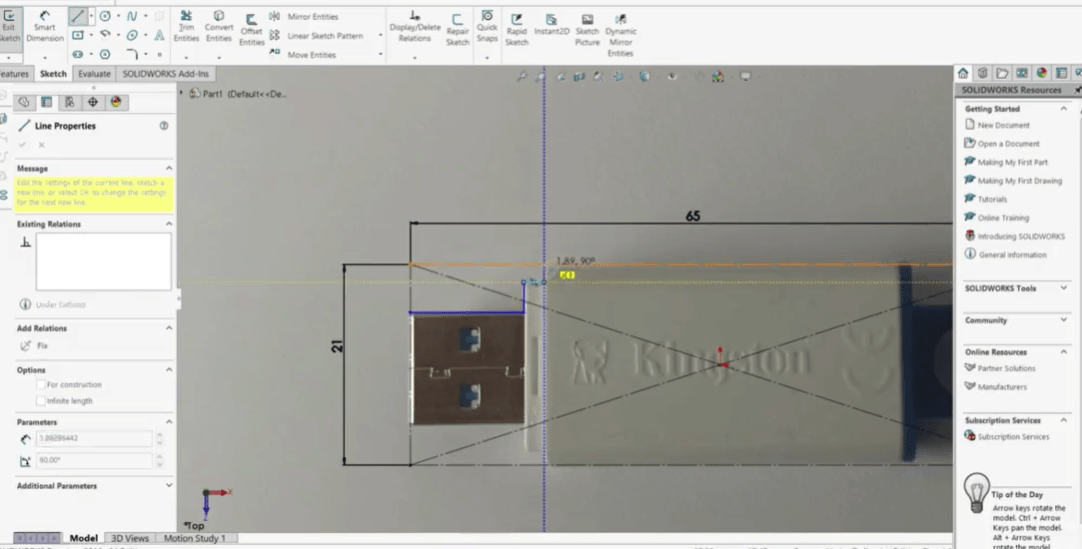
Learn how to take real product photos and turn them into 3D SolidWorks models — a powerful skill for freelance, prototyping, or creative design projects.
Evaluation Tools Module
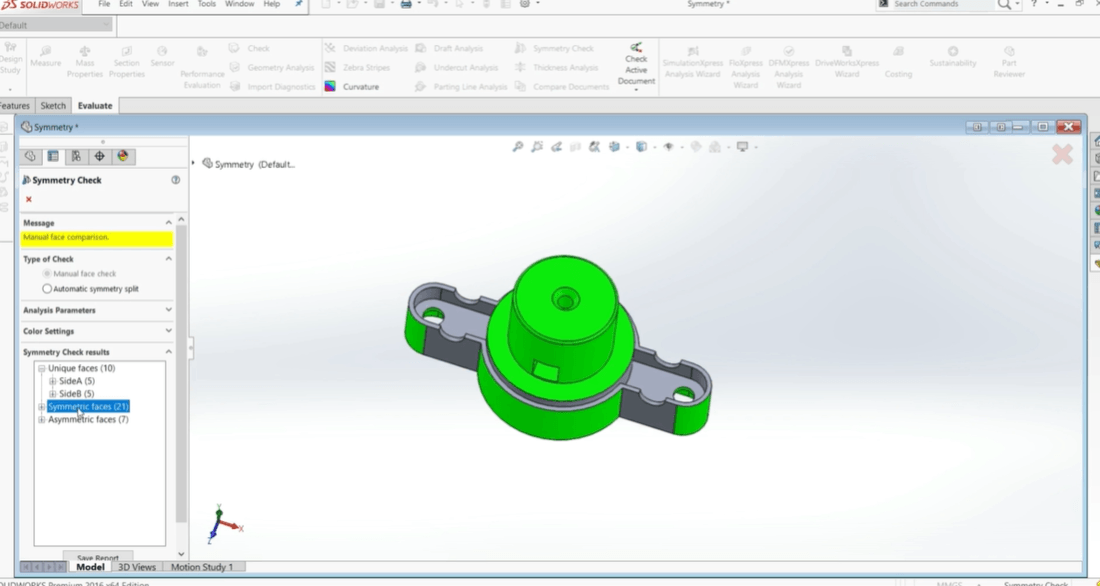
Master SolidWorks’ built-in tools like Compare, Interference Detection, Mass Properties, and more — so you can review, validate, and improve your parts like a true professional.
Portfolio Module
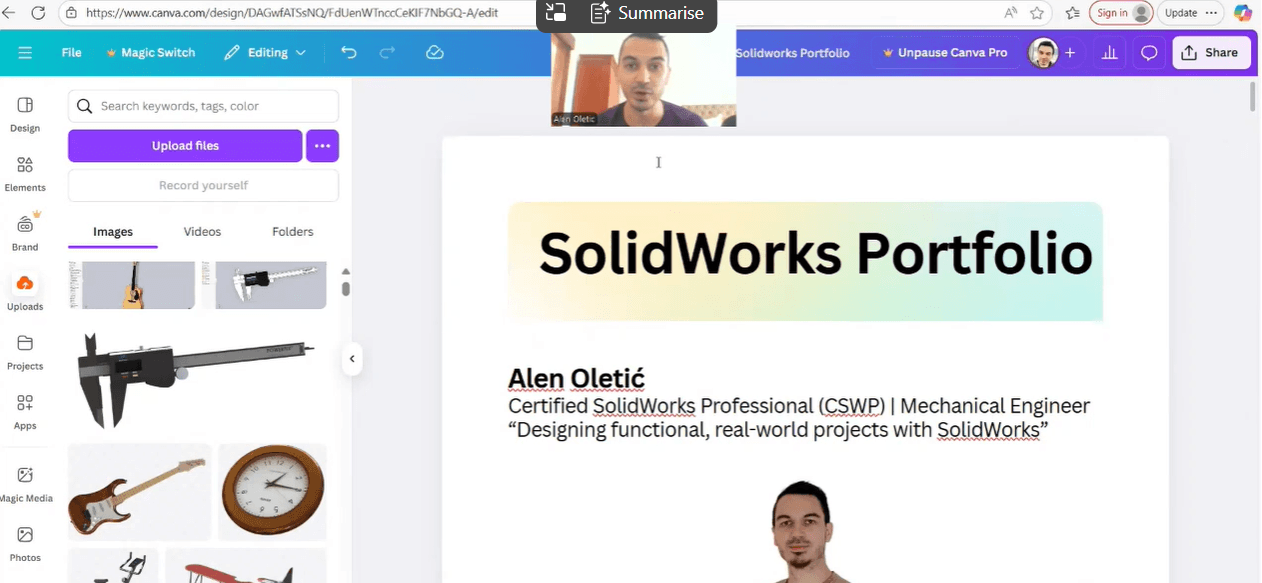
Learn how to build portfolio that gets you hired: what to include, what you should never put in. Training + template.
Evaluation Tools Module
Master SolidWorks’ built-in tools like Compare, Interference Detection, Mass Properties, and more — so you can review, validate, and improve your parts like a true professional.
Examples
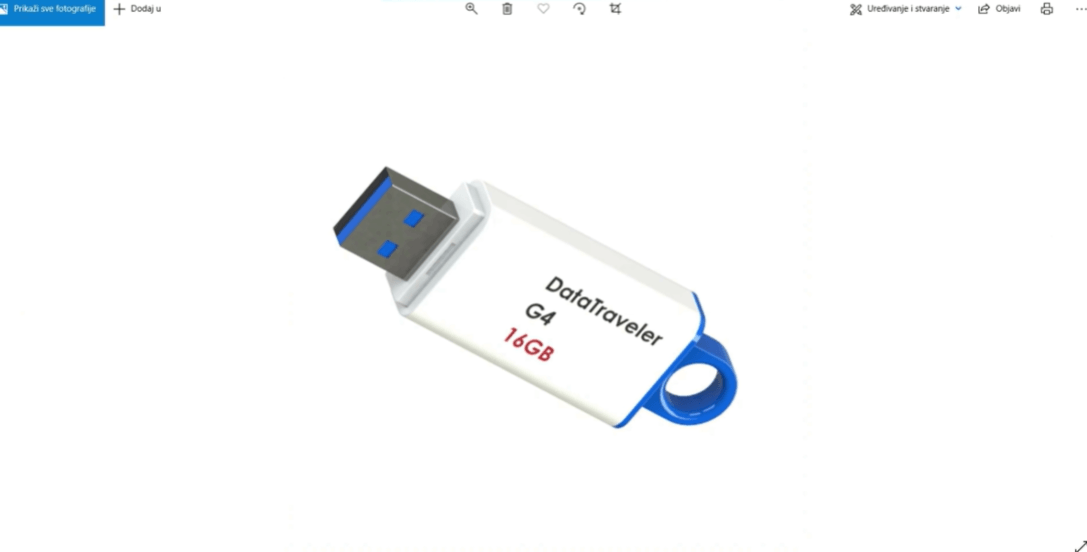
Exercises
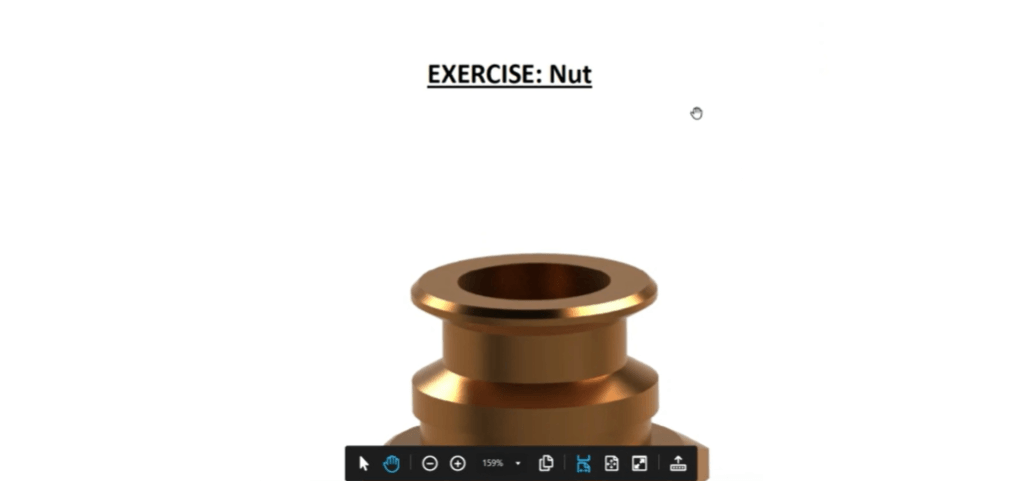
Bonus 1: Surfacing Course
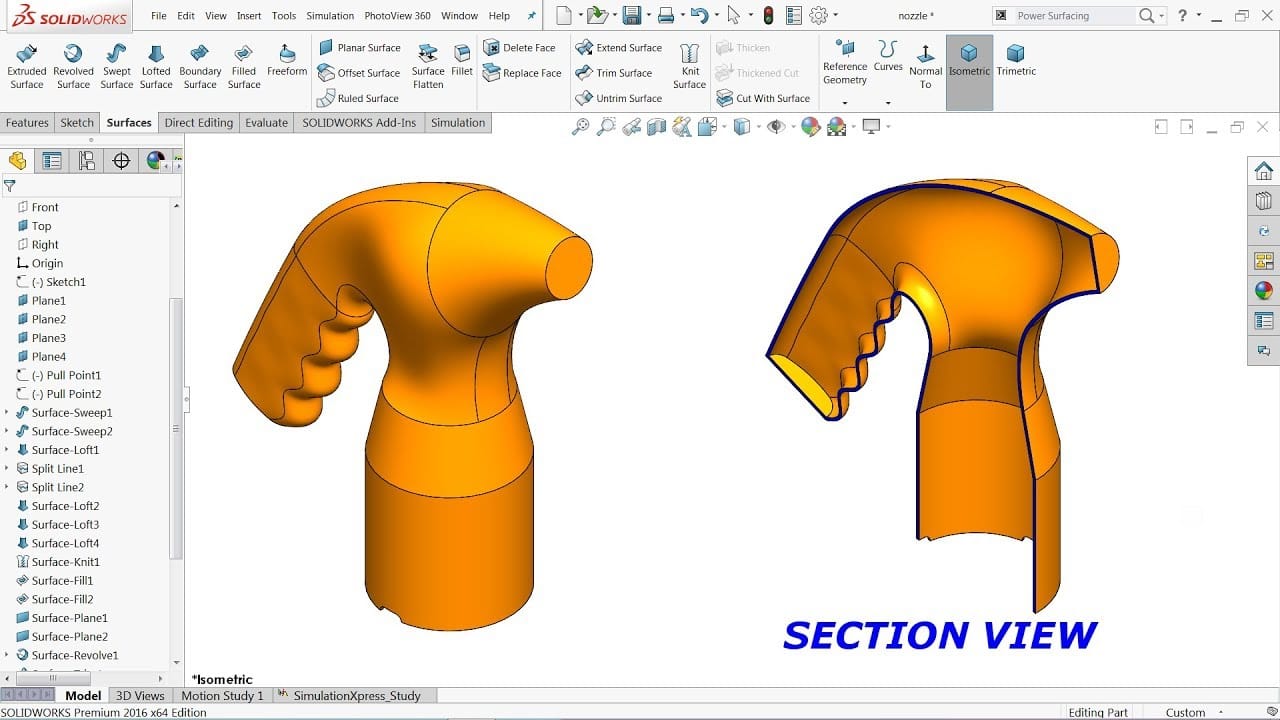
Master SolidWorks Surfacing, and build complex, high-quality shapes with confidence.
Learn how professionals create smooth, controllable geometry for products, housings, and industrial designs without trial-and-error.
BONUS 2: Sheet Metal Course
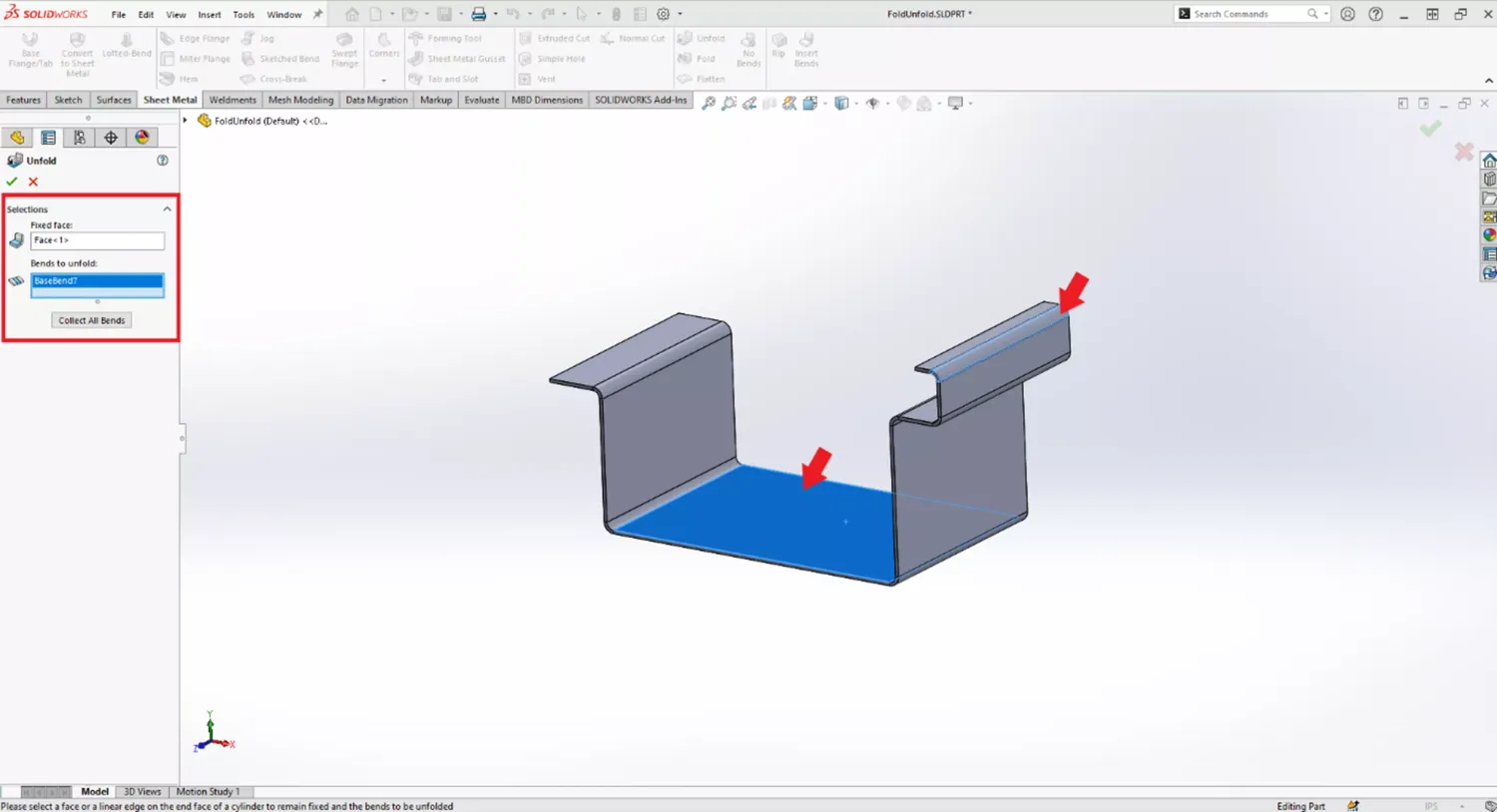
Master SolidWorks Sheet Metal, and design manufacturable parts with confidence.
Learn how professionals create bends, flanges, hems, and flat patterns for real production without guesswork or rework.
BONUS 3: FEA Course
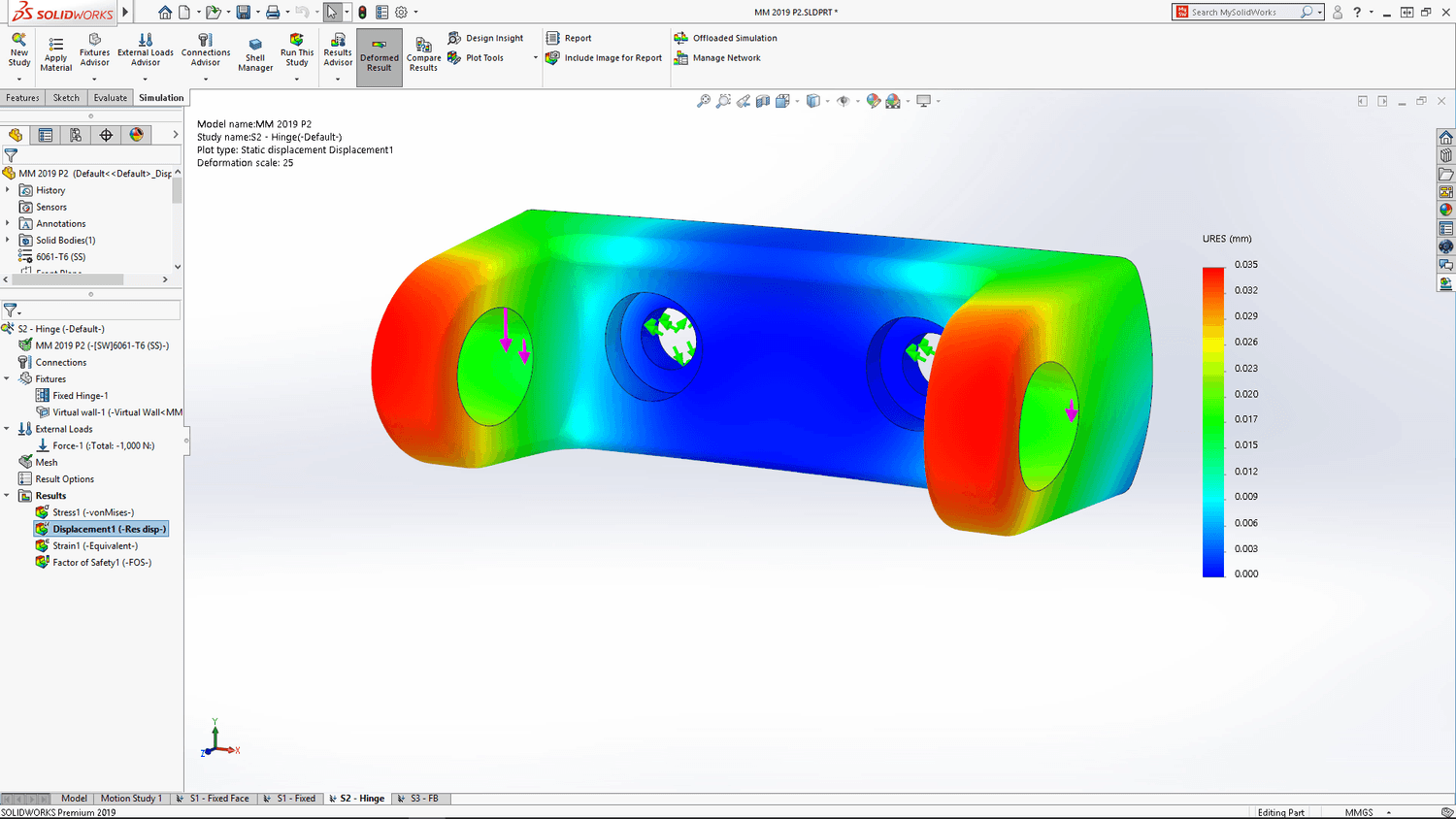
Master SolidWorks’ built-in tools like Compare, Interference Detection, Mass Properties, and more — so you can review, validate, and improve your parts like a true professional.
BONUS 4: CFD Course
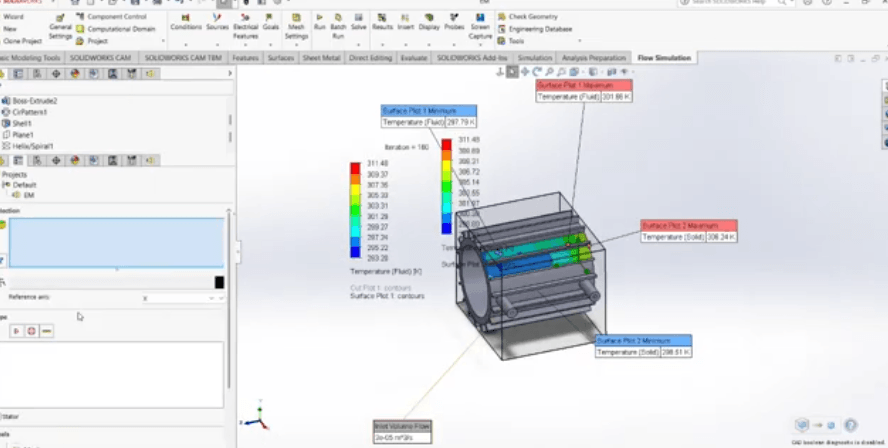
Learn how to run fluid simulation on example of electric motor cooling system.
SUPER BONUS 3: CSWA & CSWP Prep Course
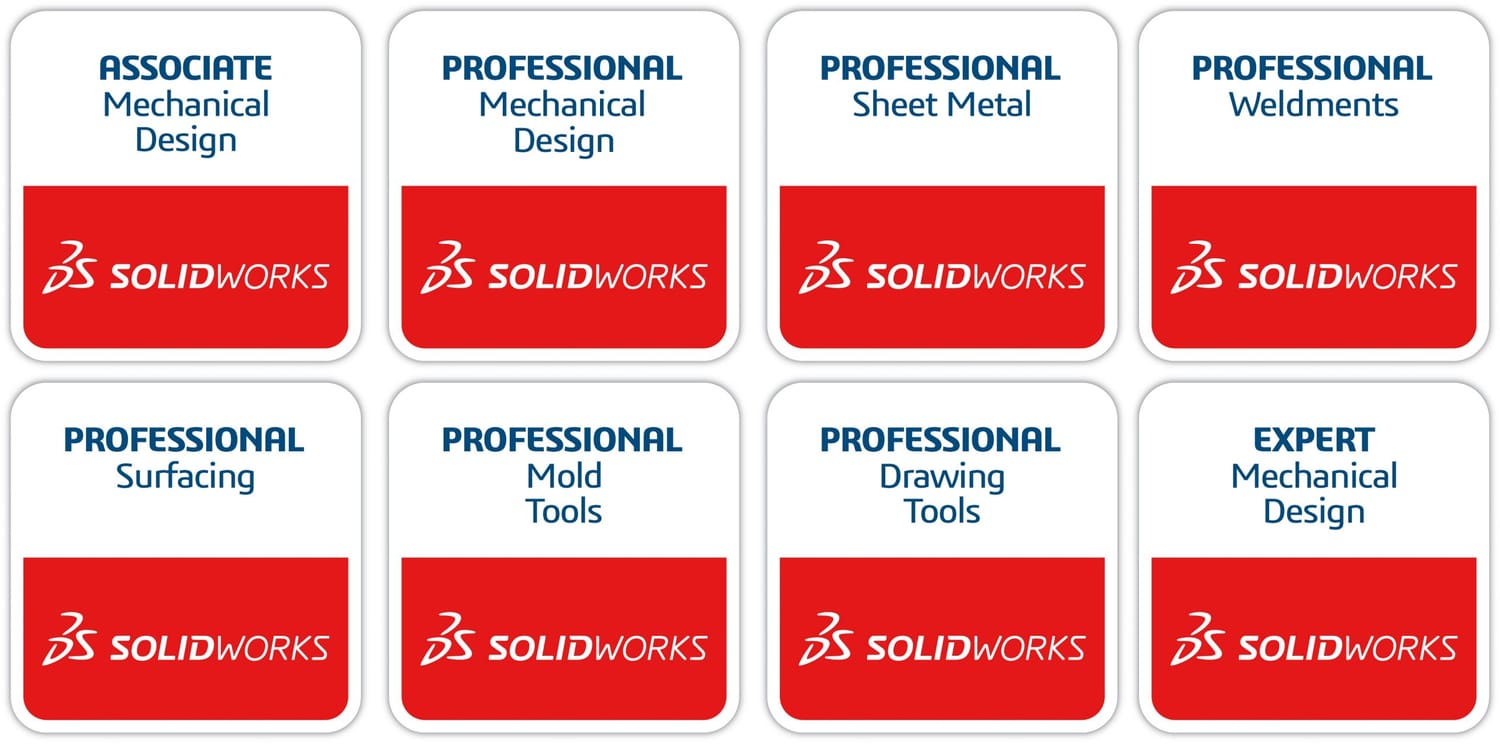
Master the CSWA & CSWP exams, and prove your SolidWorks skills with confidence.
Learn how the exams are structured, how to model for modifications, and how professionals think through certification problems so you can pass faster without guessing or wasting months preparing the wrong way.
Why is it only $397?
I mean…do you want me to raise the price?
Should I slap a $997 sticker on it so it “feels more premium”?
Don’t tempt me.
Kidding.
It’s $397 because I want this to be an easy decision.
No overthinking. No second-guessing.
Just click, join, and start building.
More importantly, I want you to get a massive return on this.
I want you to go through the course, build a few real projects, and say:
“Holy crap, this was the best $397 I ever spent!”
You could literally use what you learn here to…
• Build a portfolio that lands you freelance gigs
• Impress your boss, your teacher, or even yourself
And if you ever end up making just one SolidWorks-related income opportunity from it…
This course pays for itself 10x over.
Think about it:
Would you pay $397 to go from stuck and confused…
To confident and capable?
Uh, yeah. Duh. Probably.
Let’s make it happen.
Is there a guarantee?
Hell yeah there’s a guarantee.
This is a cold traffic offer, of course there’s a guarantee.
You’ve got 30 days to go through the course.
Watch the lessons.
Try the projects.
Follow the system.
If you don’t feel 10x more confident using SolidWorks...
If you’re still confused, stuck, and unsure what to do…
Then I insist you ask for a refund.
No questions asked.
No weird hoops.
No awkward emails.
You either start building real parts and feeling like,
“Damn, I finally get this…”
Or you don’t pay a dime.
Frequently Asked Questions
Yes. We start from zero. You’ll learn the SolidWorks interface, basic sketching, part modeling, assemblies, and how to actually build real-world parts. No experience needed.
You get lifetime access. No rush, no deadlines. You can go through the lessons at your own pace and revisit them anytime.
You get instant access to the full SolidWorks LaunchPad course, real project tutorials, bonus CSWPA-DT prep, and a few powerful extras. Plus, direct 1-on-1 email support from me whenever you get stuck.
Any version from 2016 and up is totally fine. You don’t need the latest one — almost everything we cover works in older versions too.
No. If you can open SolidWorks and follow simple steps, you’re good. Everything is explained clearly and built for someone with no tech background.
Email me. Seriously. I’ll help you personally, explain what’s wrong and how to fix it. You’re not alone here.
Try it risk-free for 30 days. If you’re not satisfied or it doesn’t help, just email me and I’ll refund your $7 — no questions asked.

“What should I do now?”
If you’re tired of opening SolidWorks and having no idea what to do…
Tired of tutorials that overpromise and underdeliver…
And just want a clear, simple way to finally get good at SolidWorks…
Then enter your info below and unlock the LaunchPad course.
I probably won’t keep this at $297 forever.
It’s a crazy-good offer. One of the best beginner-friendly SolidWorks systems you’ll find anywhere.
And as more people start getting results, the price is going up. No question.
This is one of those “grab it now or kick yourself later” type deals.
You’re only one lesson away from saying,
“Damn, I finally get this.”
One project away from feeling confident.
One breakthrough away from building something real.
And I already laid the whole system out for you.
Click the button below and unlock instant access to SolidWorks LaunchPad...
So you can stop guessing, start building, and finally feel like you belong in the software.
Imagine this:
You open SOLIDWORKS with a clear goal in mind.
You sketch, extrude, apply relations — and the part looks just like the real thing.
You save the file, screenshot your model, and feel genuinely proud.
You compile your best builds into a simple portfolio — ready for a job interview, resume, or freelance pitch.
You’re no longer just “learning.” You’re building. You’re showing.
You’re separating yourself from the crowd.
That’s what this is about.
HERE'S EVERYTHING YOU'RE GETTING TODAY
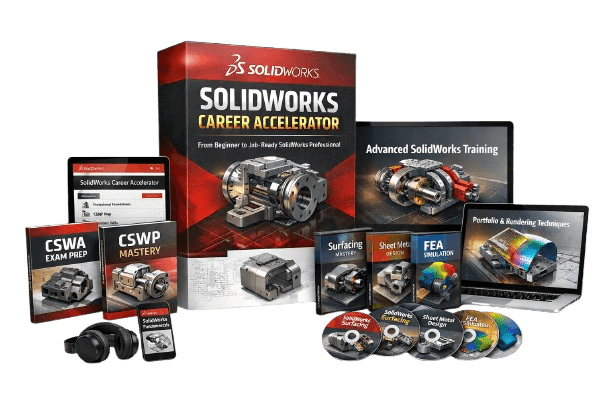
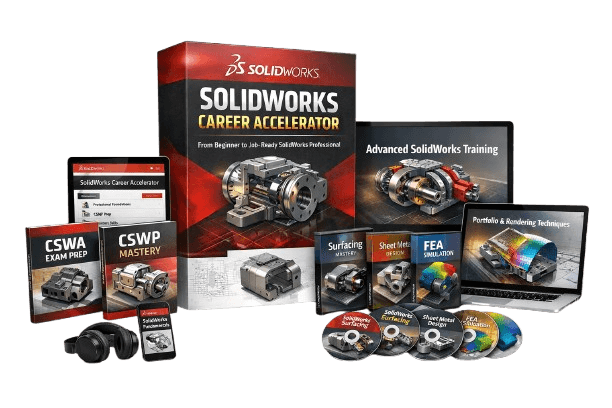
SolidWorks Career Accelerator (Value: $497)
A complete beginner-friendly training designed to build real confidence with real skills.
How to navigate the SolidWorks interface without overwhelm
Sketching — and how to avoid messy geometry
Part modeling with real design logic
Assemblies — how to connect and position parts like a pro
Creating clean, professional 2D drawings
Rendering basics — make your models look beautiful and presentation-ready
Intro to motion and animation — bring your assemblies to life
Evaluation tools mastery
Modeling from photographs
Bonus #1: Sheet Metal Course (Value $97)
Bonus #2: Surfacing Course ($97)
Bonus #3: FEA Course ($97)
Bonus #3: CFD Course ($97)
Super Bonus: CSWA & CSWP Prep ($197)
TOTAL VALUE: $1082
Regular price: $497
TODAY ONLY: $397
So yeah… that’s a $1082 value for just $397 bucks.
This isn’t a typo. I’m just feeling generous (and maybe a little reckless).
©cadandengineeringschool
SOLIDWORKS is a registered trademark of Dassault Systemes SolidWorks Corporation and not related to cadandengineering.com. The intellectual property depicted in these 3D models are not affiliated with or endorsed by the original rights holders.