SolidWorks Sheet Metal Mastery
Master SOLIDWORKS Sheet Metal From Beginner to Advanced Through Real-World Projects
Most students struggle with SolidWorks Sheet Metal because:
They don’t understand the designer’s mindset
They don’t know which tools to use, or when
They get stuck converting parts to sheet metal
They’ve never created fabrication-ready models or drawings
This course removes all confusion and guides you step-by-step until you can model any sheet metal part confidently, even if you’ve never used the Sheet Metal environment before.
You will learn everything through practical, real industry examples so you can start working like a professional.
Introducing: The SolidWorks Sheet Metal Mastery
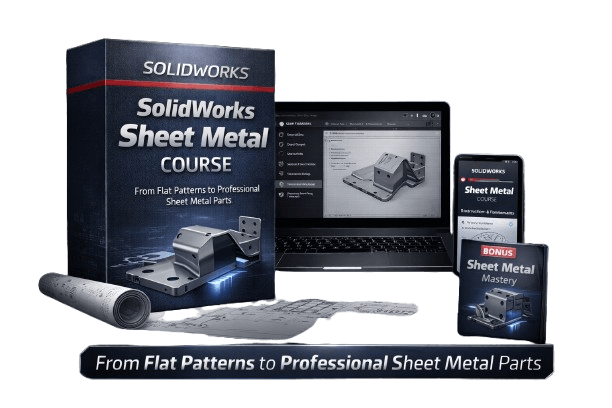
What you'll learn in the Course:
How sheet metal parameters work (thickness, bend allowance, K-factor, reliefs)
All essential and advanced Sheet Metal tools
Creating flanges, hems, jogs, edge-flanges, miter-flanges, closed corners, and more
How to use and modify forming tools
How to convert standard solids into sheet metal parts
How to create multi-body sheet metal parts and assemblies
How to flatten parts correctly and check manufacturability
How to generate clean, professional sheet metal drawings
How to avoid common design mistakes that cost time and money
This isn’t just about learning tools.
This is about becoming a top-level modeler who’s trusted with real projects, because you know how to build complex geometry that works.
You’re not just another student playing with part design.
You’re someone who can walk into a design review and say:
“Yes — I can build that.”
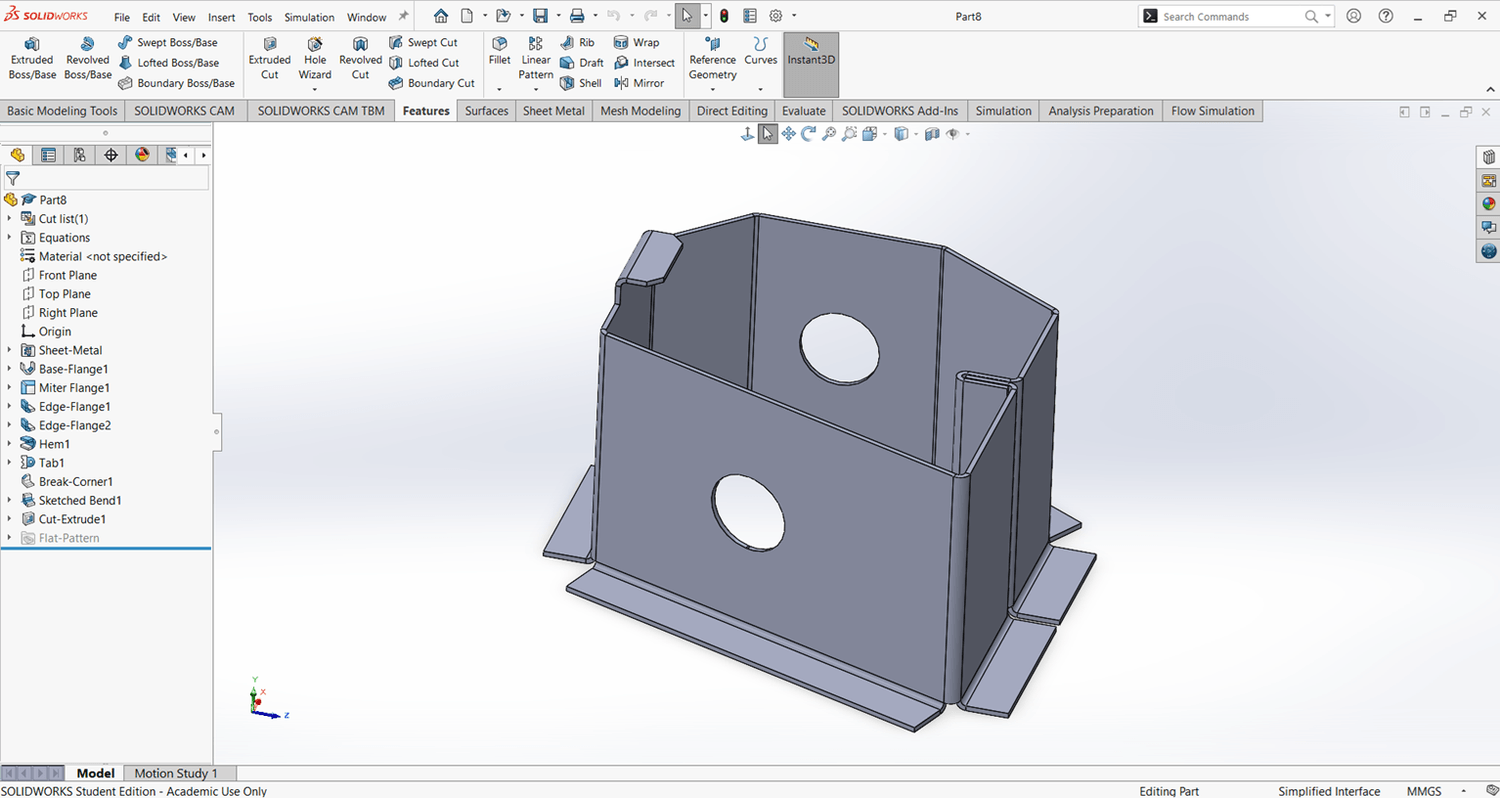
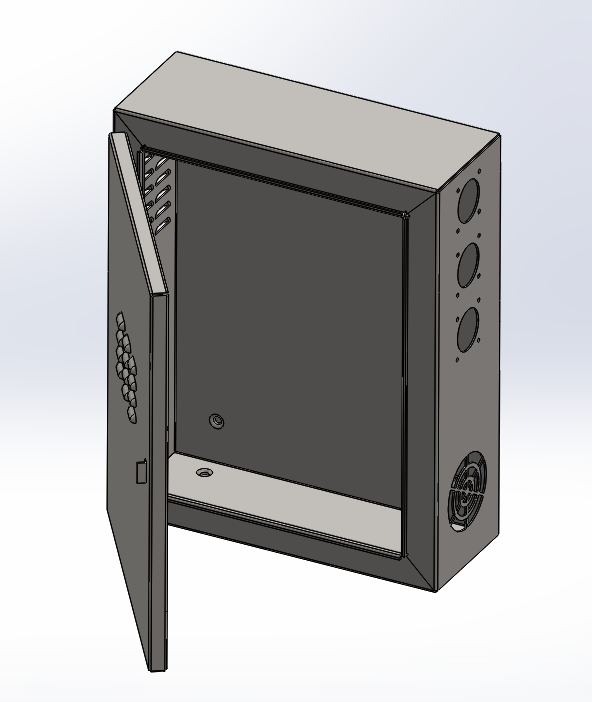
Real World Models You'll To Build In This Course
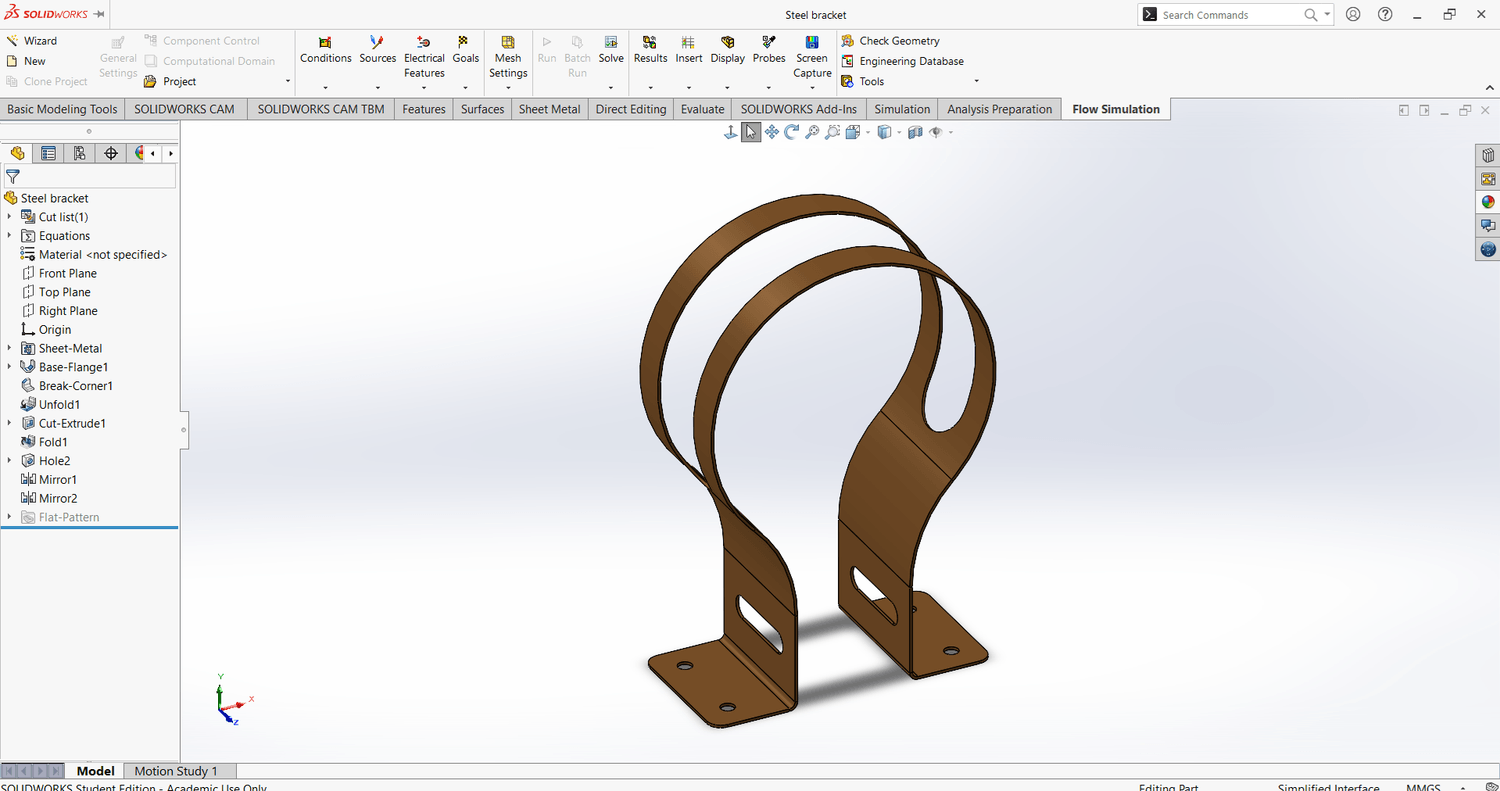
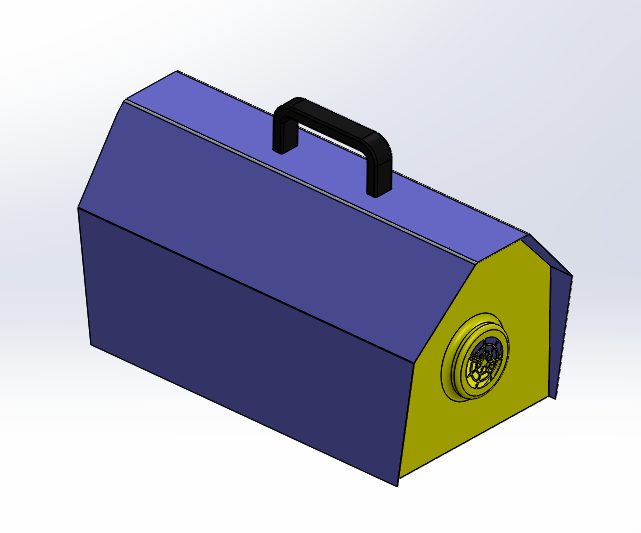
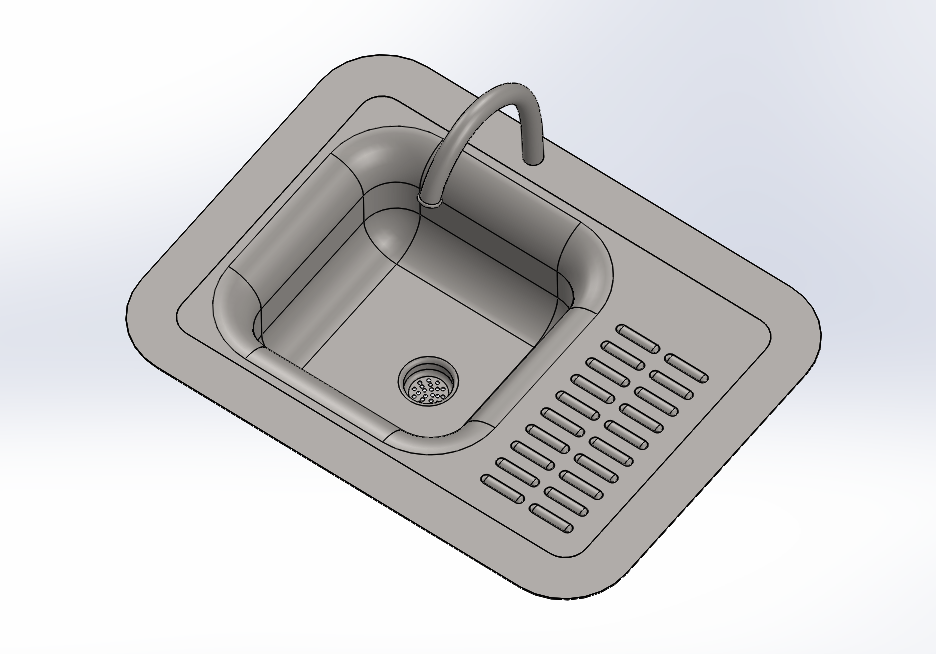
By the End of This Course, You Will:
Model and modify any sheet metal part from scratch
Create fabrication-ready drawings and flat patterns
Use all SolidWorks Sheet Metal tools with confidence
Think like a CAD designer, not just a button-clicker
Add Sheet Metal confidently to your résumé
Start applying for Sheet Metal CAD designer roles
Negotiate a higher salary based on proven skills. Even if you’ve never touched the Sheet Metal tab before.
Info:
Type: Online Course
Award: Certificate
Language: English
Level: Intermediate
Duration: 5h 30min
Access: Lifetime
Learners: 1804+
Rating: 4.5

©cadandengineeringschool
SOLIDWORKS is a registered trademark of Dassault Systemes SolidWorks Corporation and not related to cadandengineering.com. The intellectual property depicted in these 3D models are not affiliated with or endorsed by the original rights holders.