SolidWorks PRO Course
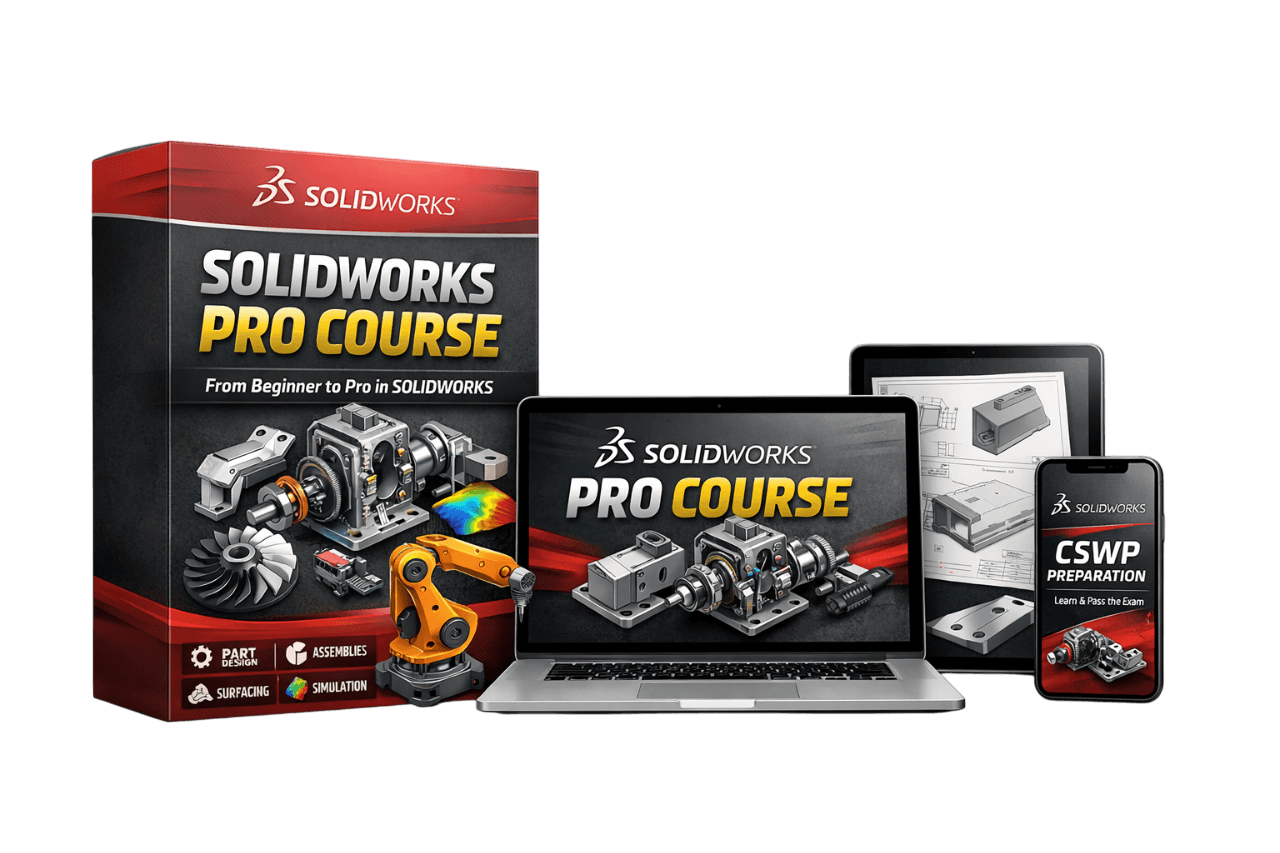
Complete Professional Course
This is a structured implementation course that walks you step-by-step through:
Professional sketching fundamentals with fully defined sketches and best practices
Clean part design workflow using industry-standard modeling techniques
Logical assembly building with proper mates and assembly structure
Professional engineering drawings with dimensions, annotations, and views
Photo-realistic rendering to create impressive product presentations
Smooth assembly animations using exploded views, camera movements, and motion sequences
Evaluation tools including interference detection, mass properties, and design analysis
Hands-on modeling exercises to reinforce every new concept
Step-by-step guided examples that you can easily follow and build yourself
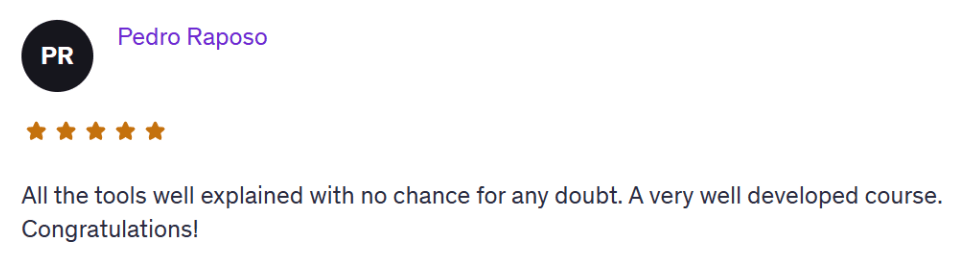
If your goal is:
Start a freelancing career
Get your first SolidWorks CAD job
Design with speed and ease
SolidWorks PRO Course will take you there.
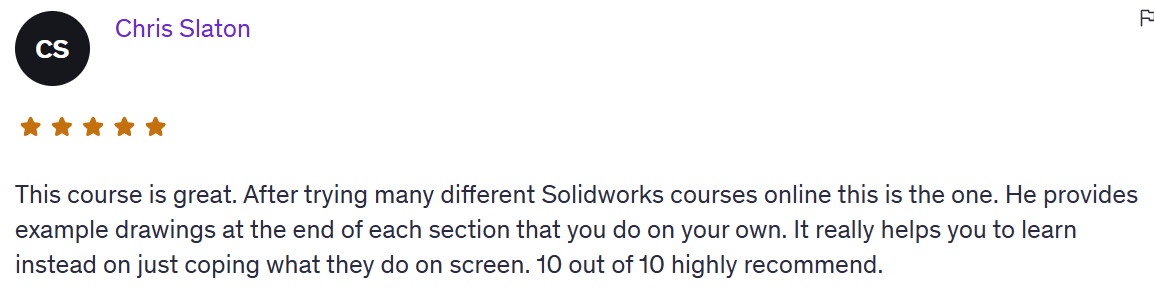
Normally, SolidWorks PRO Course is part of my paid training programs.
But since you are on my list, you can access the full SolidWorks PRO Course today for just $147 ($197).
One-time payment.
No subscription.
Immediate access.
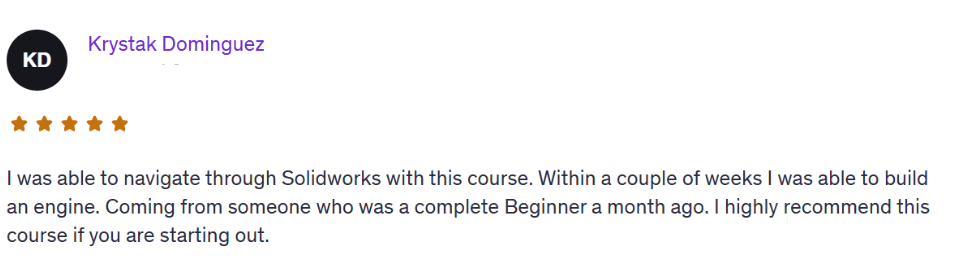
This special access is only available right now on this page.
Once you leave, the offer disappears.
If you’re serious about making money with SolidWorks, this is the next logical step.
Start SolidWorks PRO Course – $147 ($197)
Model with confidence.
Stop guessing.
HERE'S EVERYTHING YOU'RE GETTING TODAY
How to navigate the SolidWorks interface without overwhelm
Sketching — and how to avoid messy geometry
Part modeling with real design logic
Assemblies — how to connect and position parts like a pro
Creating clean, professional 2D drawings
Photo-realistic rendering to create impressive product presentations
Smooth assembly animations using exploded views, camera movements, and motion sequences
Evaluation tools including interference detection, mass properties, and design analysis
TOTAL VALUE: $611
Regular price: $197
TODAY ONLY: $147 ($197)
This Is How You Go From “Learner” to “Professional.”
By the end of the program, you’ll:
Understand how to design with intent, not just use commands.
Be ready to apply for SolidWorks jobs or start freelancing confidently.
Finally feel like a SolidWorks professional, not a beginner.
FREQUENTLY ASKED QUESTIONS
Yes. We start from zero. You’ll learn the SolidWorks interface, basic sketching, part modeling, assemblies, and how to actually build real-world parts. No experience needed.
You get lifetime access. No rush, no deadlines. You can go through the lessons at your own pace and revisit them anytime.
You get instant access to the full SolidWorks PRO course, real project tutorials, and a few powerful extras. Plus, direct 1-on-1 email support from me whenever you get stuck.
Any version from 2016 and up is totally fine. You don’t need the latest one — almost everything we cover works in older versions too.
No. If you can open SolidWorks and follow simple steps, you’re good. Everything is explained clearly and built for someone with no tech background.
Email me. Seriously. I’ll help you personally, explain what’s wrong and how to fix it. You’re not alone here.
Try it risk-free for 30 days. If you’re not satisfied or it doesn’t help, just email me and I’ll refund you — no questions asked.
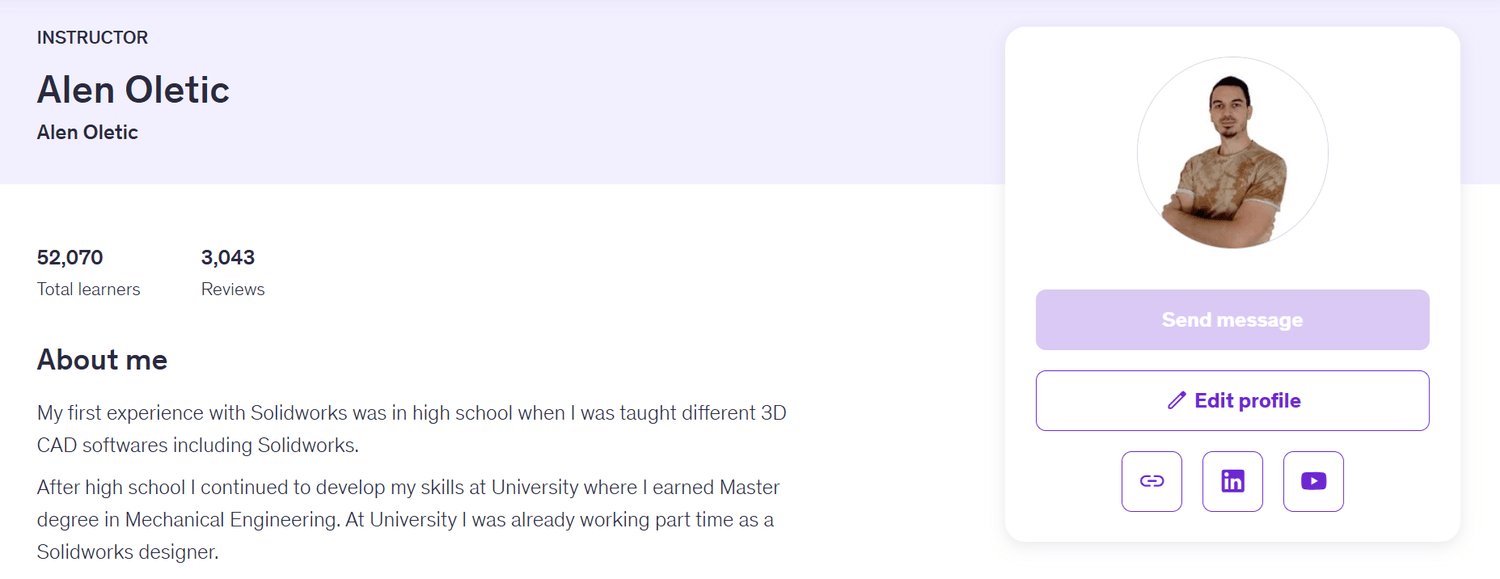
About the Instructor
Hi, I’m Alen Oletić — a SOLIDWORKS Certified Professional with a Master’s degree in Mechanical Engineering. Over the past 4 years, I’ve taught 50,000+ students how to confidently use SOLIDWORKS through my best-selling online courses.
I don’t just teach buttons — I teach you how to think like an engineer, build real-world parts, and create a portfolio that actually gets noticed. Whether you're preparing for certification, job interviews, or freelance work, I’ll help you focus on what truly matters — and skip the fluff.

©cadandengineeringschool
SOLIDWORKS is a registered trademark of Dassault Systemes SolidWorks Corporation and not related to cadandengineering.com. The intellectual property depicted in these 3D models are not affiliated with or endorsed by the original rights holders.