Your Free AutoCAD Beginner Mini Course Is On The Way… But You’re Missing Something Critical
You’ve just taken the first step into AutoCAD.
But here’s the problem…
Most beginners stop after learning a few tools.
They know how commands work…
…but they can’t actually create real drawings.
And that's why they...
struggle in job interviews
feel lost when opening real projects
never become confident using AutoCAD
That’s exactly why I created…
AutoCAD Job-Ready 2D System
Go from beginner → confident AutoCAD user who can create real-world drawings
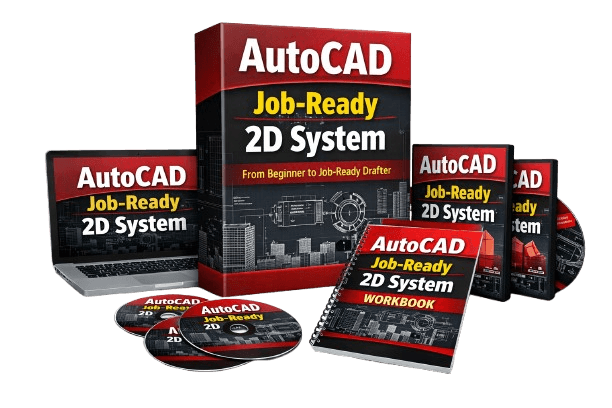
Complete Professional Training
Inside this system, you’ll learn:
How to create complete 2D drawings from scratch (step-by-step)
The exact workflow used in real engineering projects
How to use layers, dimensions, and annotations like a professional
How to organize drawings so they actually make sense
How to avoid beginner mistakes that waste hours
How to go from “I kinda get it” → “I can actually do this”
By the end of this…
You won’t just “know AutoCAD tools”
You’ll be someone who can:
open a blank file
and confidently build a real drawing from start to finish
Normally, this full system sells for $97…
But since you just joined through the free training…
You can get instant access today for just $17
This offer is only available on this page.
If you leave, it’s gone.
Fast Action Bonus (Only Today):
AutoCAD Command Cheat Sheet
Keyboard Shortcuts Guide
Setup Guide (so you don’t waste time)
©cadandengineeringschool 2026